Description
- show/hide buttons on specific dates
- view demo – password: abc
- buy me a coffee
#1. Install Code
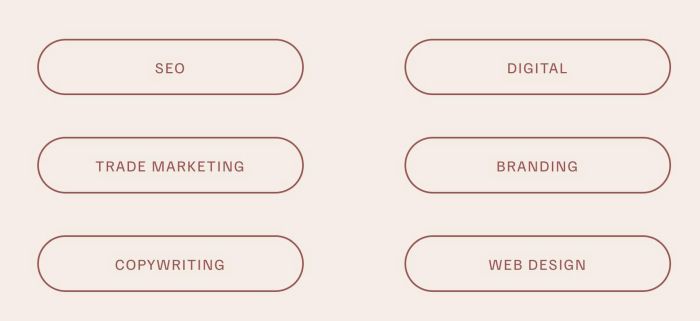
#1.1. First, adding some buttons. In my example, we will have buttons with url
- /seo
- /branding
- /digital
- /trade-marketing
- /copywriting
- /web-design
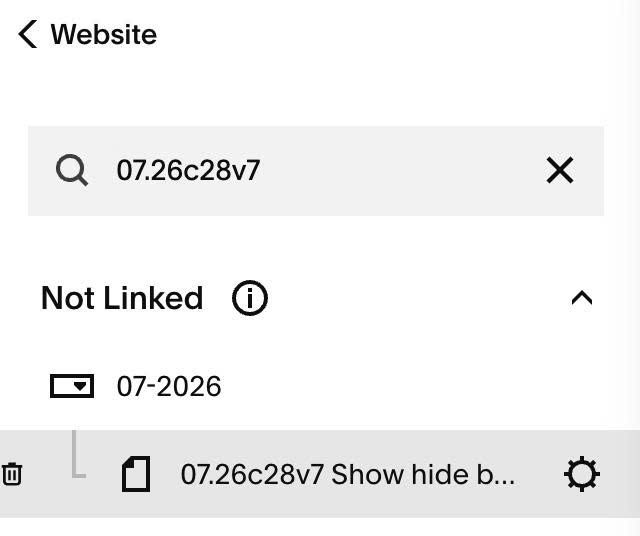
#1.2. Hover on Page where you use Buttons > Click Gear icon
#1.3. Click Advanced > Paste this code
- If you use Personal/Basic Plan and your plan doesn’t support Injection, see #3.1.
<!-- 07.26c28v7 Show hide button on specific dates -->
<script>
window.ButtonScheduleConfig = {
  timezone: 'UTC',
  hideMethod: 'remove',
  buttons: [
    {
      href: '/seo',
      showFrom: '',
      hideAfter: ''
    },
    {
      href: '/trade-marketing',
      showFrom: '2026-08-01 00:00',
      hideAfter: ''
    },
    {
      href: '/copywriting',
      showFrom: '',
      hideAfter: '2026-08-15 23:59'
    },
    {
      href: '/digital',
      showFrom: '2026-08-01 09:00',
      hideAfter: '2026-08-31 23:59',
      timezone: 'America/New_York'
    },
    {
      href: '/branding',
      showFrom: '',
      hideAfter: ''
    },
    {
      href: '/web-design',
      showFrom: '',
      hideAfter: ''
    }
  ]
};
</script>
<script src="https://code.beaverhero.com/buttonblock/0726c28v7hidebuttonspsecificdates.js"></script>
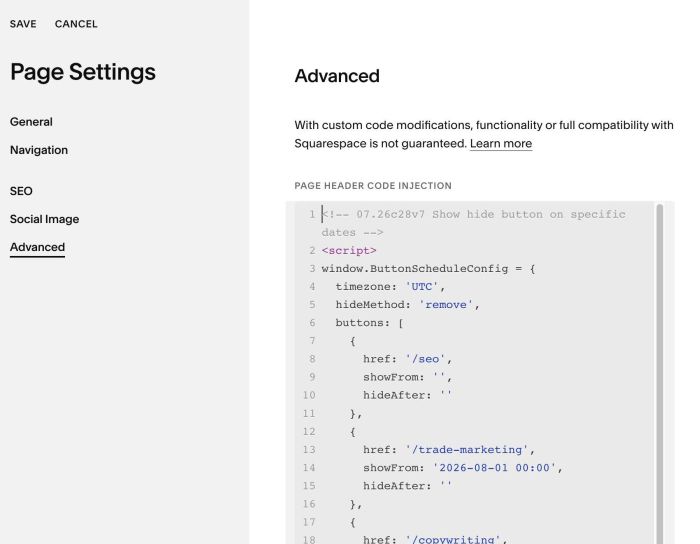
#1.4. You can update Button URL – Dates here (Line 06 – Line 38)
buttons: [
    {
      href: '/seo',
      showFrom: '',
      hideAfter: ''
    },
    {
      href: '/trade-marketing',
      showFrom: '2026-08-01 00:00',
      hideAfter: ''
    },
    {
      href: '/copywriting',
      showFrom: '',
      hideAfter: '2026-08-15 23:59'
    },
    {
      href: '/digital',
      showFrom: '2026-08-01 09:00',
      hideAfter: '2026-08-31 23:59',
      timezone: 'America/New_York'
    },
    {
      href: '/branding',
      showFrom: '',
      hideAfter: ''
    },
    {
      href: '/web-design',
      showFrom: '',
      hideAfter: ''
    }
  ]
#2. Customize
nothing now
#3. Other
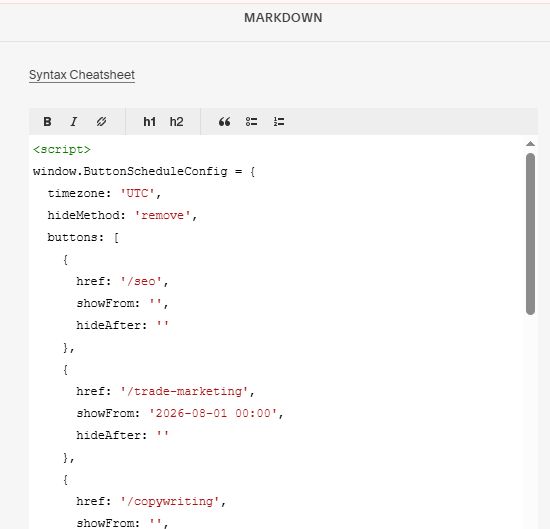
#3.1. If you use Personal/Basic Plan and your plan doesn’t support Injection, you can add a Markdown Block to current page

Add this code into Markdown
<script>
window.ButtonScheduleConfig = {
  timezone: 'UTC',
  hideMethod: 'remove',
  buttons: [
    {
      href: '/seo',
      showFrom: '',
      hideAfter: ''
    },
    {
      href: '/trade-marketing',
      showFrom: '2026-08-01 00:00',
      hideAfter: ''
    },
    {
      href: '/copywriting',
      showFrom: '',
      hideAfter: '2026-08-15 23:59'
    },
    {
      href: '/digital',
      showFrom: '2026-08-01 09:00',
      hideAfter: '2026-08-31 23:59',
      timezone: 'America/New_York'
    },
    {
      href: '/branding',
      showFrom: '',
      hideAfter: ''
    },
    {
      href: '/web-design',
      showFrom: '',
      hideAfter: ''
    }
  ]
};
</script>
<script src="https://code.beaverhero.com/buttonblock/0726c28v7hidebuttonspsecificdates.js"></script>