Description
- click play icon in header will play Sound, continue play when navigate to other pages
- view demo – password: abc
- buy me a coffee
#1. Install Code
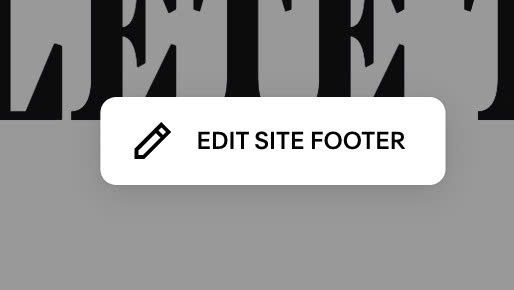
#1.1. First, edit Site Footer
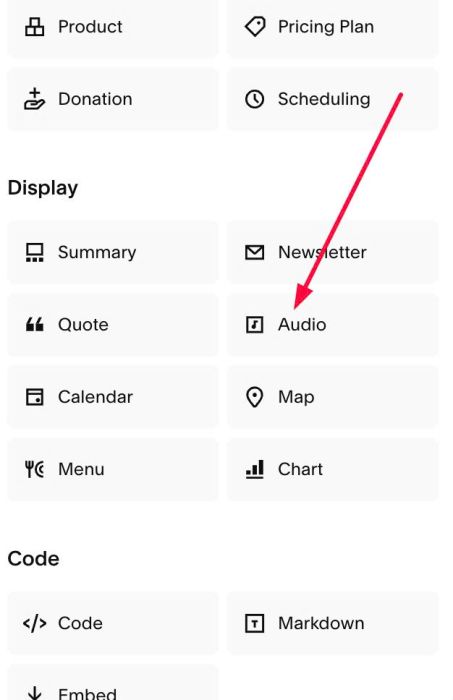
#1.2. Add an Audio Block
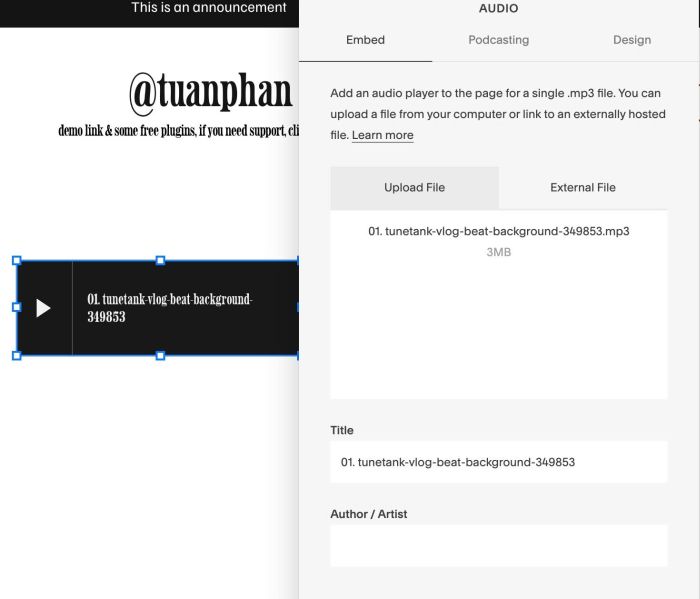
#1.3. Upload your Audio
#1.4. Use this code to Code Injection > Footer
<!-- 04.26c10v2(v2) Header Sound Icon -->
<script>
window.TP_AUDIO_BTN_CONFIG = {
  target: ".header-actions.header-actions--right",
  insert_method: "append",
  audio_selector: ".sqs-audio-embed",
  loop: false,
  volume: 1,
  icon_size: "24px",
  icon_color: "#000000"
};
</script>
<style>footer.sections .audio-block {visibility: hidden !important;}</style>
<script src="https://code.beaverhero.com/header/0426c10v2v2headersoundicon.js"></script>

#2. Customize
If you need to customize more, you can message me or use this AI tool, it was designed for the Squarespace site.
#2.1. You can see all options here (line 07 – line 10)
loop: false,
volume: 1,
icon_size: "24px",
icon_color: "#000000"
#2.2. To make play icon appears next to Burger on mobile, use this under main code
<style>
div.header-display-mobile .header-actions.header-actions--right {
    display: flex !important;
    position: absolute;
    right: 10px;
}
</style>