Description
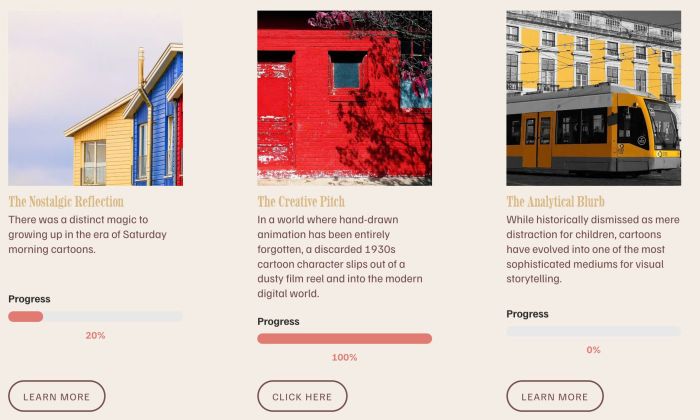
- adding reading progress bar to List Section (It connects to the page at the item button and indicates how far you have read that page)
- view demo – password: abc
- buy me a coffee
#1. Install Code
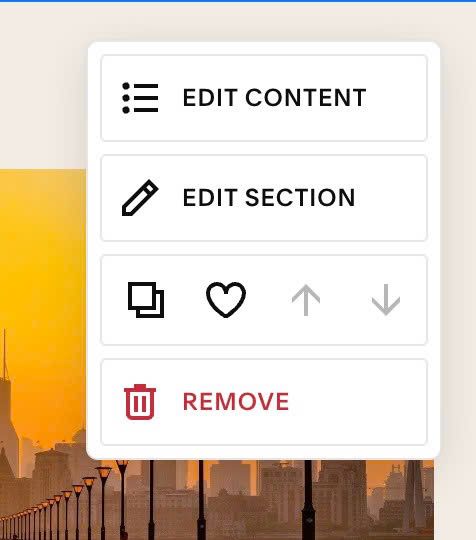
#1.1. Hover on right of List > Click EDIT SECTION
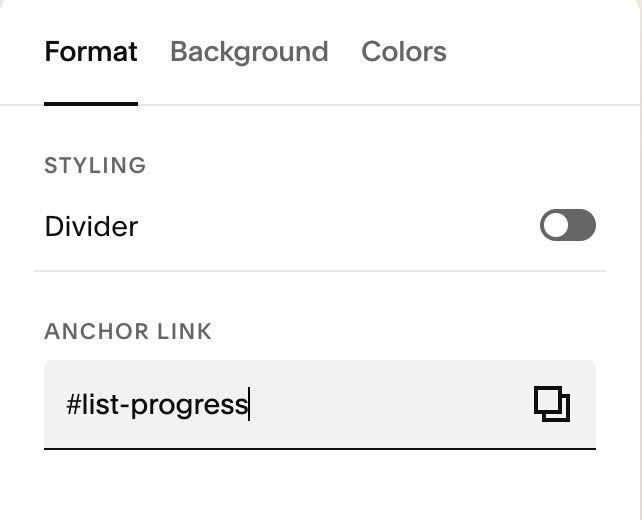
#1.2. at Format > Anchor Link > Enter word: list-progress
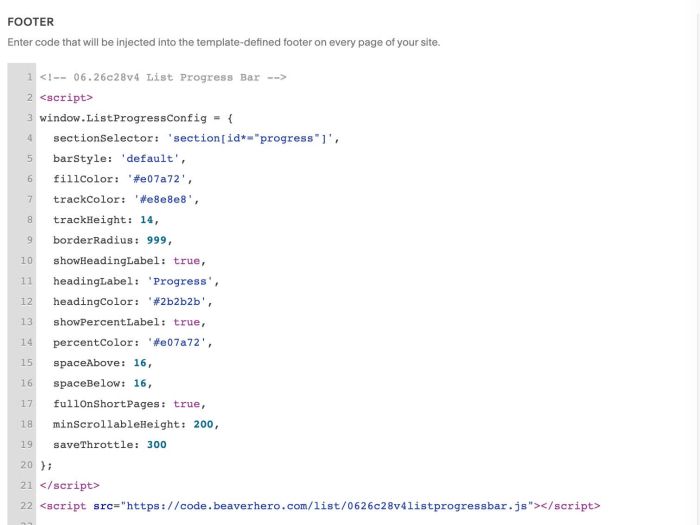
#1.3. Use this code to Code Injection > Footer
- If you use Personal/Basic Plan and your plan doesn’t support Injection, see #3.1
<!-- 06.26c28v4 List Progress Bar -->
<script>
window.ListProgressConfig = {
  sectionSelector: 'section[id*="progress"]',
  barStyle: 'default',
  fillColor: '#e07a72',
  trackColor: '#e8e8e8',
  trackHeight: 14,
  borderRadius: 999,
  showHeadingLabel: true,
  headingLabel: 'Progress',
  headingColor: '#2b2b2b',
  showPercentLabel: true,
  percentColor: '#e07a72',
  spaceAbove: 16,
  spaceBelow: 16,
  fullOnShortPages: true,
  minScrollableHeight: 200,
  saveThrottle: 300
};
</script>
<script src="https://code.beaverhero.com/list/0626c28v4listprogressbar.js"></script>
#2. Customize
#2.1. To enable/disable or change Progress Label text, change Line 10, Line 11
showHeadingLabel: true,
headingLabel: 'Progress',
#2.2. To change progress bar style, change Line 05 to Line 09
barStyle: 'default',
 fillColor: '#e07a72',
 trackColor: '#e8e8e8',
 trackHeight: 14,
 borderRadius: 999,
#2.3. To change percent style, change Line 13, Line 14
showPercentLabel: true,
  percentColor: '#e07a72',
#3. Other
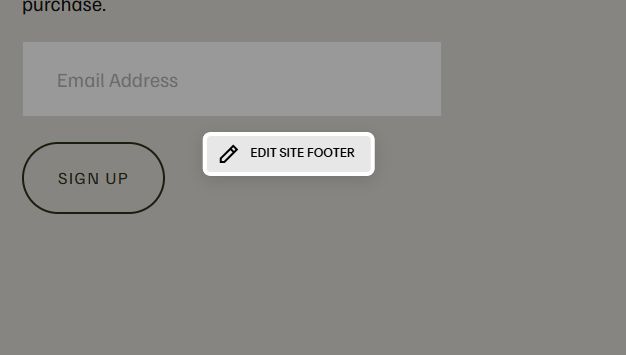
#3.1. If you use Personal/Basic Plan and your plan doesn’t support Injection, you can edit Site Footer.
Add a Block

Choose Markdown

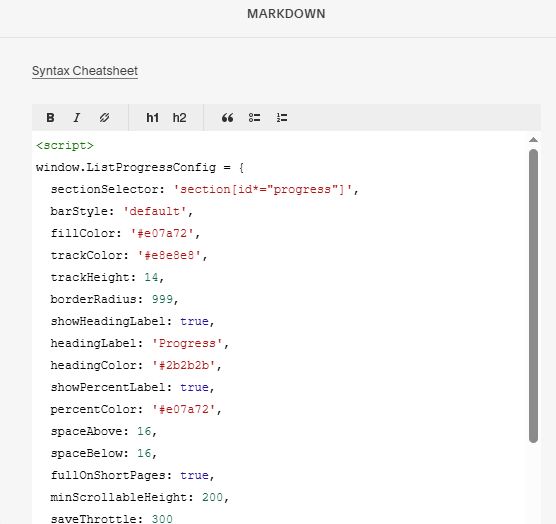
Add this code into Markdown
<script>
window.ListProgressConfig = {
  sectionSelector: 'section[id*="progress"]',
  barStyle: 'default',
  fillColor: '#e07a72',
  trackColor: '#e8e8e8',
  trackHeight: 14,
  borderRadius: 999,
  showHeadingLabel: true,
  headingLabel: 'Progress',
  headingColor: '#2b2b2b',
  showPercentLabel: true,
  percentColor: '#e07a72',
  spaceAbove: 16,
  spaceBelow: 16,
  fullOnShortPages: true,
  minScrollableHeight: 200,
  saveThrottle: 300
};
</script>
<script src="https://code.beaverhero.com/list/0626c28v4listprogressbar.js"></script>