Description
- adding email or name to Form submission text
- view demo – password: abc
- buy me a coffee

#1. Install Code
#1.1. First, you can add symbol ## into submission text

#1.2. Next, hover on Page where you use Form Block > Click Gear icon
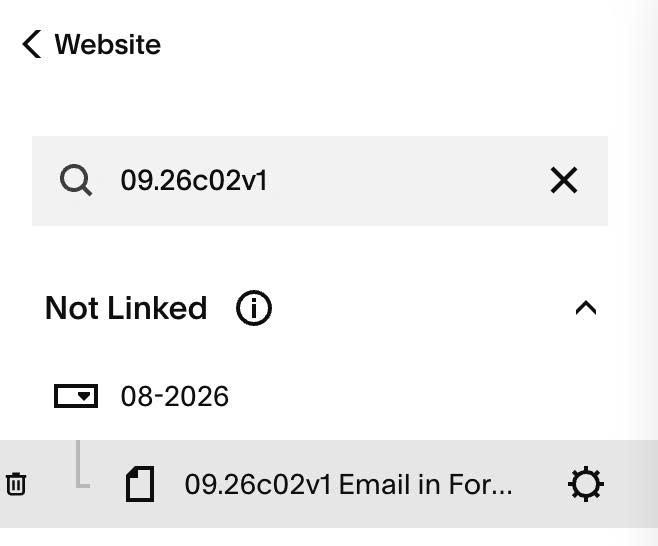
#1.3. Click Advanced > Paste this code
<!-- 09.26c02v1 Email in Form Submission -->
<script>
window.FormSubmissionFieldConfig = {
  enabled: true,
  field: "email", /* email, name */
  nameFormat: "full", /* first, last, full */
  marker: "##"
};
</script>
<script src="https://code.beaverhero.com/formblock/0926c02v1emailformsubmission.js"></script>

#2. Customize
#2.1. To add Name field to Submission text, you can change line
field: "email", /* email, name */
to
field: "name", /* email, name */