Description
- adding multiple promotional popups, uset page from not linked page
- view demo – password: abc
#1. Install Code
You can repeat all steps for multiple pages, so you will have multiple popups
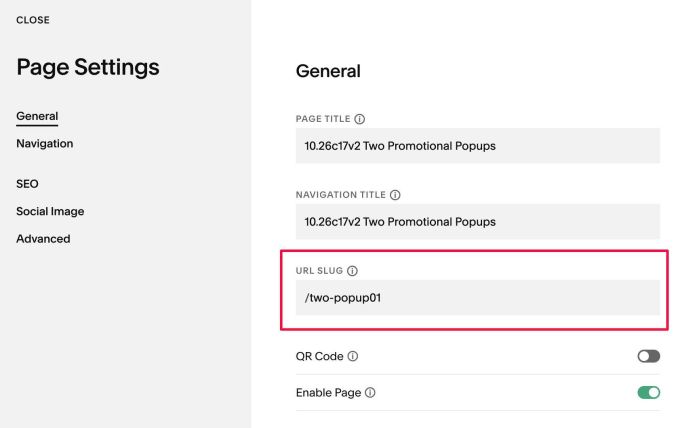
- Create multiple pages in Not Linked with URL: /two-popup01, /two-popup02, /two-popup03…
- Add code to Individual Page Header Injection, change Page URL in the code
Note
- Code uses Popup Plugin + extra code, so you will need to purchase it first
#1.1. First, create a Page in Not Linked with URL: /two-popup01
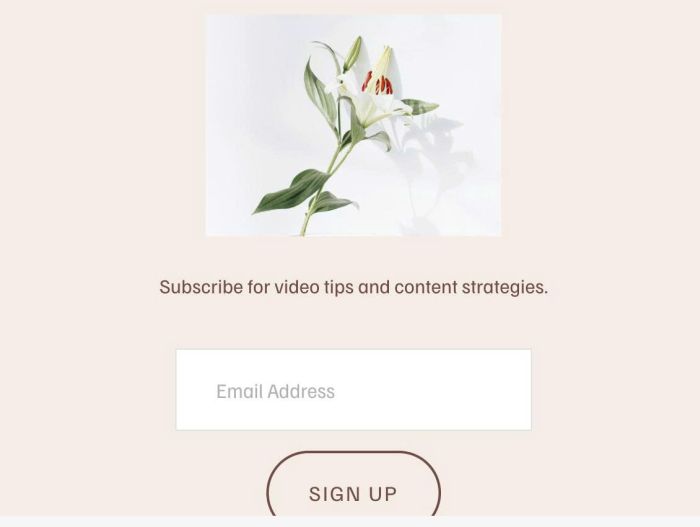
#1.2. Add your desired content to /two-popup01 page
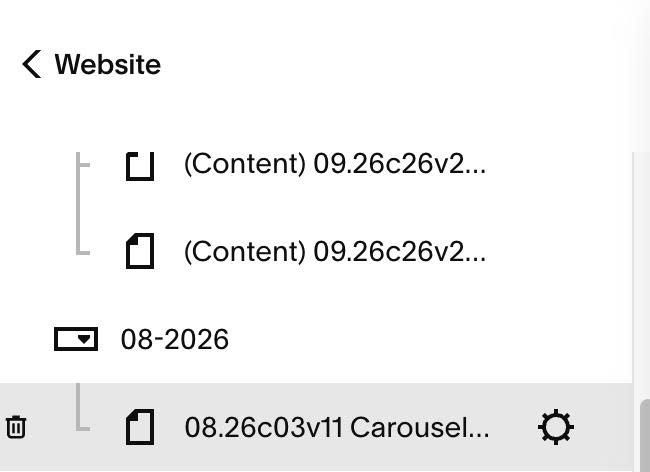
#1.3. Hover on Page where you want to make Popup appears > Click Gear icon
#1.4. Click Advanced > Paste this code
Note
- Code uses Popup Plugin + extra code, so you will need to purchase it first
<!-- 10.26c17v2 Two Promotional Popups -->
<script>
window.TwoPopupConfig = {
  enabled: true,
  pageUrl: '/two-popup01',
  trigger: 'timer', // timer | scroll | timerScroll
  delaySeconds: 2,
  scrollPercent: 50,
  reshowAfterDays: 7,
  storageKey: 'twoPopup01ClosedAtv2'
};
</script>
<script src="https://code.beaverhero.com/other/1026c17v2twopopups.js"></script>
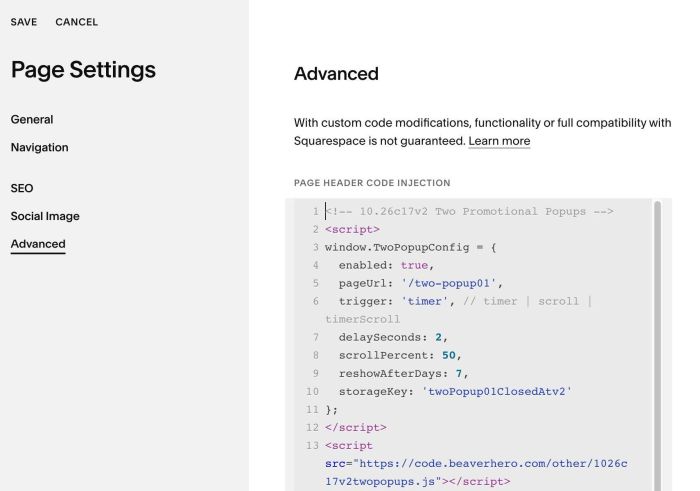
#1.5. Update Not Linked Page URL (Line 05)
pageUrl: '/two-popup01',
#1.6. Explain some options
#1.6-1. Line 06: trigger: ‘timer’, // timer | scroll | timerScroll
- conditions for the popup to appear
If you set timer (popup will appear after X seconds)
trigger: 'timer', // timer | scroll | timerScroll
then you need to change time in this line (2 = 2 seconds)
delaySeconds: 2,
If you set scroll (popup will appear after scrolling a certain distance)
trigger: 'scroll', // timer | scroll | timerScroll
then you need to set this line
scrollPercent: 50,
If you set both timer + scroll (popup will appear after X seconds + scrolling a distance of Y)
trigger: 'timerScroll', // timer | scroll | timerScroll
then you need to set both lines
delaySeconds: 2,
  scrollPercent: 50,
#1.6-2: Line 09: reshowAfterDays: 7,
- After users close the popup, it will reappear after 7 days.
reshowAfterDays: 7,
You can also set ‘never’ so popup won’t appears again
reshowAfterDays: 'never',
#2. Customize
nothing now