Description
- hover blog post title on blog overview page will show blog image, blog image follow cursor
- view demo – password: abc
- buy me a coffee

#1. Install Code
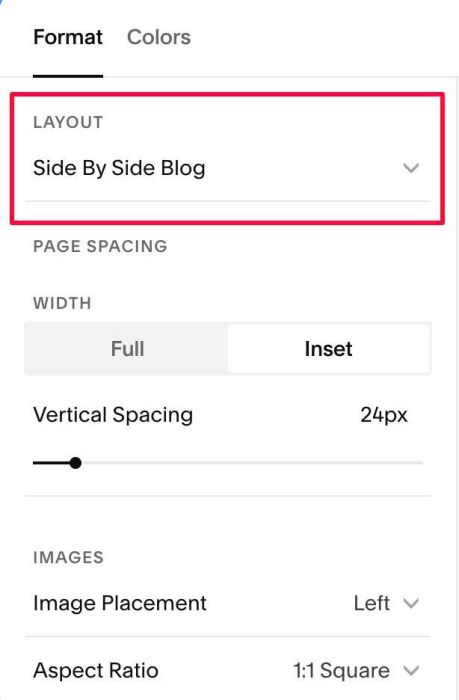
#1.1. Make sure you changed to Side by Side Blog layout
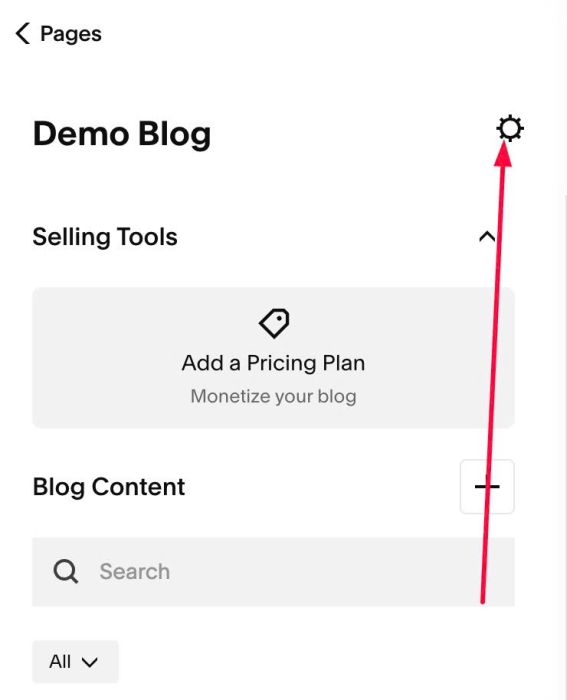
#1.2. Next, click Gear icon on Blog Page
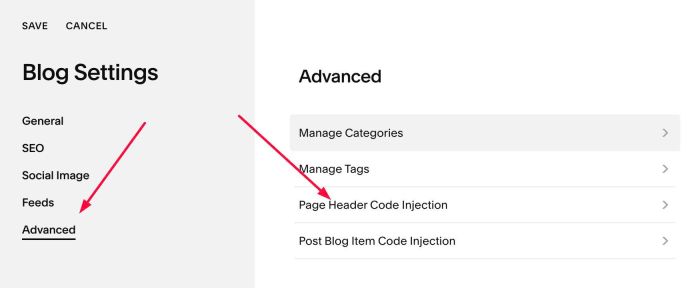
#1.3. Click Advanced > Page Header Code Injection
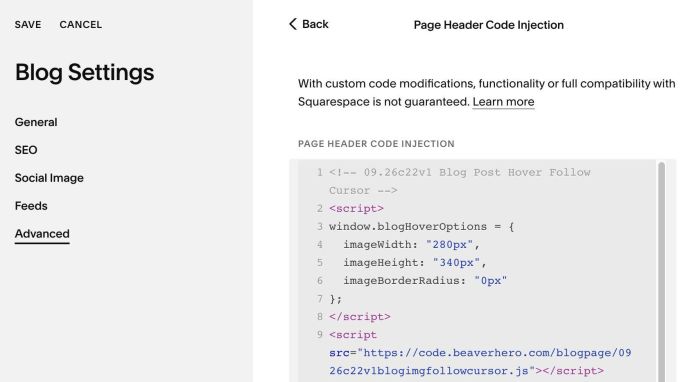
#1.4. Paste this code
<!-- 09.26c22v1 Blog Post Hover Follow Cursor -->
<script>
window.blogHoverOptions = {
  imageWidth: "280px",
  imageHeight: "340px",
  imageBorderRadius: "0px"
};
</script>
<script src="https://code.beaverhero.com/blogpage/0926c22v1blogimgfollowcursor.js"></script>
#2. Customize
nothing now