Description
- adding second button under Continue shopping button on empty cart page
- buy me a coffee
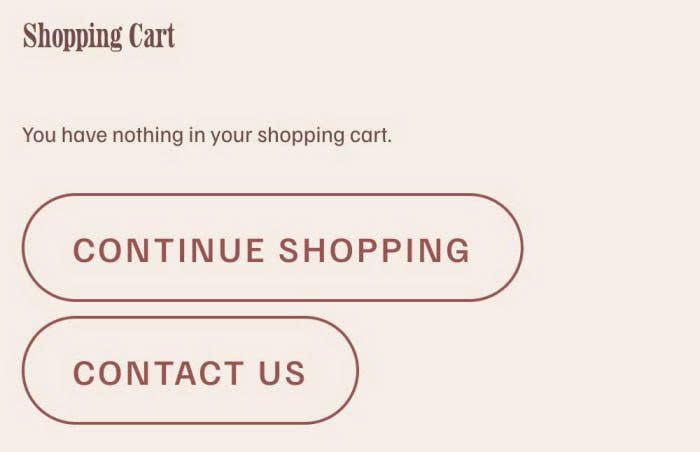
#1. Install Code
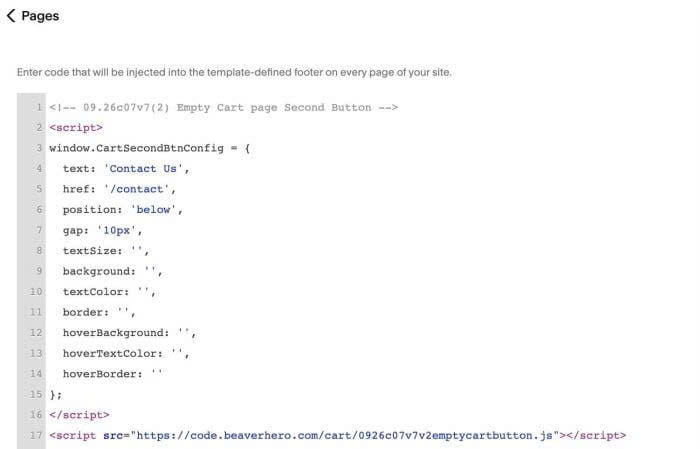
#1.1. Use this code to Code Injection > Footer
<!-- 09.26c07v7(2) Empty Cart page Second Button -->
<script>
window.CartSecondBtnConfig = {
  text: 'Contact Us',
  href: '/contact',
  position: 'below',
  gap: '10px',
  textSize: '',
  background: '',
  textColor: '',
  border: '',
  hoverBackground: '',
  hoverTextColor: '',
  hoverBorder: ''
};
</script>
<script src="https://code.beaverhero.com/cart/0926c07v7v2emptycartbutton.js"></script>
#2. Customize
#2.1. To change button text/url, change these lines
text: 'Contact Us',
href: '/contact',