Description
- adding table of contents
- view demo – password: abc
- buy me a coffee
(initial)

(click table of contents [burger lines] icon)

#1. Install Code
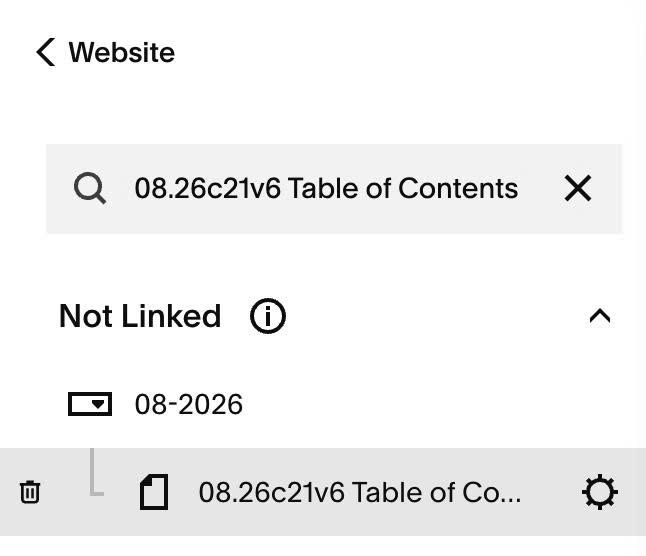
#1.1. Hover on Page where you want to use Table of Contents > Click Gear icon
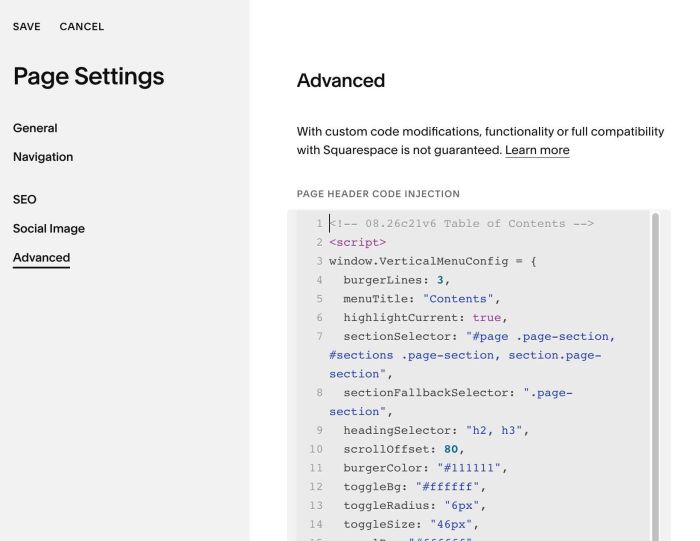
#1.2. Click Advanced > Paste this code
- If you use Personal/Basic Plan and your plan doesn’t support Injection, see #3.1
<!-- 08.26c21v6 Table of Contents -->
<script>
window.VerticalMenuConfig = {
  burgerLines: 3,
  menuTitle: "Contents",
  highlightCurrent: true,
  sectionSelector: "#page .page-section, #sections .page-section, section.page-section",
  sectionFallbackSelector: ".page-section",
  headingSelector: "h2, h3",
  scrollOffset: 80,
  burgerColor: "#111111",
  toggleBg: "#ffffff",
  toggleRadius: "6px",
  toggleSize: "46px",
  panelBg: "#ffffff",
  textColor: "#111111",
  activeColor: "#111111",
  textSize: "15px",
  panelWidth: "300px"
};
</script>
<script src="https://code.beaverhero.com/other/0826c21v6tableofcontents.js"></script>
#1.3. Make sure you use Heading on the page (Heading 1, 2, 3, 4, 5, 6). Code will detect Heading to add it to Table of Contents.
#2. Customize
#2.1. To change title text on top of table of contents, change Line 05
menuTitle: "Contents",
#2.2. By default, code will get Heading 2 & Heading 3 to Table of Contents only, you can change in Line 09
headingSelector: "h2, h3",
#2.3. To change other style, change line 11 – 19
burgerColor: "#111111",
toggleBg: "#ffffff",
toggleRadius: "6px",
toggleSize: "46px",
panelBg: "#ffffff",
textColor: "#111111",
activeColor: "#111111",
textSize: "15px",
panelWidth: "300px"
#2.4. If you need to tweak more you can use this AI Assistant (designed for Squarespace sites)
#3. Other
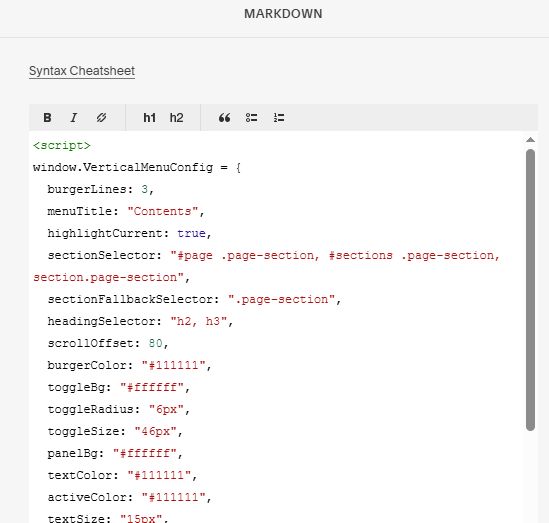
#3.1. If you use Personal/Basic Plan and your plan doesn’t support Injection, you can add a Markdown Block to current page.

Then add this code into Markdown Block
<script>
window.VerticalMenuConfig = {
  burgerLines: 3,
  menuTitle: "Contents",
  highlightCurrent: true,
  sectionSelector: "#page .page-section, #sections .page-section, section.page-section",
  sectionFallbackSelector: ".page-section",
  headingSelector: "h2, h3",
  scrollOffset: 80,
  burgerColor: "#111111",
  toggleBg: "#ffffff",
  toggleRadius: "6px",
  toggleSize: "46px",
  panelBg: "#ffffff",
  textColor: "#111111",
  activeColor: "#111111",
  textSize: "15px",
  panelWidth: "300px"
};
</script>
<script src="https://code.beaverhero.com/other/0826c21v6tableofcontents.js"></script>