Description
- make List Carousel images clickable but keep button
- view demo – password: abc
#1. Install Code
If you use Personal/Basic Plan and your plan does’t support Injection, see step #2.1.
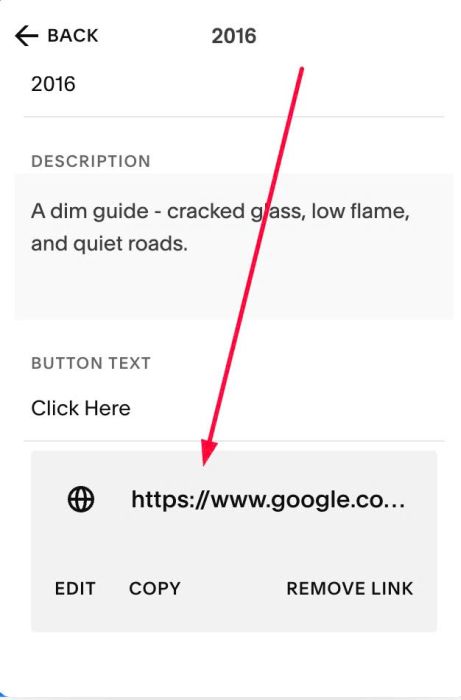
#1.1. First, make sure you added URL to List carousel item button
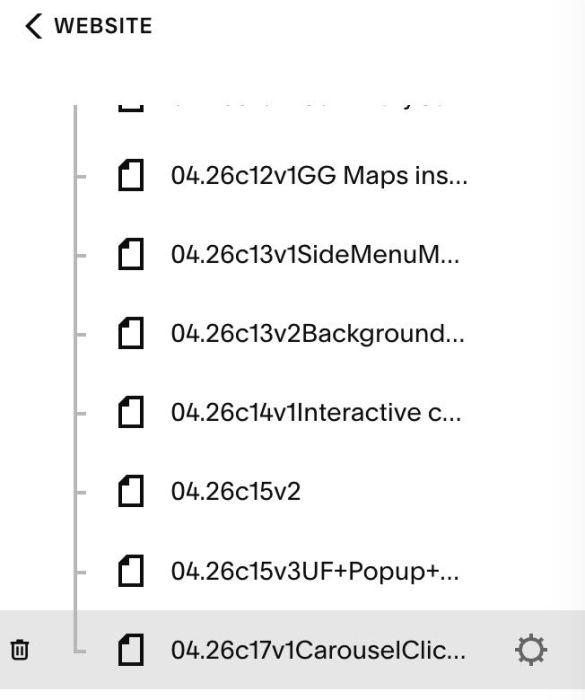
#1.2. Hover on Page where you use Carousel > Click Gear icon
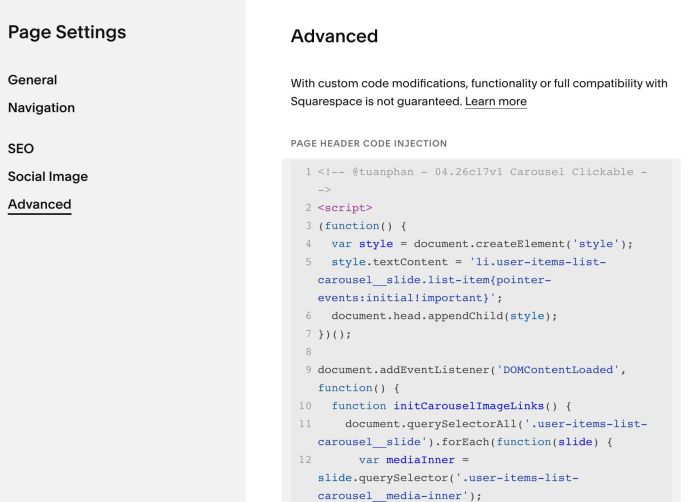
Click Advanced > Paste this code
<!-- @tuanphan - 04.26c17v1 Carousel Clickable -->
<script>
(function() {
  var style = document.createElement('style');
  style.textContent = 'li.user-items-list-carousel__slide.list-item{pointer-events:initial!important}';
  document.head.appendChild(style);
})();

document.addEventListener('DOMContentLoaded', function() {
  function initCarouselImageLinks() {
    document.querySelectorAll('.user-items-list-carousel__slide').forEach(function(slide) {
      var mediaInner = slide.querySelector('.user-items-list-carousel__media-inner');
      var btnLink = slide.querySelector('.list-item-content__button-container a');
      if (!mediaInner || !btnLink) return;
      if (mediaInner.dataset.clickBound) return;
      mediaInner.dataset.clickBound = '1';
      mediaInner.style.cursor = 'pointer';
      mediaInner.addEventListener('click', function(e) {
        var href = btnLink.getAttribute('href');
        var target = btnLink.getAttribute('target');
        if (target === '_blank') {
          window.open(href, '_blank');
        } else {
          window.location.href = href;
        }
      });
    });
  }

  initCarouselImageLinks();
  window.addEventListener('mercury:load', initCarouselImageLinks);
});
</script>
#2. Customize
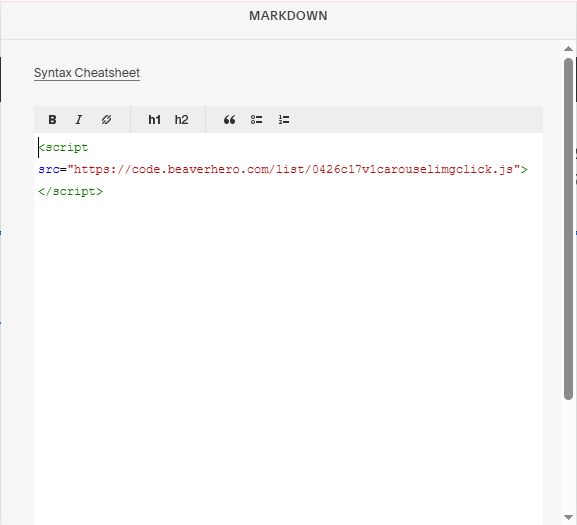
If you use Personal/Basic Plan and your plan doesn’t support Injection. You can edit Current Page > Add a Markdown Block.

Then paste this code into Markdown Block.
<script src="https://code.beaverhero.com/list/0426c17v1carouselimgclick.js"></script>