Description
- set different font on specific text
- view demo – password: abc
- buy me a coffee
#1. Install Code
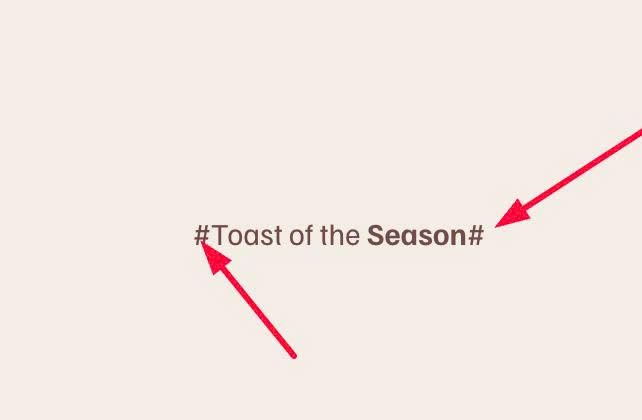
#1.1. First wrap text between symbol # and #. Something like this
#Toast of the Season#
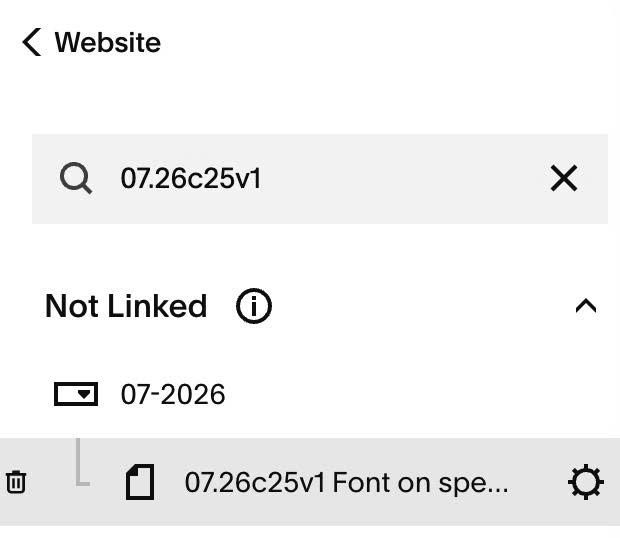
#1.2. Hover on Page where you use Text > Click Gear icon
#1.3. Click Advanced > Paste this code
- If you use Personal/Basic Plan and your plan doesn’t support Injection, see #3.1
<!-- 07.26c25v1 Font on specific text -->
<script>
window.MarkerFontConfig = {
  fontFamily: "savanna-script",
  marker: "#",
  scope: ".sqs-html-content",
  fontImportUrl: ""
};
</script>
<script src="https://code.beaverhero.com/textblock/0726c25v1fontspecifictext.js"></script>
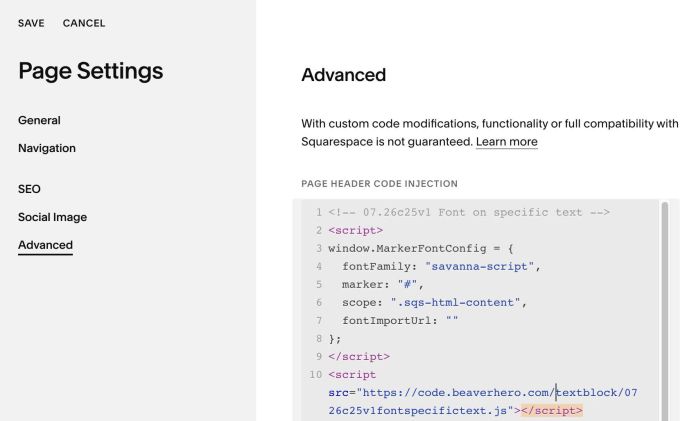
#1.4. Update font name in line 04
fontFamily: "savanna-script",
#2. Customize
#2.1. To make text to 2 lines, you can highlight text to BOLD, like this
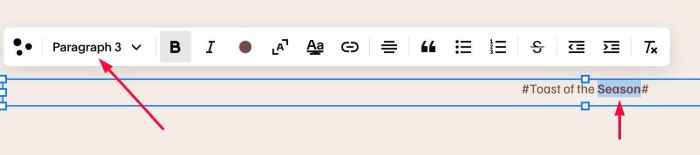
Then use this to Custom CSS
strong:has(span.marker-font) {
    font-weight: normal !important;
    display: block;
    margin-top: 100px; /* space between line 01 - line 02 */
}
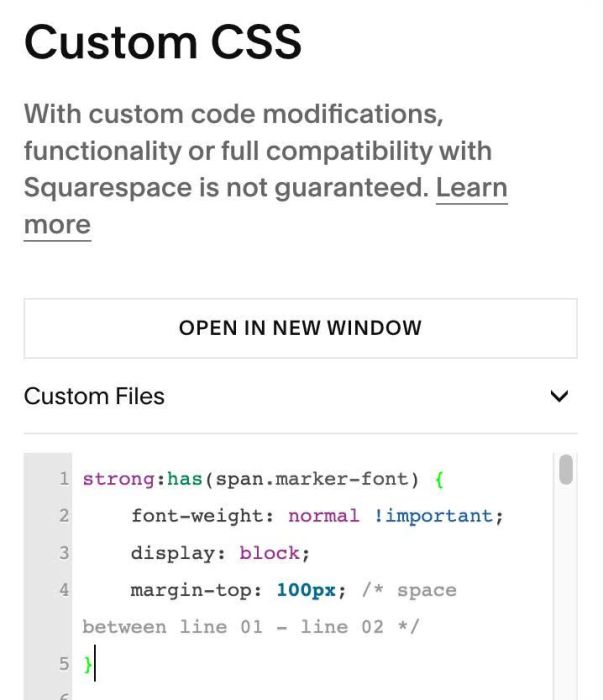
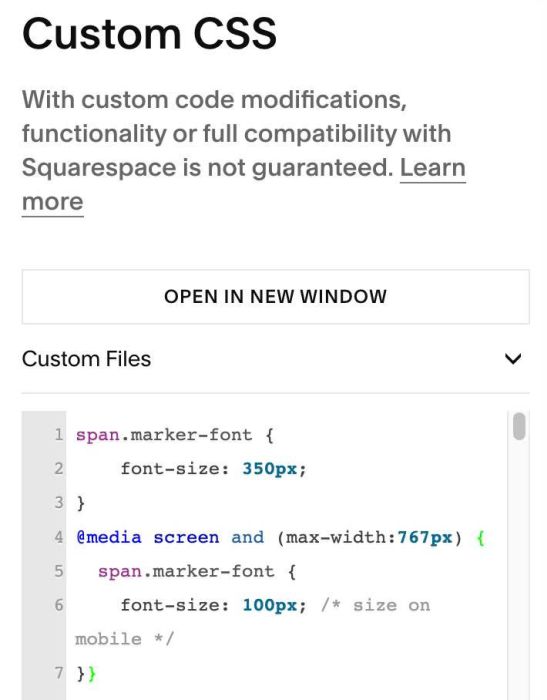
#2.2. To change size of text, you can use this to Custom CSS
span.marker-font {
    font-size: 350px;
}
@media screen and (max-width:767px) {
  span.marker-font {
    font-size: 100px; /* size on mobile */
}}
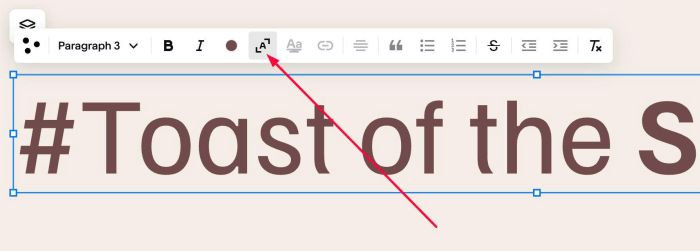
You can also use this option to increase size of text
#2.2. To set different size on different text, you can find Text Block ID. Follow this instructions.
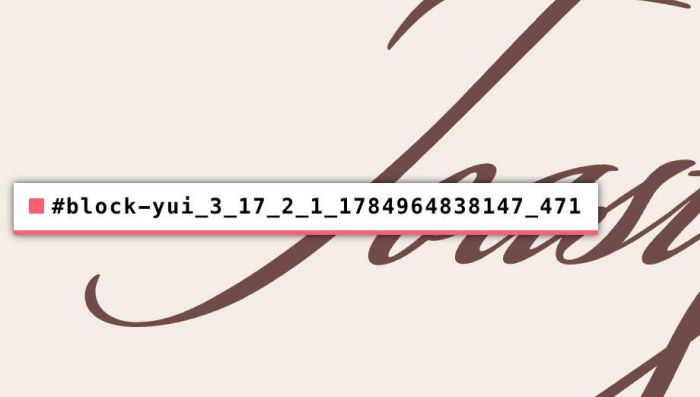
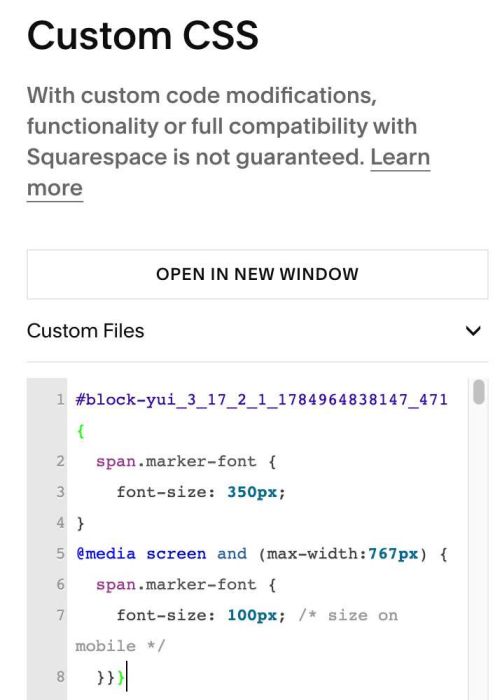
Then use code like this to Custom CSS
#block-yui_3_17_2_1_1784964838147_471 {
  span.marker-font {
    font-size: 350px;
}
@media screen and (max-width:767px) {
  span.marker-font {
    font-size: 100px; /* size on mobile */
  }}}
#3. Other
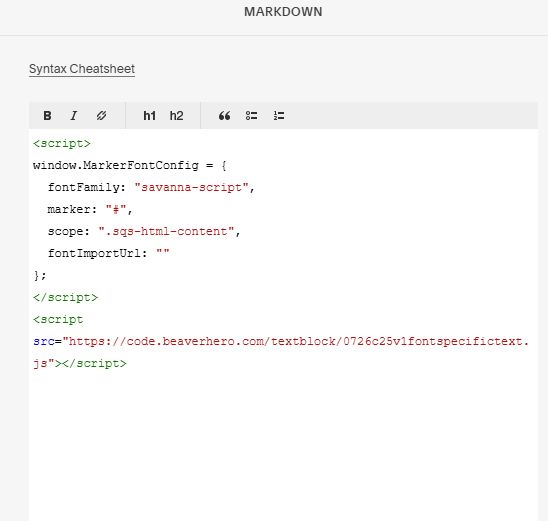
#3.1. If you use Personal/Basic Plan and your plan doesn’t support Injection, you can add a Markdown Block under Text Block

Then add this code into Markdown Block
<script>
window.MarkerFontConfig = {
  fontFamily: "savanna-script",
  marker: "#",
  scope: ".sqs-html-content",
  fontImportUrl: ""
};
</script>
<script src="https://code.beaverhero.com/textblock/0726c25v1fontspecifictext.js"></script>