Description
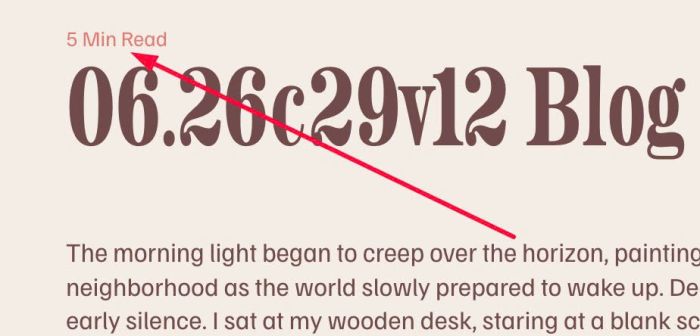
- adding reading time (bar/text) to blog post (top/bottom of screen/above/under blog post title)
- view demo – password: abc
- buy me a coffee
#1. Install Code
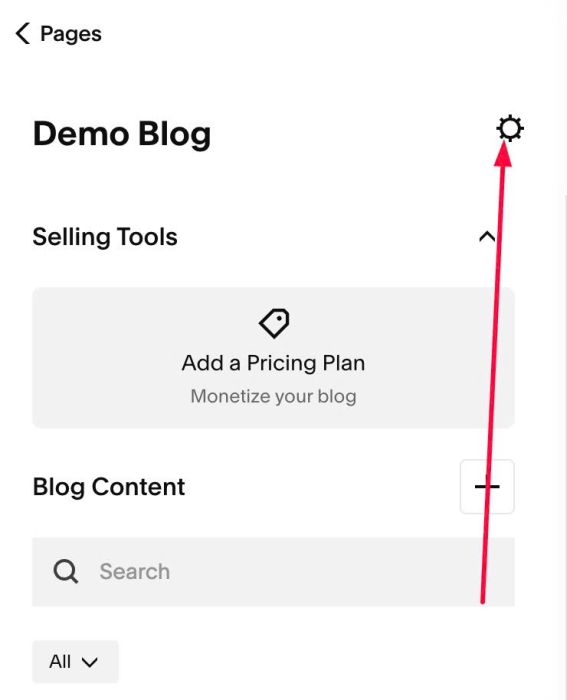
#1.1. Click Gear icon on Blog Page
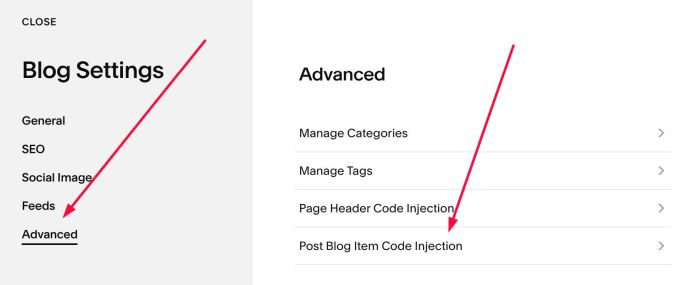
#1.2. Click Advanced > Post Blog Item Code Injection
#1.3. Paste this code
- If your site is Personal/Basic Plan and it doesn’t support Injection, see #3.1
<!-- 06.26c29v12 Blog Post Reading Time -->
<script>
window.BlogReadingTimeConfig = {
  // Words per minute used to estimate reading time
  wordsPerMinute: 200,
  contentSelector: ".blog-item-content",
  // Reading time text, e.g. "6 Min Read"
  text: {
    enable: true,
    insertAfterSelector: ".blog-item-title",
    template: "{time} Min Read",
    fontSize: "14px",
    color: "#e07a72"
  },
  // Reading progress bar fixed to the screen
  bar: {
    enable: true,
    position: "top",        // "top" or "bottom"
    height: 4,
    fillColor: "#e07a72",
    trackColor: "transparent",
    zIndex: 9999
  }
};
</script>
<script src="https://code.beaverhero.com/blogpost/0626c29v12blogpostreadingtime.js"></script>

#2. Customize
#2.1. To change text “Min Read”
You can change Line 11
template: "{time} Min Read",
to change text style/color, change Line 12, Line 13
fontSize: "14px",
    color: "#e07a72"
#2.2. To disable reading bar on top of blog post

Change Line 17
enable: true,
to
enable: false,
#2.3. To change reading bar style (on top of blog post), change Line 19 – Line 21
height: 4,
fillColor: "#e07a72",
trackColor: "transparent",
#3. Other
#3.1. If you use Personal/Basic Plan and your plan doesn’t support Injection, you can edit Site Footer
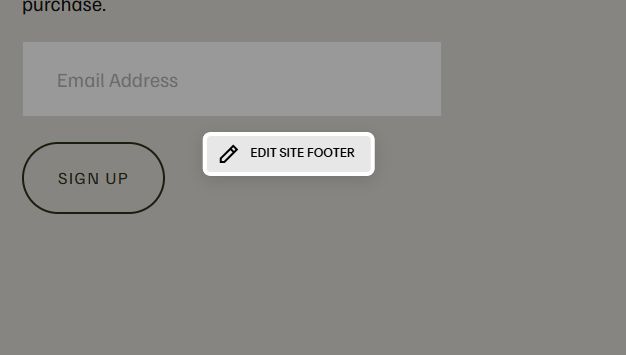
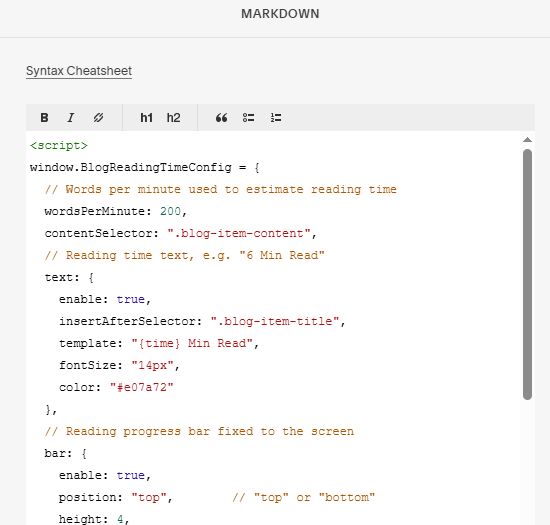
Add a Markdown Block

Add this code into Markdown
<script>
window.BlogReadingTimeConfig = {
  // Words per minute used to estimate reading time
  wordsPerMinute: 200,
  contentSelector: ".blog-item-content",
  // Reading time text, e.g. "6 Min Read"
  text: {
    enable: true,
    insertAfterSelector: ".blog-item-title",
    template: "{time} Min Read",
    fontSize: "14px",
    color: "#e07a72"
  },
  // Reading progress bar fixed to the screen
  bar: {
    enable: true,
    position: "top",        // "top" or "bottom"
    height: 4,
    fillColor: "#e07a72",
    trackColor: "transparent",
    zIndex: 9999
  }
};
</script>
<script src="https://code.beaverhero.com/blogpost/0626c29v12blogpostreadingtime.js"></script>