Description
- pull blog posts to specific section on the page, section will have blog featured image, clickable in bottom of section
- view demo – password: abc
- buy me a coffee
#1. Install Code
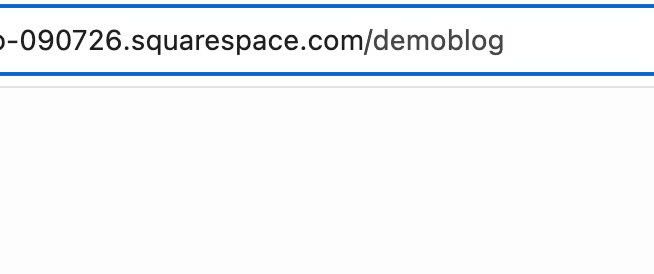
#1.1. First, find Blog Page URL
In my example, it is: /demoblog
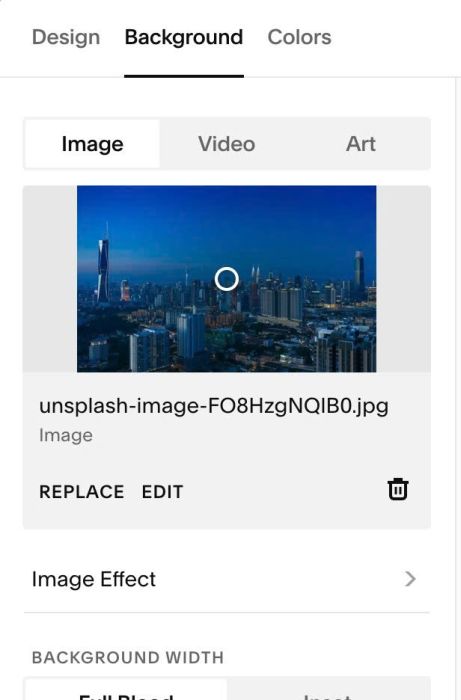
#1.2. Add some sections with background image (you can use image with color same as page background)
Here I use section with random background
#1.3. Add a Code Block on each section > Paste this same code
<div data-url="/demoblog"></div>
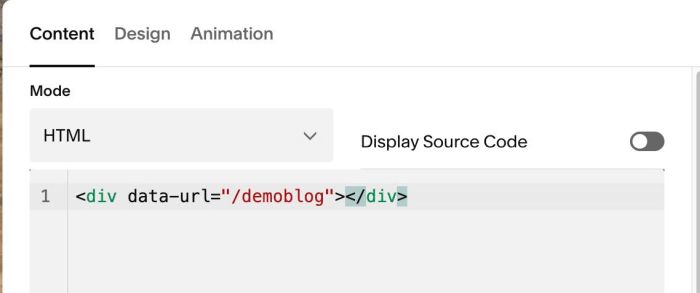
This ensures that the code only runs in the sections that use this Code Block.
Replace /demoblog with your real blog url
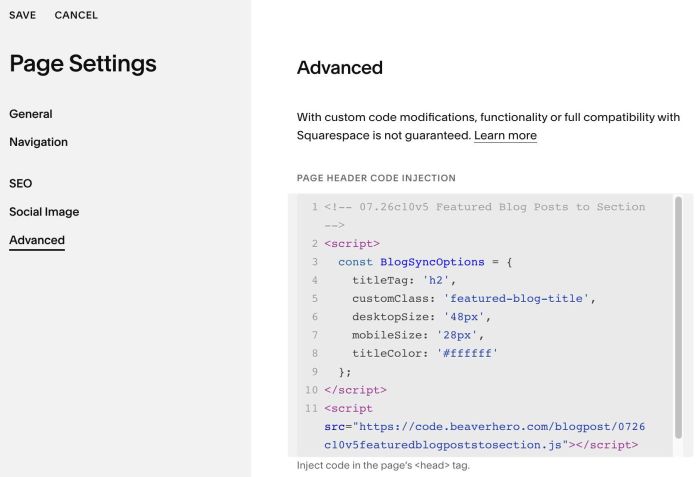
#1.4. Hover on Page where you use these sections > Click Gear icon
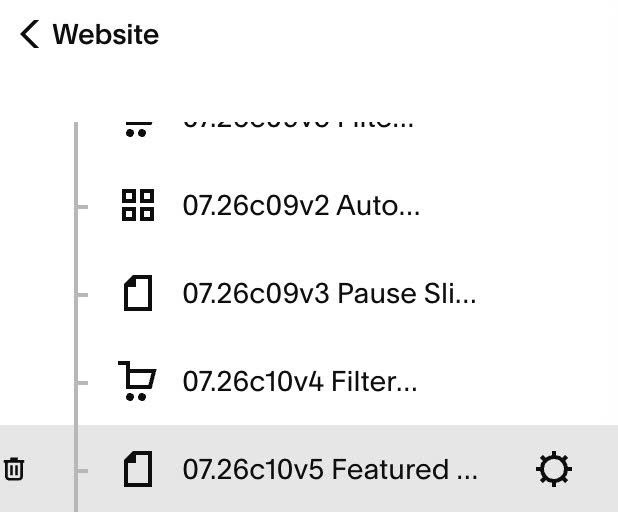
#1.5. Click Advanced > Paste this code
- If you use Personal/Basic Plan and your plan doesn’t support Injection, see #3.1
<!-- 07.26c10v5 Featured Blog Posts to Section -->
<script>
  const BlogSyncOptions = {
    titleTag: 'h2',
    customClass: 'featured-blog-title',
    desktopSize: '48px',
    mobileSize: '28px',
    titleColor: '#ffffff'
  };
</script>
<script src="https://code.beaverhero.com/blogpost/0726c10v5featuredblogpoststosection.js"></script>
#2. Customize
#2.1. To change blog title size & color, change lines
desktopSize: '48px',
mobileSize: '28px',
titleColor: '#ffffff'
#3. Other
#3.1. If you use Personal/Basic Plan and your plan doesn’t support Injection, you can edit current page (page where you use these sections) > Add a Block > Choose Markdown

Add this code into Markdown
<script>
  const BlogSyncOptions = {
    titleTag: 'h2',
    customClass: 'featured-blog-title',
    desktopSize: '48px',
    mobileSize: '28px',
    titleColor: '#ffffff'
  };
</script>
<script src="https://code.beaverhero.com/blogpost/0726c10v5featuredblogpoststosection.js"></script>
