Description
- show image/overlay/title (initial) – show image/reduce overlay opacity/show button/show white line under title (on hover)
- view demo – password: abc
- buy me a coffee

#1. Install Code
#1.1. First, add a Section > Choose Team > Choose section with (i) icon

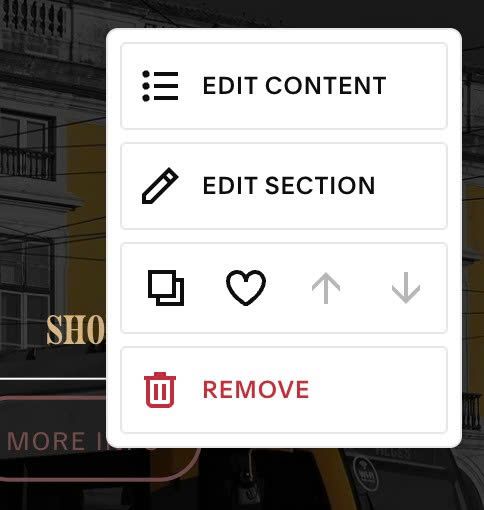
#1.2. Hover on top right of section > Click EDIT SECTION
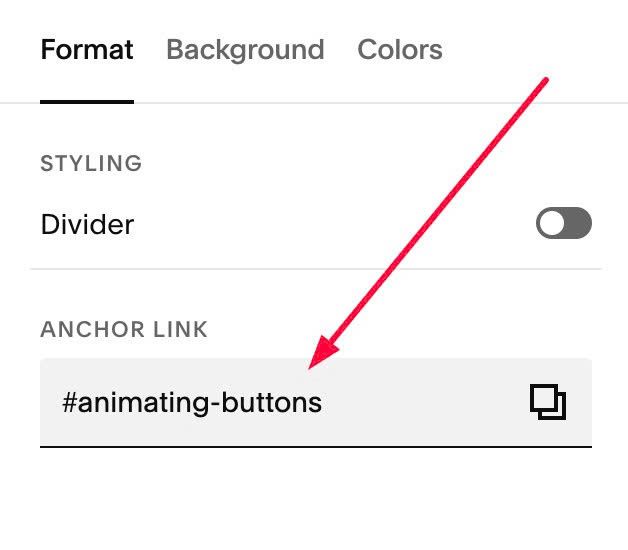
at Format > Anchor Link > enter word: animating-buttons
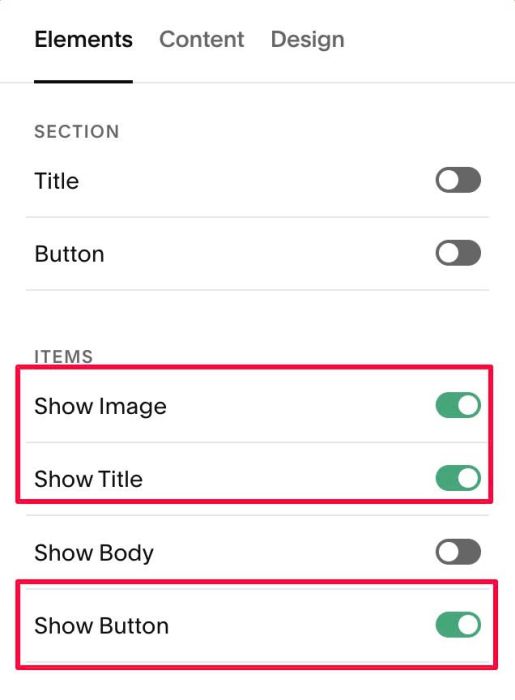
#1.3. Hover on top right of section > Click EDIT CONTENT
Enable Image, Title, Button
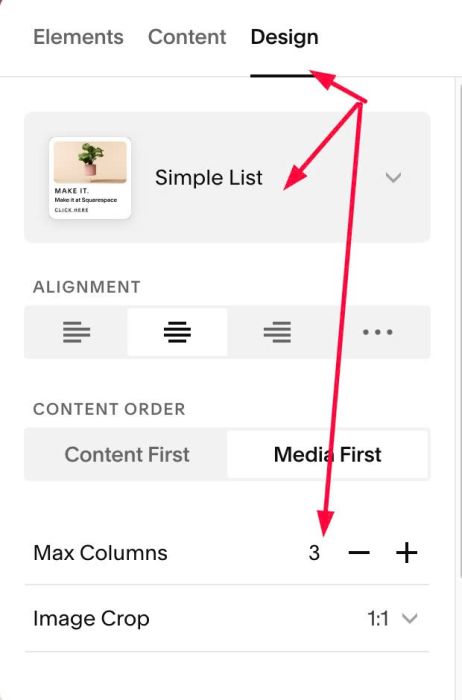
#1.4. at Design > Choose Simple List + 3 Columns
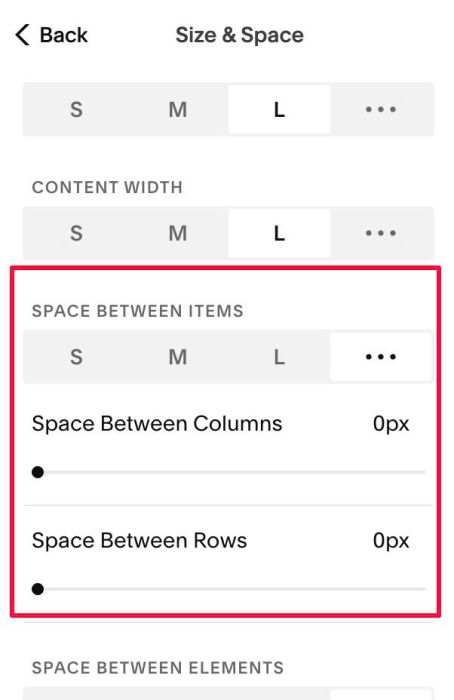
#1.5. Next, click Size & Space

at SPACE BETWEEN ITEMS > set 0px on both Columns – Rows
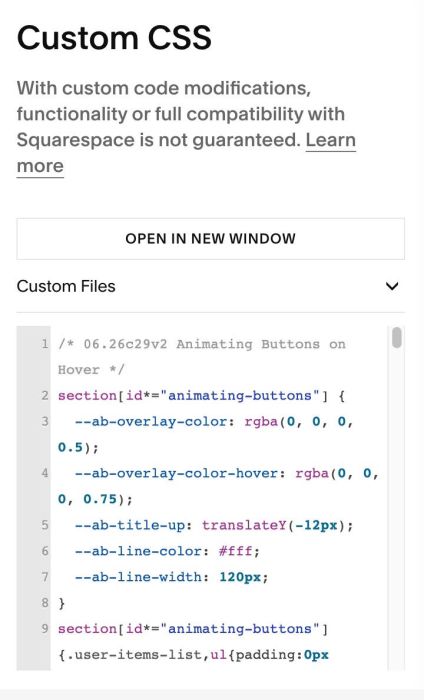
#1.6. Next, use this code to Custom CSS box
/* 06.26c29v2 Animating Buttons on Hover */
section[id*="animating-buttons"] {
  --ab-overlay-color: rgba(0, 0, 0, 0.5);
  --ab-overlay-color-hover: rgba(0, 0, 0, 0.75);
  --ab-title-up: translateY(-12px);
  --ab-line-color: #fff;
  --ab-line-width: 120px;
}
section[id*="animating-buttons"]{.user-items-list,ul{padding:0px !important}li.list-item{position:relative}.list-item-media-inner:before{content:"";background-color:var(--ab-overlay-color);position:absolute;top:0;left:0;width:100%;height:100%;z-index:9;transition:background-color 0.4s ease}li.list-item:hover .list-item-media-inner:before{background-color:var(--ab-overlay-color-hover)}.list-item-content{position:absolute;top:50%;left:50%;transform:translate(-50%,-50%);width:100%;z-index:12}.list-item-content__text-wrapper{position:relative}.list-item-content__title{transition:transform 0.35s ease}li.list-item:hover .list-item-content__title{transform:var(--ab-title-up)}.list-item-content__text-wrapper:after{content:"";display:block;width:0;height:1px;margin:0 auto;background-color:var(--ab-line-color);transition:width 0.4s ease 0.1s}li.list-item:hover .list-item-content__text-wrapper:after{width:var(--ab-line-width)}.list-item-content__button-wrapper{opacity:0;transition:opacity 0.3s ease,transform 0.3s ease;transition-delay:0s}li.list-item:hover .list-item-content__button-wrapper{opacity:1;transition-delay:0.5s}}
#2. Customize
#2.1. To change Overlay color before – after hover, change Line 03, Line 04
--ab-overlay-color: rgba(0, 0, 0, 0.5);
--ab-overlay-color-hover: rgba(0, 0, 0, 0.75);
#2.2. To change Line Color/width

change Line 06, Line 07
--ab-line-color: #fff;
--ab-line-width: 120px;
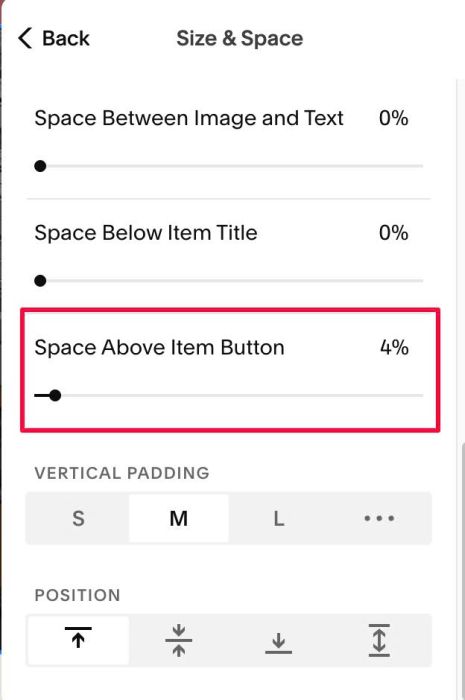
#2.3. To change space between Line – Button, change this option