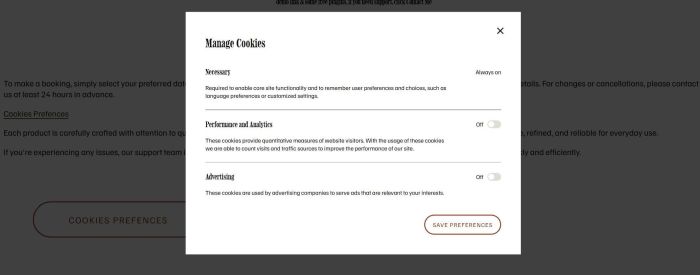
Description
- click button open Cookies Preferences Popup
- view demo – password: abc
- my friend did this, buy her a coffee
#1. Install Code
If you use Personal/Basic Plan and your plan doesn’t support Injection, see step #2.1.
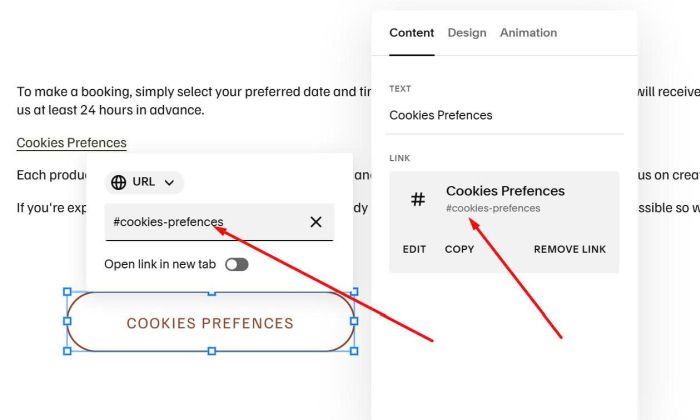
#1.1. First, add a Button Block with URL: #cookies-preferences
#cookies-preferences
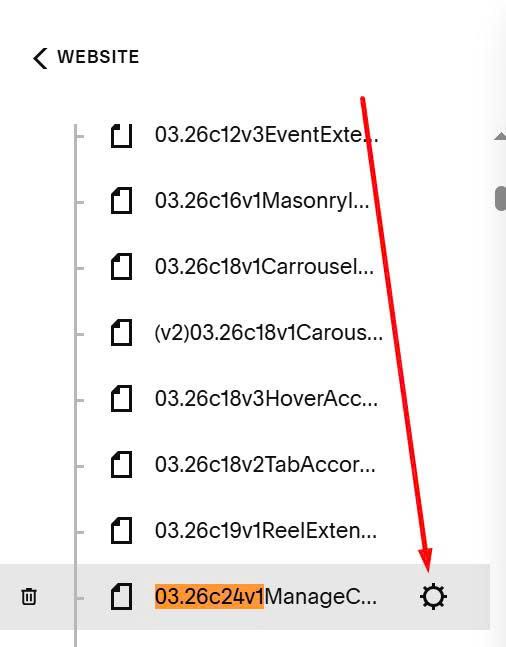
#1.2. Next, hover on Page where you want to add Button Block > Click Gear icon
Click Advanced > Paste this code
<script src="https://code.beaverhero.com/other/0326c24v1cookiesprefences.js"></script>
<style>.cookie-banner-mount-point {visibility: hidden;}</style>
#2. Customize
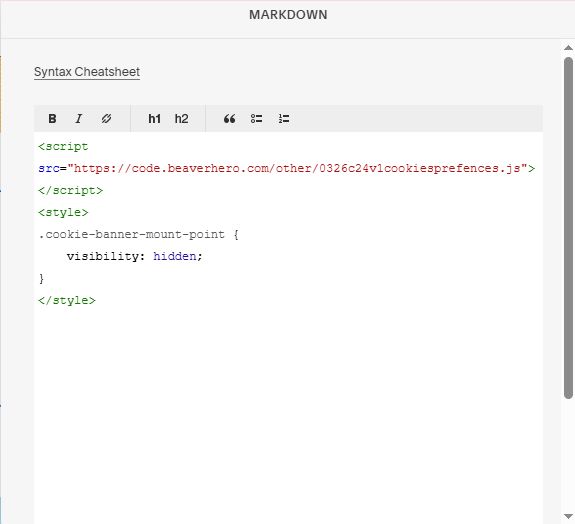
#2.1. If you use Personal/Basic Plan and your plan doesn’t support Injection, you can add a Markdown Block under Button Block
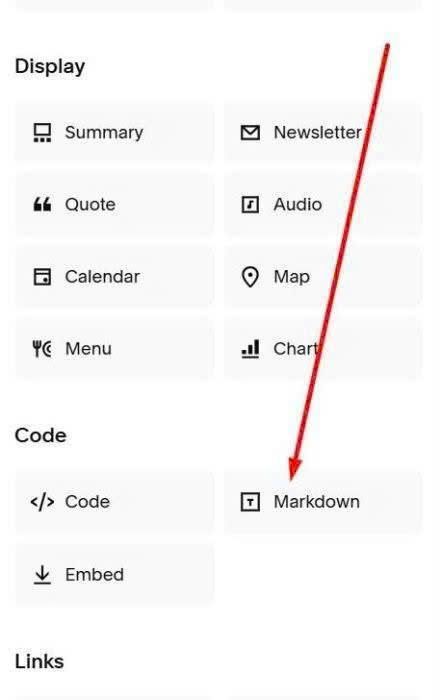
Then paste this code into Markdown Block.
<script src="https://code.beaverhero.com/other/0326c24v1cookiesprefences.js"></script>
<style>
.cookie-banner-mount-point {
    visibility: hidden;
}
</style>