Description
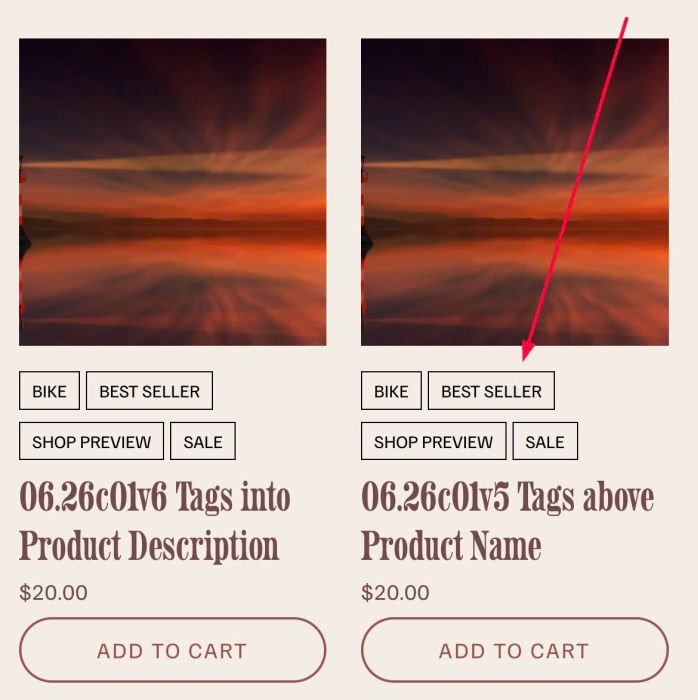
- adding Tags above/under Product Name in Store Page
- view demo – password: abc
- buy me a coffee
#1. Install Code
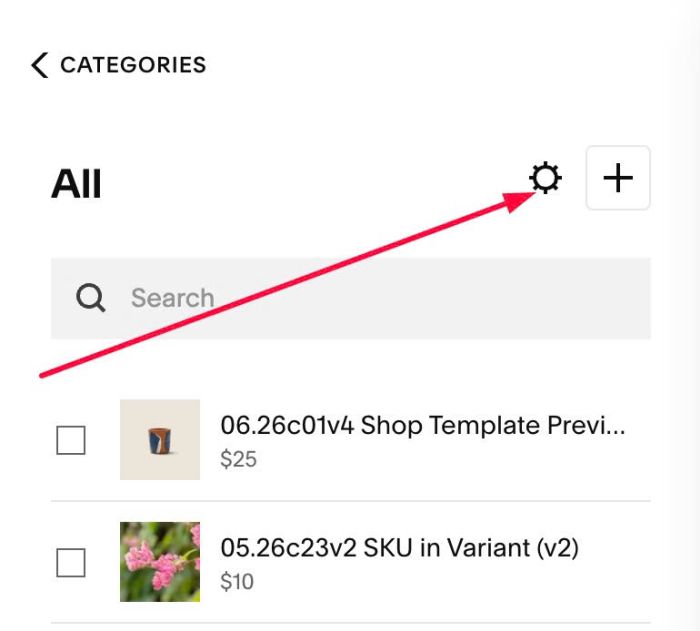
#1.1. Click Gear icon on Store Page
Next, click Advanced > Page Header Code Injection
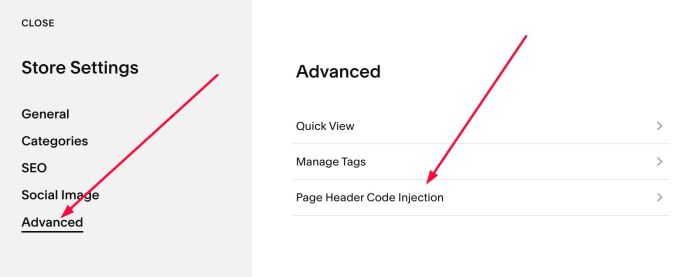
#1.2. Add this code into Right box
<!-- 06.26c05v3 Tags into Store -->
<script>
window.TagsProductListConfig = {
  position: 'before',
  isLink: true,
  color: '#000',
  borderColor: 'transparent',
  fontSize: '15px',
  textTransform: 'uppercase',
  background: 'transparent',
  marginBottom: '10px',
  marginRight: '5px',
  borderRadius: '0px',
  padding: '4px 0px',
};
</script>
<script src="https://code.beaverhero.com/store/0626c05v3tagsintostore.js"></script>

#2. Customize
#2.1. To move Tags under Product Title
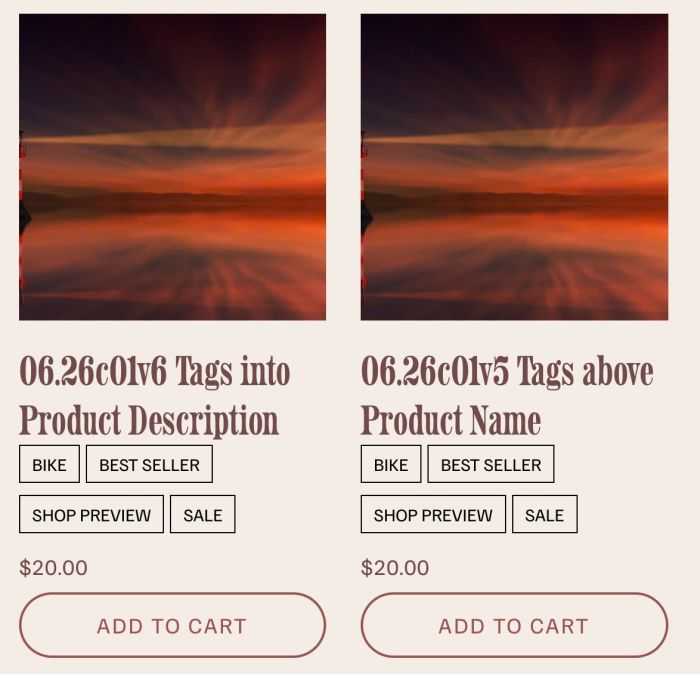
You can change Line 04
position: 'before',
to
position: 'after',
#2.2. To disable Link from Tags, you can change Line 05
isLink: true,
to
isLink: false,
#2.3. To change Tags style to Raw text, like this

You can change Line 06 to Line 14
color: '#000',
borderColor: '#000',
fontSize: '15px',
textTransform: 'uppercase',
background: 'transparent',
marginBottom: '10px',
marginRight: '5px',
borderRadius: '0px',
padding: '4px 10px',
to this
color: '#000',
borderColor: 'transparent',
fontSize: '15px',
textTransform: 'uppercase',
background: 'transparent',
marginBottom: '10px',
marginRight: '5px',
borderRadius: '0px',
padding: '4px 0px',
#2.4. To change Tags size + color, change Line 06 + Line 08
color: '#000',
fontSize: '15px',