Description
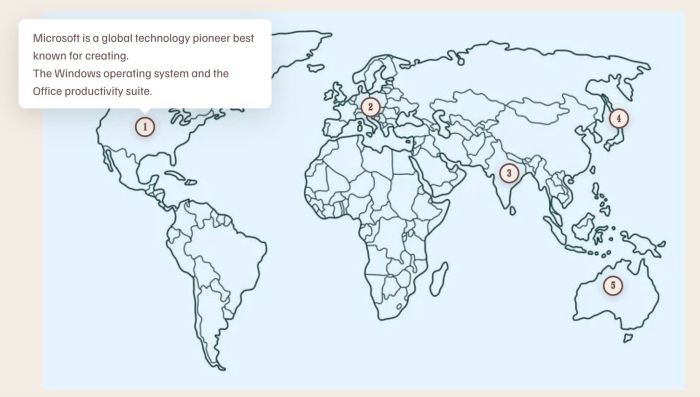
- hover on each area of image will open custom text tooltip popup, click on each area will open new page/external url
- view demo – password: abc
- buy me a coffee
(hover)
#1. Install Code
Note: this will require to install Image Hotspots Plugin
#1.1. First you need to purchase Image Hotspots Plugin then open Plugin Instruction Page
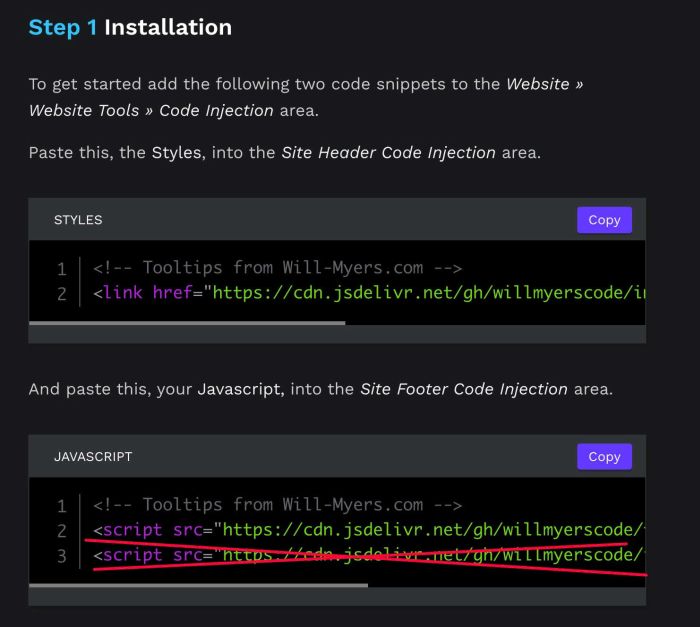
#1.2. Next, follow step 1 in Plugin Instruction Page
but DO NOT add Code in Line 03
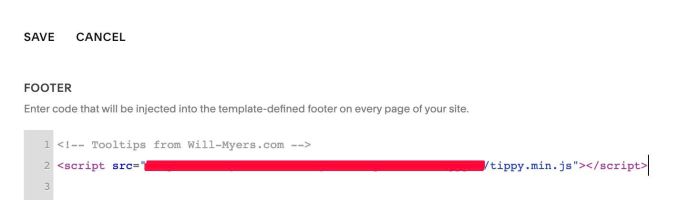
So Footer Injection will have code like this
#1.3. Follow Step 2 in Plugin Instruction Page
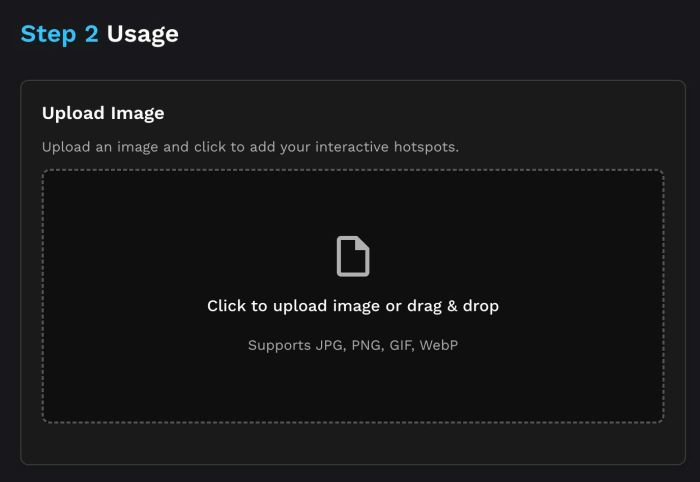
You will have result like this. Here I changed Example Block ID with Block ID on my test site
<ImageHotspots block="#block-4d3cd933420a9d64e812">
  <Dot x="18.1%" y="31.9%">
    <DotTitle>1</DotTitle>
    <DotDescription>Microsoft is a global technology pioneer best known for creating. The Windows operating system and the Office productivity suite.<div><a href="https://www.microsoft.com/">Link</a></div></DotDescription>
  </Dot>

  <Dot x="56.2%" y="18.5%">
    <DotTitle>2</DotTitle>
    <DotDescription>Apple is a global technology leader best known for designing innovative hardware like the iPhone and Mac alongside smooth operating systems.<div><a href="https://www.apple.com/">Link</a></div></DotDescription>
  </Dot>

  <Dot x="79.3%" y="35.7%">
    <DotTitle>3</DotTitle>
    <DotDescription>Facebook is a social media giant best known for connecting billions of people worldwide through social platforms and digital messaging apps.<div><a href="https://www.facebook.com/">Link</a></div></DotDescription>
  </Dot>

  <Dot x="55.4%" y="47.8%">
    <DotTitle>4</DotTitle>
    <DotDescription>Google is a web technology leader best known for developing the dominant search engine, Android mobile OS, and cloud services.<div><a href="https://google.com/">Link</a></div></DotDescription>
  </Dot>

  <Dot x="88.9%" y="75.8%">
    <DotTitle>5</DotTitle>
    <DotDescription>Amazon is a global e-commerce and tech power best known for revolutionizing online retail, cloud computing, and digital streaming.<div><a href="https://www.amazon.com/">Link</a></div></DotDescription>
  </Dot>
</ImageHotspots>
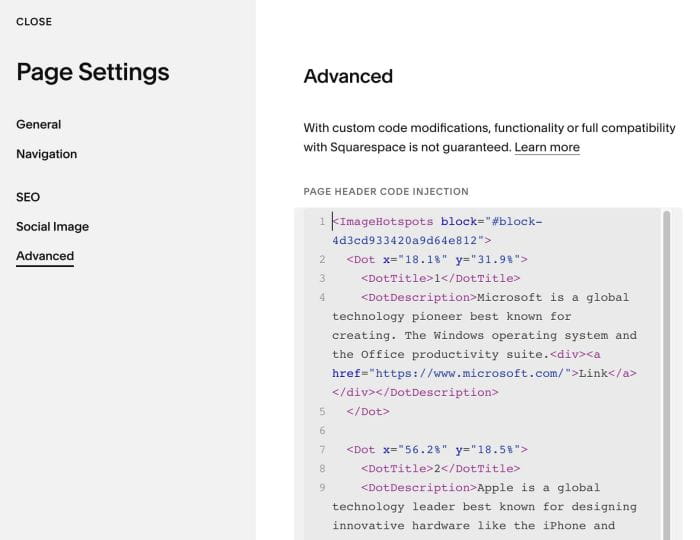
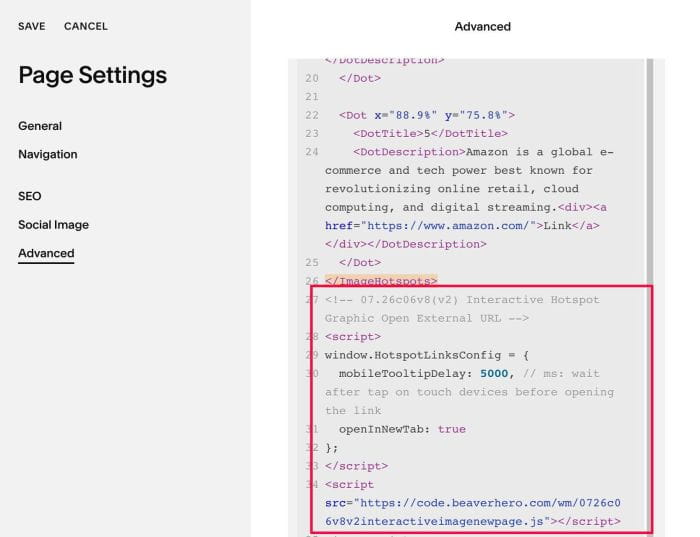
#1.4. Next, use this code to Page Header Injection, under Image Hotspots HTML code
<!-- 07.26c06v8(v2) Interactive Hotspot Graphic Open External URL -->
<script>
window.HotspotLinksConfig = {
  mobileTooltipDelay: 5000, // ms: wait after tap on touch devices before opening the link
  openInNewTab: true
};
</script>
<script src="https://code.beaverhero.com/wm/0726c06v8v2interactiveimagenewpage.js"></script>