Description
- adding vertical scrolling text (v2) with scrolling block
- view demo – password: abc
- buy me a coffee

#1. Install Code
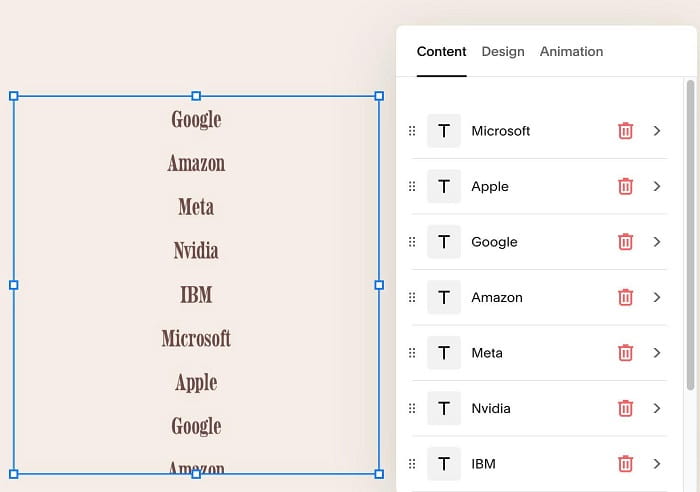
#1.1. Make sure you added Scrolling Block
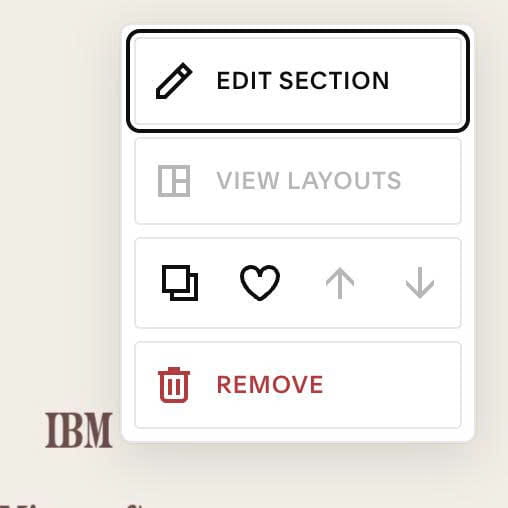
#1.2. Hover on top right of section > Click EDIT SECTION
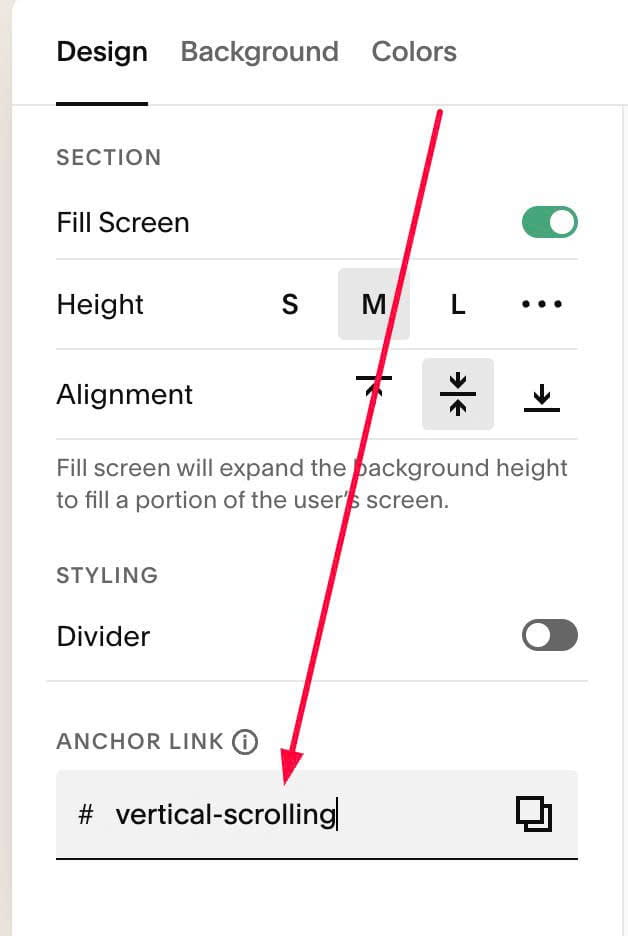
#1.3. at Design > Anchor Link > enter word: vertical-scrolling
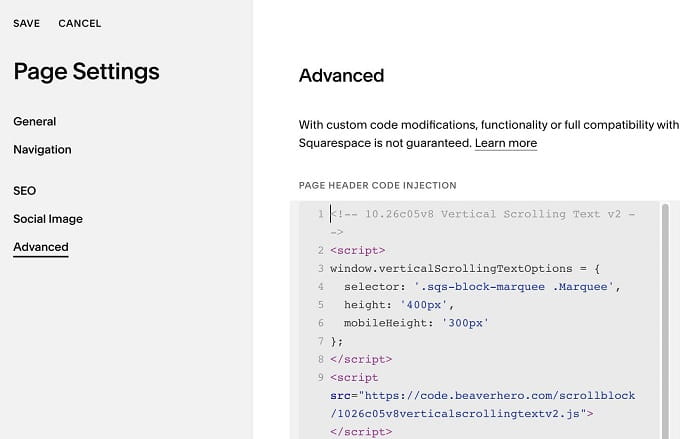
#1.4. Hover on Page where you use Scrolling Block > Click Gear icon > Click Advanced > Paste this code
<!-- 10.26c05v8 Vertical Scrolling Text v2 -->
<script>
window.verticalScrollingTextOptions = {
  selector: '.sqs-block-marquee .Marquee',
  height: '400px',
  mobileHeight: '300px'
};
</script>
<script src="https://code.beaverhero.com/scrollblock/1026c05v8verticalscrollingtextv2.js"></script>
#2. Customize
nothing now