To change button letter spacing, you can do these

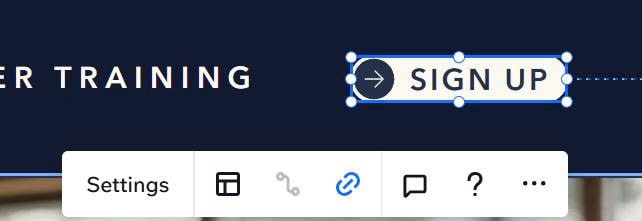
#1. First, left click on Button
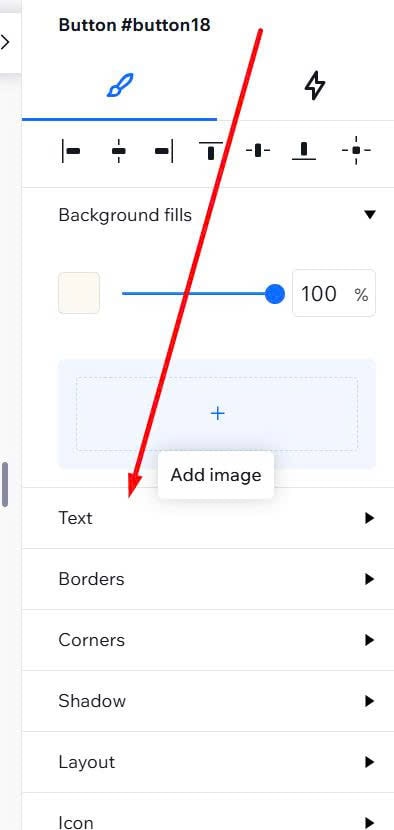
#2. Look at right box > Click Text
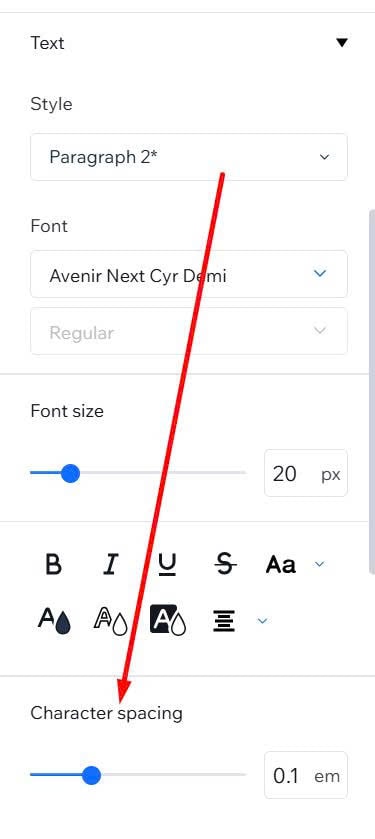
#3. Adjust it here (Character spacing)
To change button letter spacing, you can do these
#1. First, left click on Button
#2. Look at right box > Click Text
#3. Adjust it here (Character spacing)