Coverpage Fullscreen Slideshow
adding fullscreen slideshow to cover page
 Staff
Staff adding fullscreen slideshow to cover page
click Summary Block Item (use Universal Filter Plugin) will open Popup
There is no excerpt because this is a protected post.

add an email popup, need to enter email to see blog content
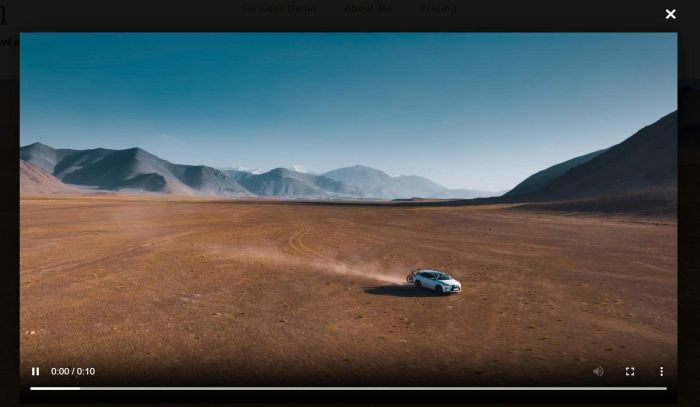
Description see update version: https://member.beaverhero.com/0226c06v2v2-video-background-lightbox/ Section with Video Background, Autoplay Hover on anywhere on section > show “Play” text Click section – open video in lightbox popup view demo – password: abc buy a coffee, my friend code this feature #1. Install code #1.1. First, add a Section with Video Background (use Uploaded video) #1.2. … Read more
adding fluid engine section to blog posts

adding caption to Fluid Image
parallax with section background image
default amount to dropdown list
+ Use Section Loader Supreme Plugin
+ Use custom JS code to make Buy Now button works with plugin
+ Use CSS code to change style of table columns
open newsletter in new tab
summary block with oldest posts show first
edit buttons on wix
list color on hover
random quote of the day
add read more read less to Text Block
add (read more) to Text Block in Additional Info
To add a Form with text to Additional Info of all products, like this. #1. First, create a Page in Not Linked with URL: /additional-saved #2. Next, design your layout on this Not Linked Page #3. Click Gear icon on Store Page #4. Click Advanced > Page Header Code Injection #5. Paste this code <!– … Read more
newsletter block style 01
increase blog page > 20 posts
load more button to summary, and remove limit 30 items
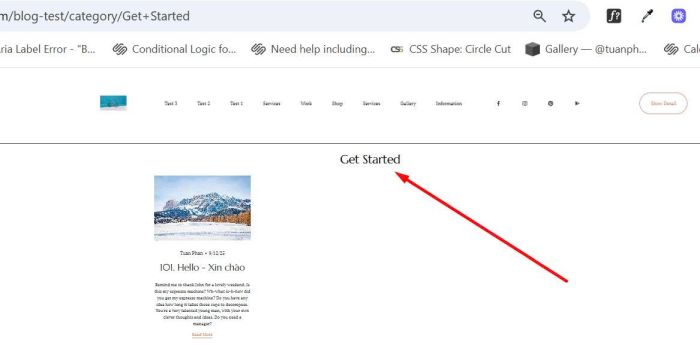
add category name on top of blog category page
hide an item from Portfolio page
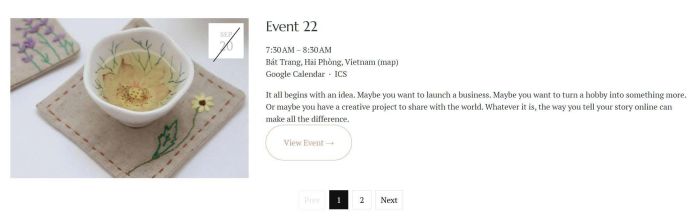
add a simple pagination to past events only
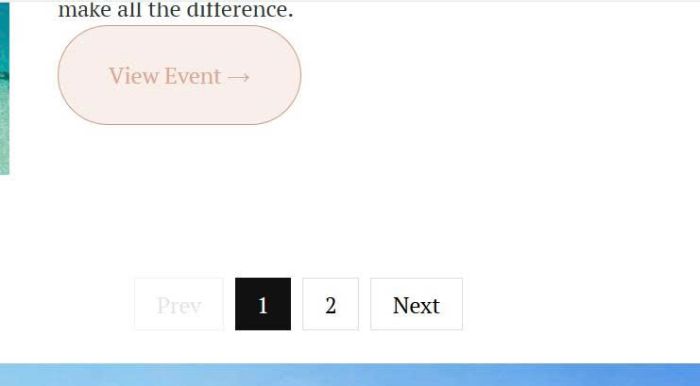
add a pagination to event page
align title/icon to bottom of image
interactive travel map: hover map will show location, click map will open new page
list people section with custom style: cards with stars and subtle border
add custom page section with custom layout to product detail, under Additional info
portfolio page with custom layout
summary block for portfolio page
turn DAYS to DAY when it is reaches to 1
preview external site on current page
change background color of 3 columns in Card
change background image of specific section
change letter spacing of specific button text
make a part of image clickable
There is no excerpt because this is a protected post.
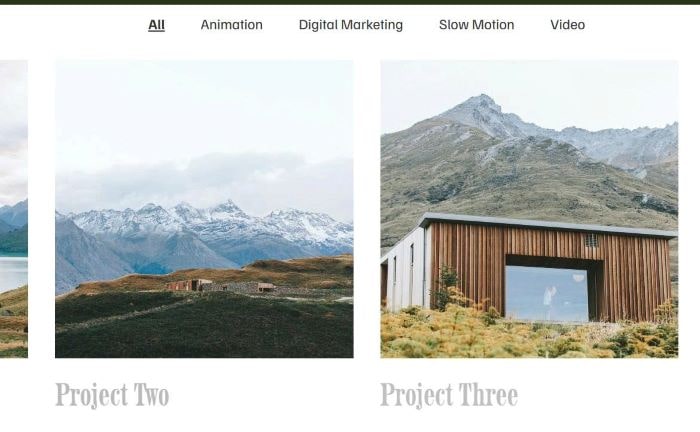
add category filter to portfolio page
change nav text color based on image color
replace gallery masonry text with blog excerpt
remove current item in Summary Block in Blog Post
blog layout with 1 x 2 (1 large on left – 2 small on right)
show “limited availability” with product has 5 in stock or under (free version)
add masonry on gallery block
limit number field to 10 numbers only
show variant options on Store Page
show “only x available” when variant option has under 5 in Stock
show “limited availability” with products have 5 in stock or under
show “only x available” in product detail page
add variant on shop page and make product detail variant pre-selected
remove “from XX” and show price on variant selected
on a wall feature
add image with description into Form Inquire
click thumbnails change big image
close X icon in top right of page, click X will open custom page
summary block single carousel for Portfolio Page
autorotate 3 videos. Once 1 video is done playing, it rotates to the next one
make first item in Summary Carousel bigger
make middle image in Summary bigger + full color, left/right image white/black
extend Archive Block, show more 100 tags
add a custom image on top of low stock products
achieve a blog layout with 1 x 3 (1 large on left – 3 small on right)
enable Title + Description in Gallery Block Grid
move header under banner image with parallax effect
show all tags under blog post (able to show > 100 tags)
Video Gallery Grid. Click video show Video Lightbox
sync blog page with carousel, but shows blog items in current week only
make Hubspot appears on popup on button click
change product title in store page to custom image
change product detail title to custom image
vertical align dots, date, arrow in Timeline Plugin
change image to another image after 3 seconds (total 4 – 5 images) in Gallery block
add a download icon on hover gallery image, free version
add a download icon on hover gallery image
make browser scroll down on Form button submit
each field appears once it is filled out
TEXT field validated against a list of hardcoded names. If the name entered does not match anything in the list, I want the form to display an error, prompting the user to try again.
Masonry layout on Simple List section
Show portfolio sub page content in portfolio page
Change default option selected in Donation Block
Hide Add to Cart, show Login to Purchase, click show Login Popup, free version
Hide Add to Cart, show text “Login to Purchase” for Logged out users
Border around Navigation items.
Turn Blog Page to Carousel format
Summary Block Date format from Month Day, Year (Aug 30, 2025) to Day Month, Year (30 Aug, 2025)
Event Calendar to Carousel on Mobile
Add to Cart on a button block
Add to Cart to List item (version 2)
Add to Cart button in List People item
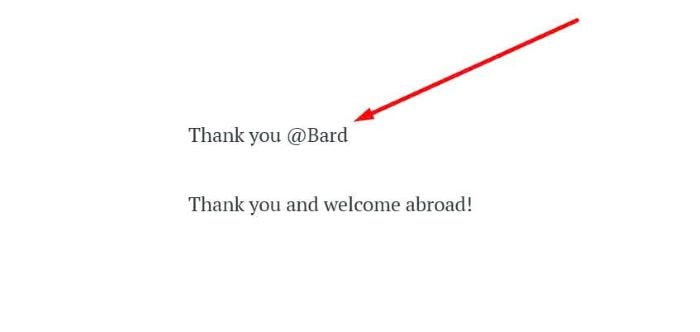
Adding NAME field to Post submit message
Show Product Description on Store Page
Add Author, Size (under Product Name) on Store Page
Caption in Gallery Lightbox. Fix lag/delay between captions
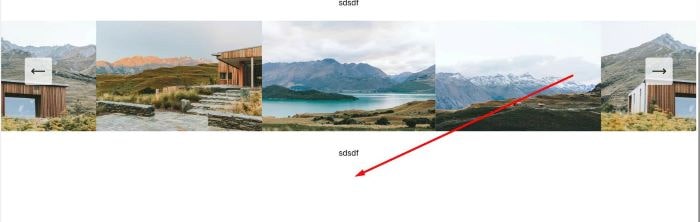
Remove Padding under Slideshow Reel Caption
Portfolio Page to Masonry layout
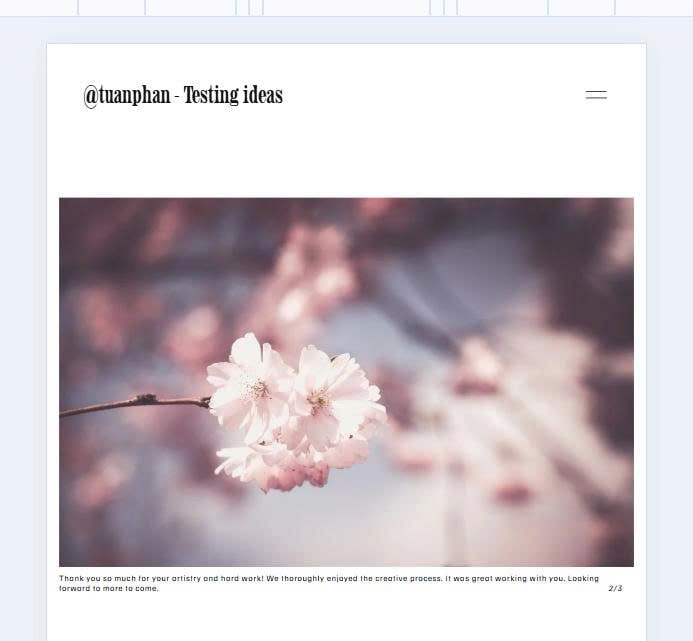
Slideshow with Text/Counter Number under Image
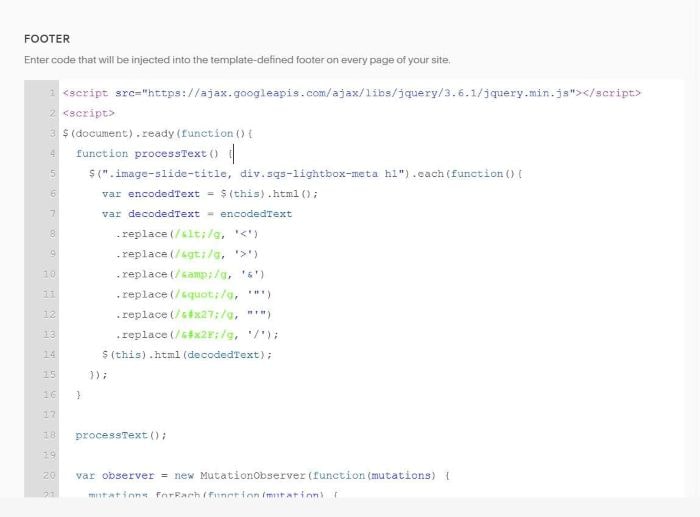
Make br and other HTML tags work in Gallery Block Title & Gallery Lightbox title

Pre poplulate text in Newsletter Block when users url like this: /newsletter?fname=Nick&lname=Hutton&[email protected]
Add Category as Class in Store Page.
By default, Tag appears as Class in Store Page, but Category won’t appear.

Hover button (button block), Underline run from 0 to 100%.
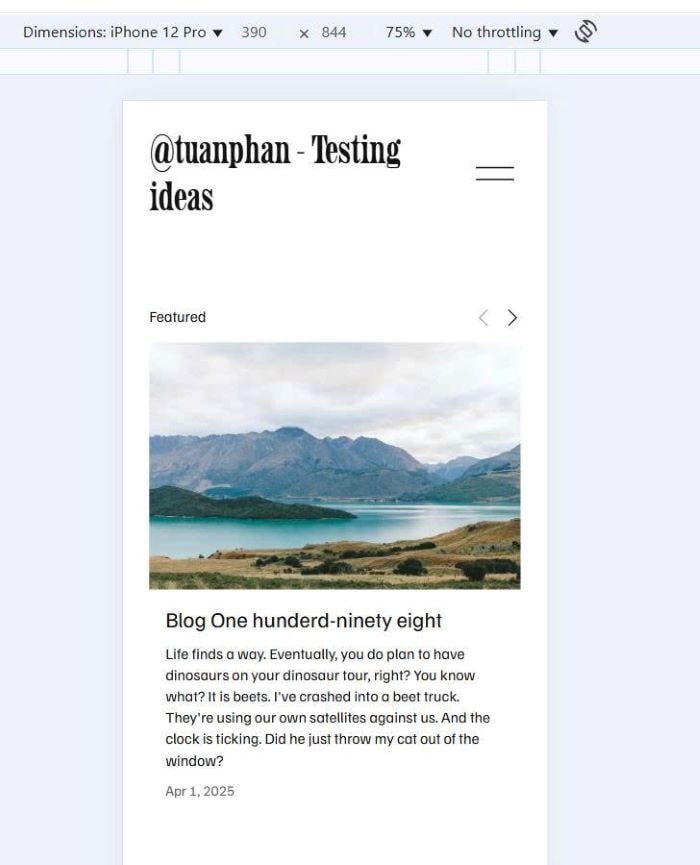
Summary Block Carousel to single column (1 item/row) on Mobile
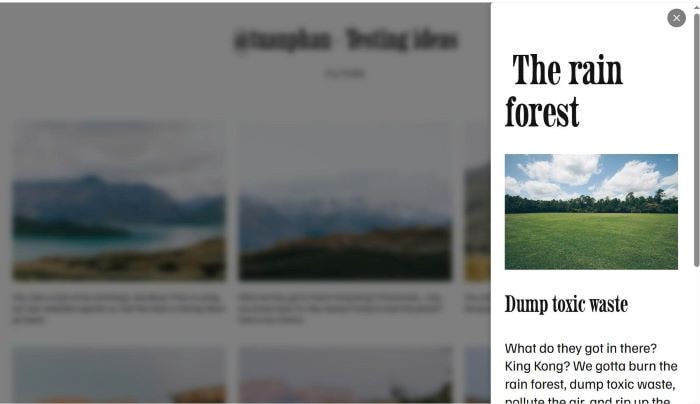
Click gallery image – Open Side Popup with Image Detail (Popup on right of screen)

Autoscroll Slideshow (every 5 seconds)
Loading lines at bottom of Slideshow image
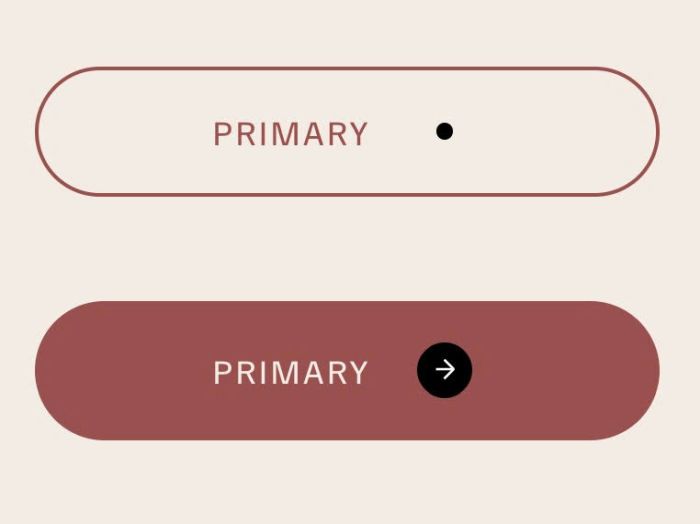
Button Block (Form Block): adding dot next to Text – Hover button will change dot to circle with arrow