To turn Portfolio Page to Custom Style like this.

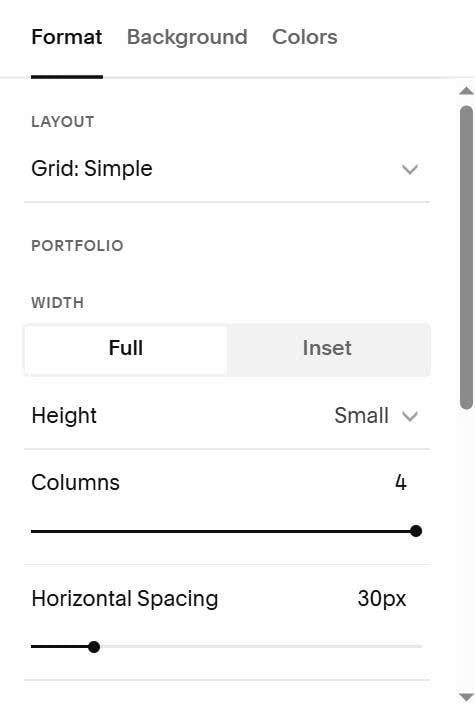
#1. First, you can change Portfolio Page to Grid Simple
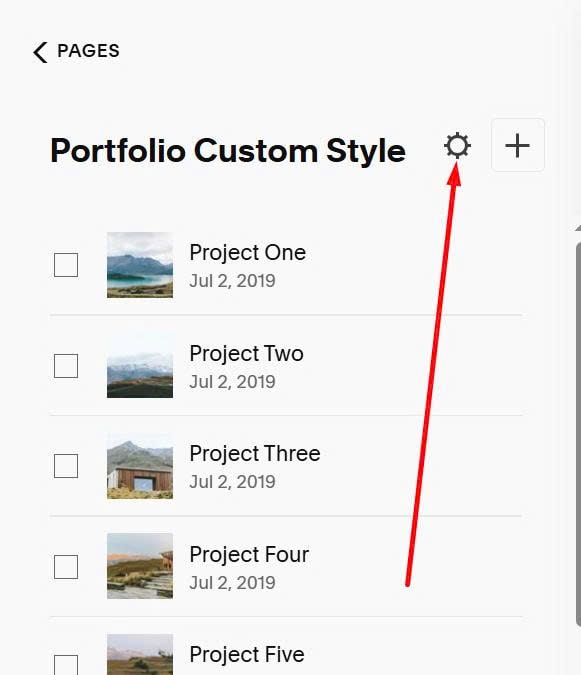
#2. Next, click Gear icon on Portfolio Page
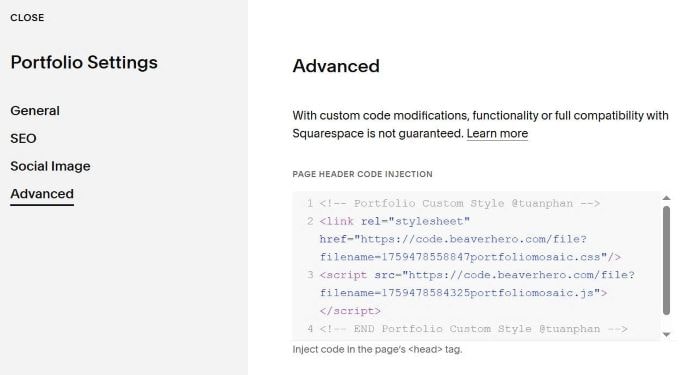
#3. Paste this code
<!-- Portfolio Custom Style @tuanphan -->
<link rel="stylesheet" href="https://code.beaverhero.com/file?filename=1759478558847portfoliomosaic.css"/>
<script src="https://code.beaverhero.com/file?filename=1759478584325portfoliomosaic.js"></script>
<!-- END Portfolio Custom Style @tuanphan -->
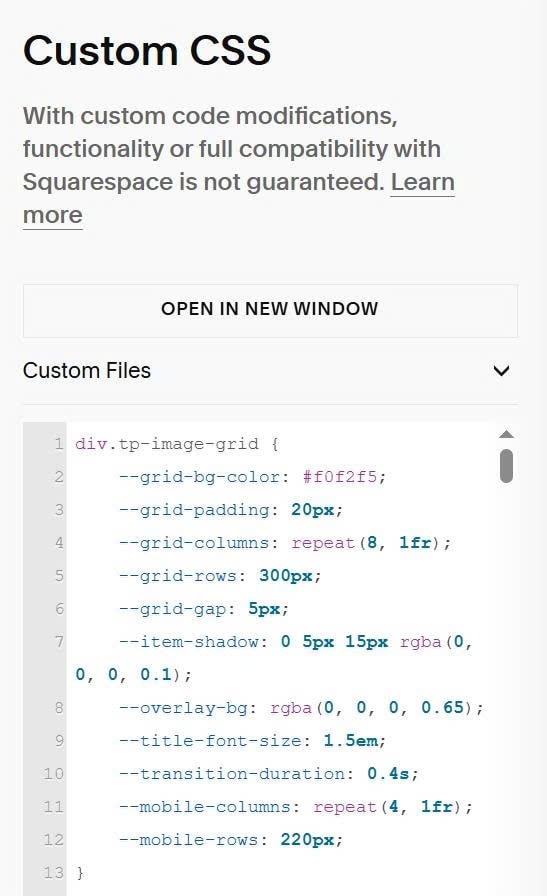
#4. To adjust style (space between items, overlay color…) you can use this to Custom CSS & adjust value in the code.
div.tp-image-grid {
    --grid-bg-color: #f0f2f5;
    --grid-padding: 20px;
    --grid-columns: repeat(8, 1fr);
    --grid-rows: 300px;
    --grid-gap: 5px;
    --item-shadow: 0 5px 15px rgba(0, 0, 0, 0.1);
    --overlay-bg: rgba(0, 0, 0, 0.65);
    --title-font-size: 1.5em;
    --transition-duration: 0.4s;
    --mobile-columns: repeat(4, 1fr);
    --mobile-rows: 220px;
}