Description: Hover button > Underline run from 0 to 100%.

Use this code to Code Injection > Footer
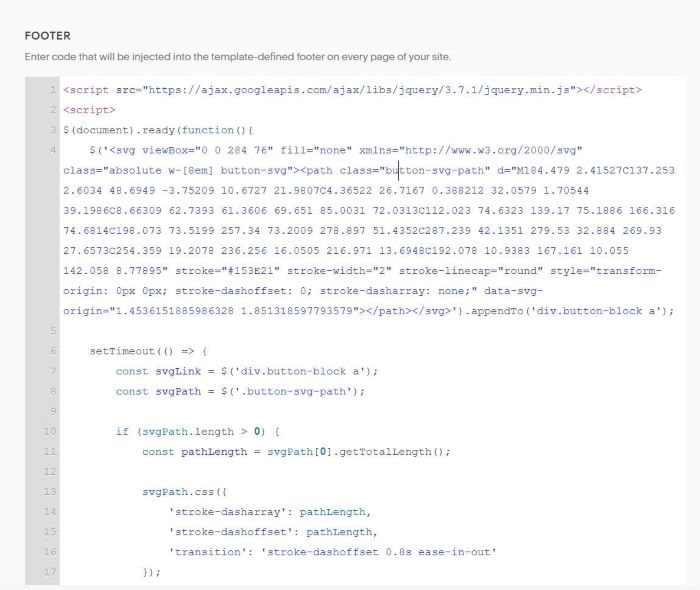
<script src="https://ajax.googleapis.com/ajax/libs/jquery/3.7.1/jquery.min.js"></script>
<script>
$(document).ready(function(){
    $('<svg viewBox="0 0 284 76" fill="none" xmlns="http://www.w3.org/2000/svg" class="absolute w-[8em] button-svg"><path class="button-svg-path" d="M184.479 2.41527C137.253 2.6034 48.6949 -3.75209 10.6727 21.9807C4.36522 26.7167 0.388212 32.0579 1.70544 39.1986C8.66309 62.7393 61.3606 69.651 85.0031 72.0313C112.023 74.6323 139.17 75.1886 166.316 74.6814C198.073 73.5199 257.34 73.2009 278.897 51.4352C287.239 42.1351 279.53 32.884 269.93 27.6573C254.359 19.2078 236.256 16.0505 216.971 13.6948C192.078 10.9383 167.161 10.055 142.058 8.77895" stroke="#153E21" stroke-width="2" stroke-linecap="round" style="transform-origin: 0px 0px; stroke-dashoffset: 0; stroke-dasharray: none;" data-svg-origin="1.4536151885986328 1.851318597793579"></path></svg>').appendTo('div.button-block a');

    setTimeout(() => {
        const svgLink = $('div.button-block a');
        const svgPath = $('.button-svg-path');

        if (svgPath.length > 0) {
            const pathLength = svgPath[0].getTotalLength();

            svgPath.css({
                'stroke-dasharray': pathLength,
                'stroke-dashoffset': pathLength,
                'transition': 'stroke-dashoffset 0.8s ease-in-out'
            });

            svgLink.on('mouseenter', () => svgPath.css('stroke-dashoffset', '0'))
                   .on('mouseleave', () => svgPath.css('stroke-dashoffset', pathLength));
        }
    }, 100);
});
</script>
<style>
div.button-block svg {
    position: absolute;
    width: 9em;
}
div.button-block a {
    border: none !important;
    background-color: transparent !important;
}
</style>