To remove padding under Reel Caption.
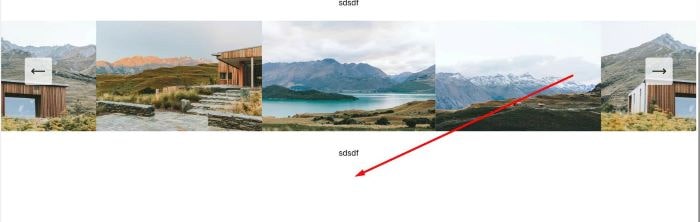
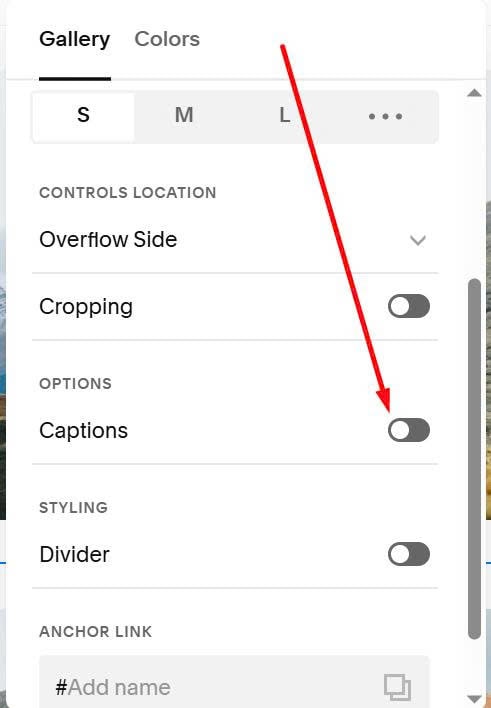
#1. First, DISABLE Captions option
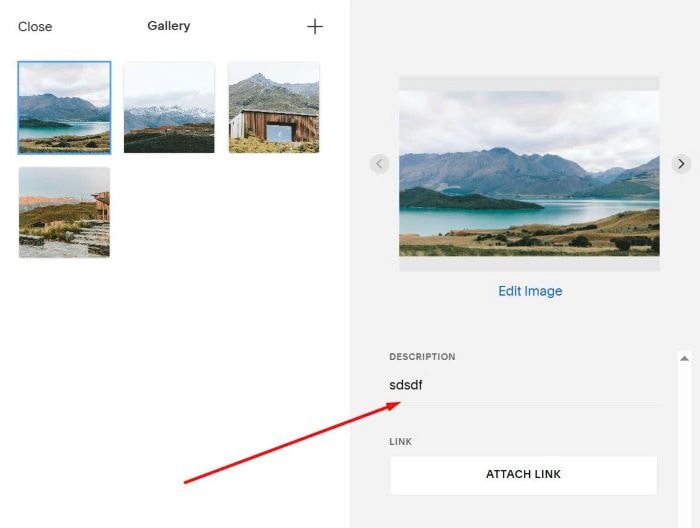
#2. But still add caption text to Image Description, like this
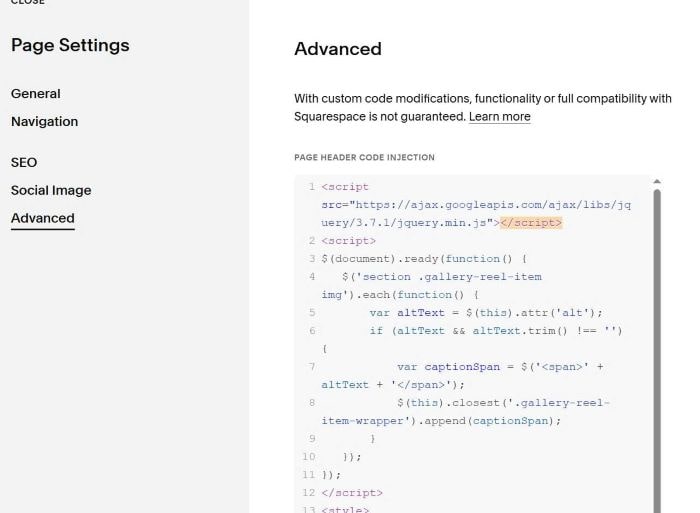
#3. Next, use this code to Page Header Injection
<script src="https://ajax.googleapis.com/ajax/libs/jquery/3.7.1/jquery.min.js"></script>
<script>
$(document).ready(function() {
   $('section .gallery-reel-item img').each(function() {
       var altText = $(this).attr('alt');
       if (altText && altText.trim() !== '') {
           var captionSpan = $('<span>' + altText + '</span>');
           $(this).closest('.gallery-reel-item-wrapper').append(captionSpan);
       }
   });
});
</script>
<style>
figure.gallery-reel-item span {
    position: absolute;
    bottom: -30px;
    left: 50%;
    transform: translateX(-50%);
    font-size: 14px;
    opacity: 0;
}
figure[data-active="true"] span {
    opacity: 1;
}
.gallery-reel-list {
    overflow: visible !important;
}

.gallery-reel-item-wrapper {
    overflow: visible !important;
}
section {
    overflow: hidden;
}
</style>
#4. Explain
- Padding is created by Caption. Disabling Captions will cause the padding to disappear. The above code will get the Caption text from Description and display it below the image. This will not create new padding.