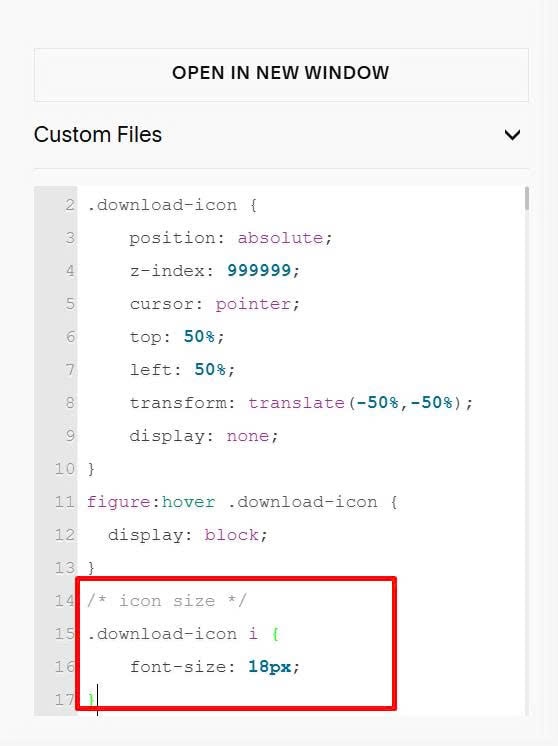
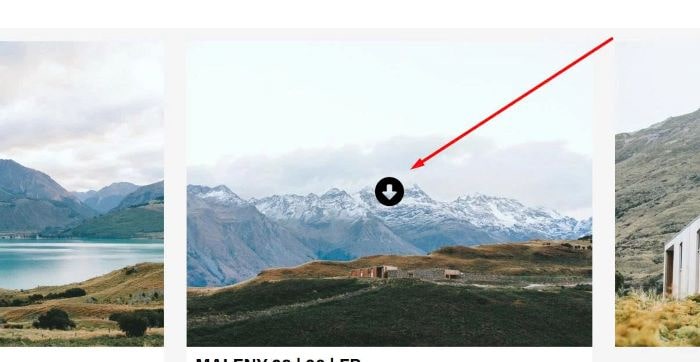
To add a download icon on hover gallery image, like this.
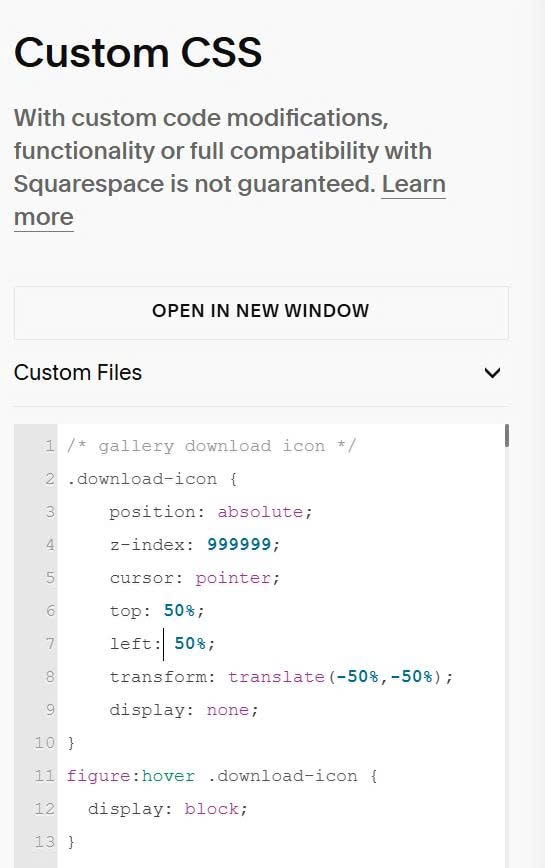
#1. First, use this code to Custom CSS
/* gallery download icon */
.download-icon {
    position: absolute;
    z-index: 999999;
    cursor: pointer;
    top: 50%;
    left: 50%;
    transform: translate(-50%,-50%);
    display: none;
}
figure:hover .download-icon {
  display: block;
}
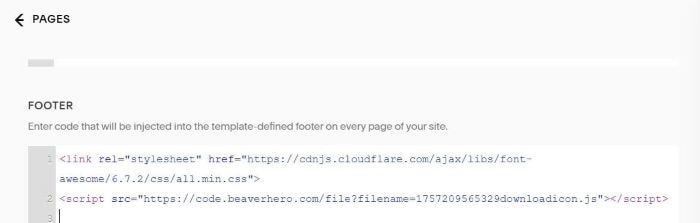
#2. Next, use this code to Page Header Injection (or Code Injection > Footer)
<link rel="stylesheet" href="https://cdnjs.cloudflare.com/ajax/libs/font-awesome/6.7.2/css/all.min.css">
<script src="https://code.beaverhero.com/file?filename=1757209565329downloadicon.js"></script>
#3. To change download icon size, you can add this extra code to Custom CSS.
/* icon size */
.download-icon i {
    font-size: 18px;
}