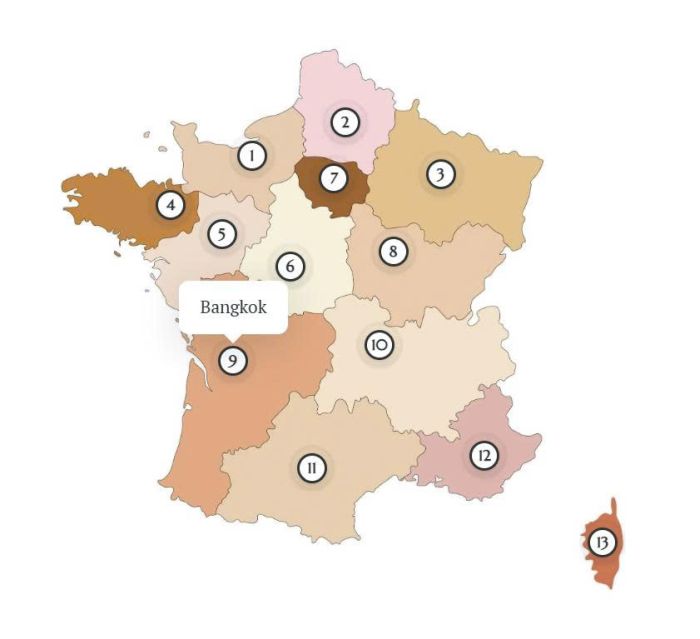
To add an interactive travel map like this (city text will appear on hover and click will open detail page [or popup detail]), you can do these.
- To make it clickable on new page, you can follow this guide.
#1. First, you need to install Image Hotspots Plugin
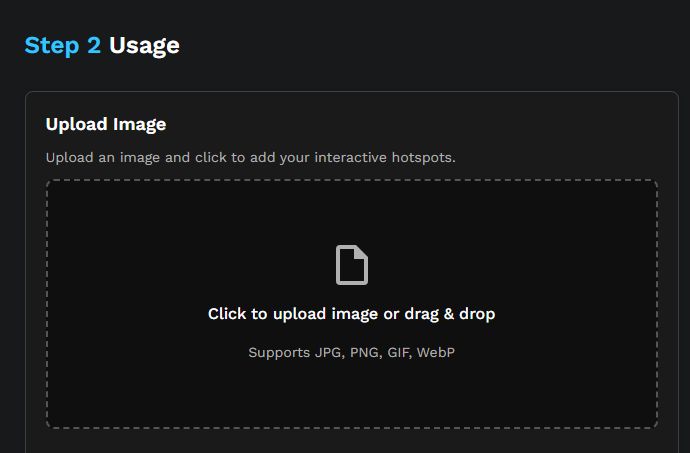
#2. Upload Map Image
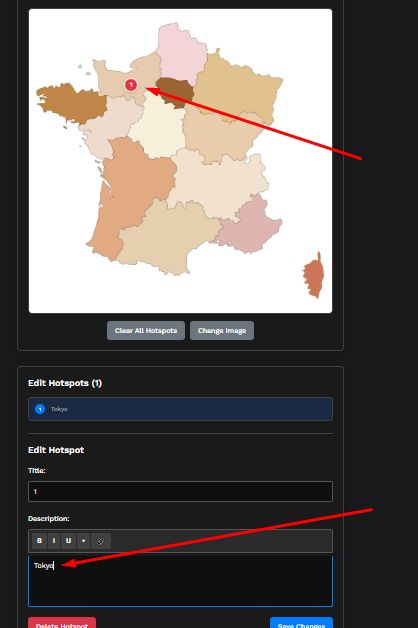
#3. Click a position > Enter City text
Repeat until all other city texts are filled in on the map.
#4. Copy this code
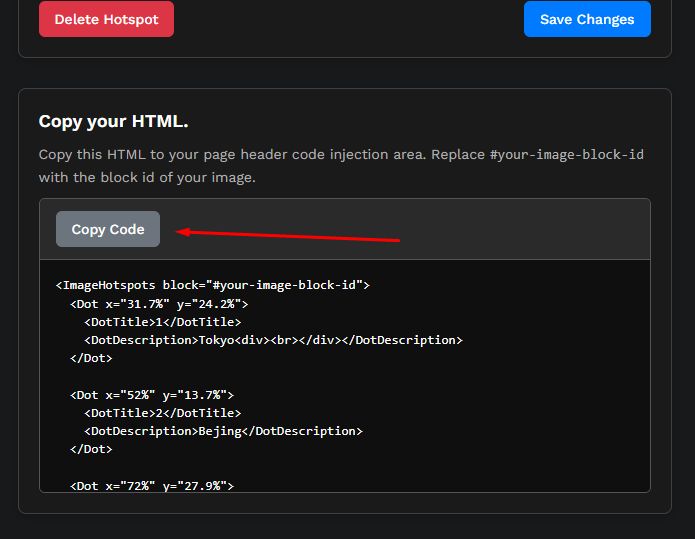
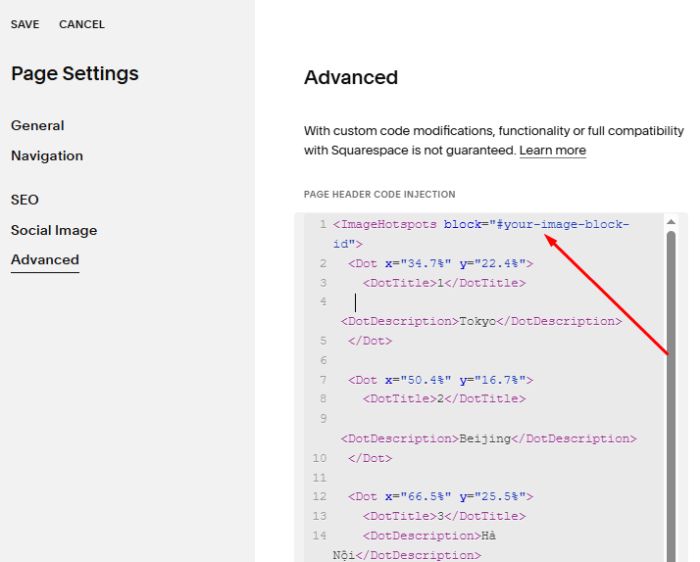
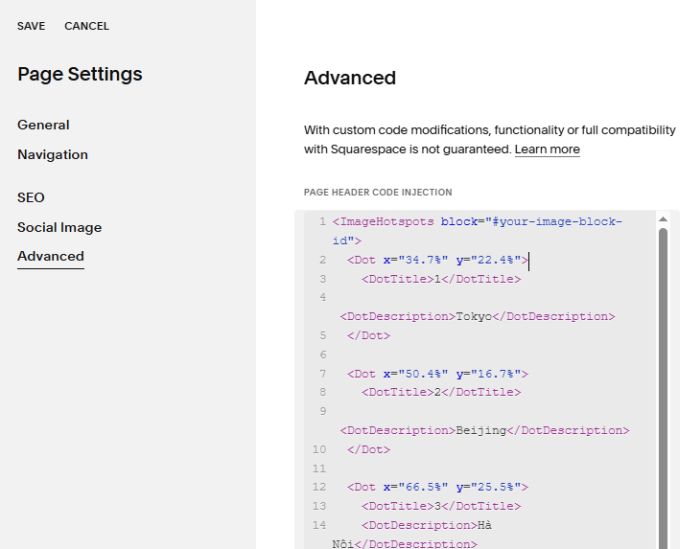
#5. Next, paste #4 code to Page Header Injection (page where you put the map)
#6. Find ID of Map Image
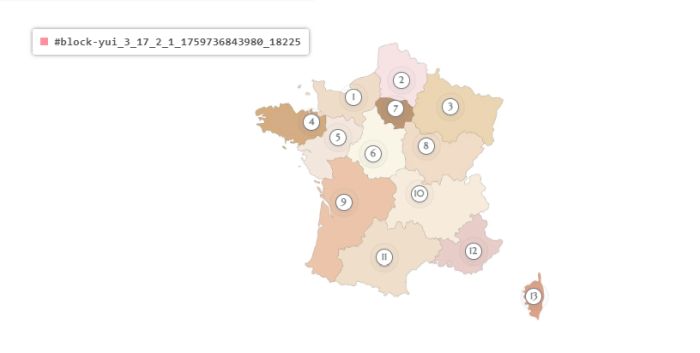
#7. Update Map Image ID in code