Description: Click thumbnails on left – Change big image on right, similar when you choose Product Variant option it will open corresponding image.
Initial
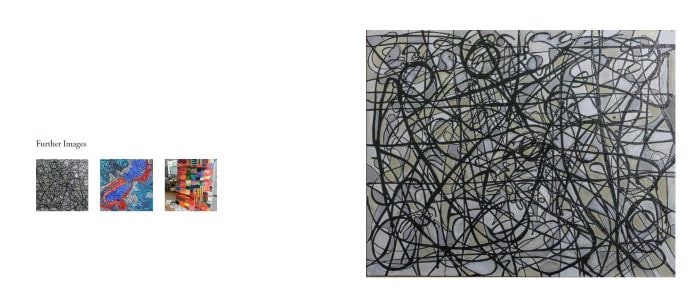
Click second thumbnail image
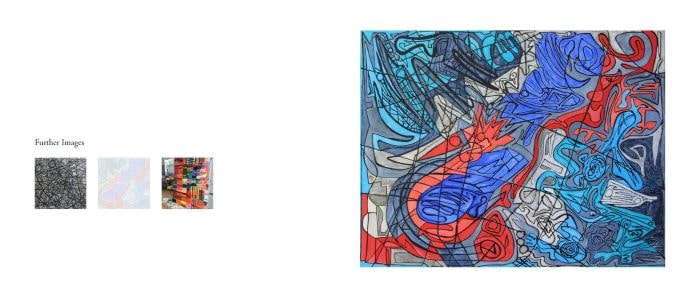
Click third thumbnail image
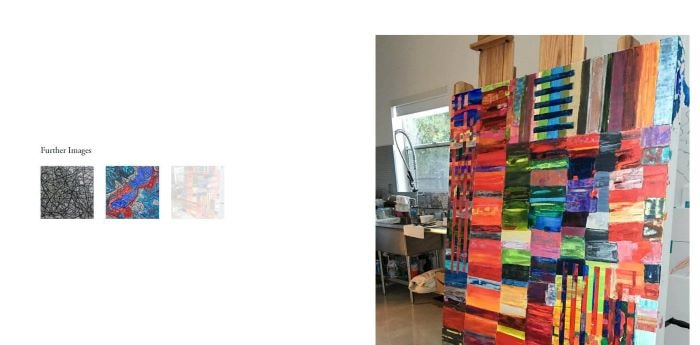
#A. One Page
#1. First, you need to add a Gallery Block
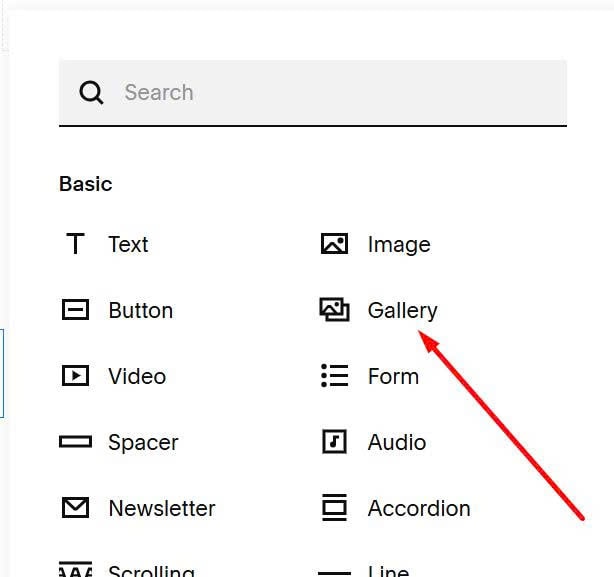
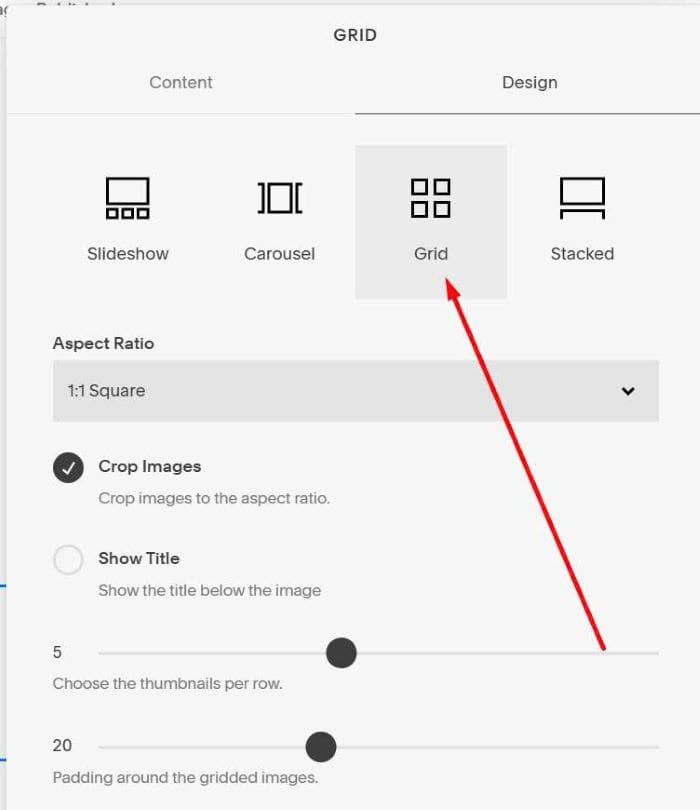
#2. Choose Grid
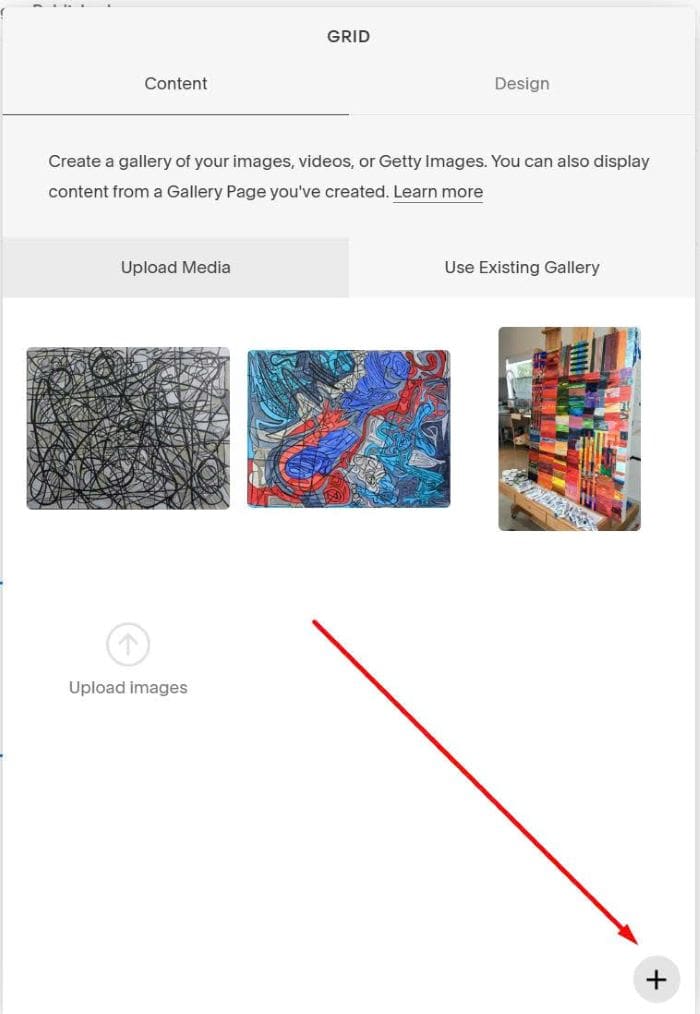
#3. Upload thumbnail images
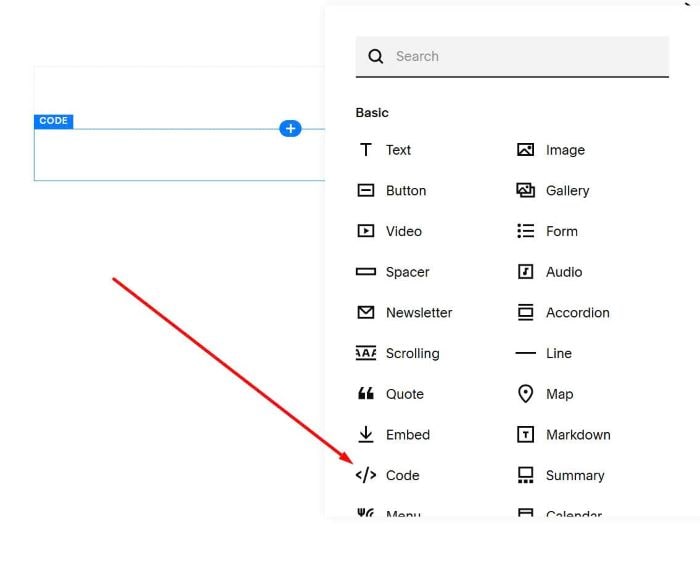
#4. Add a Code Block on right position
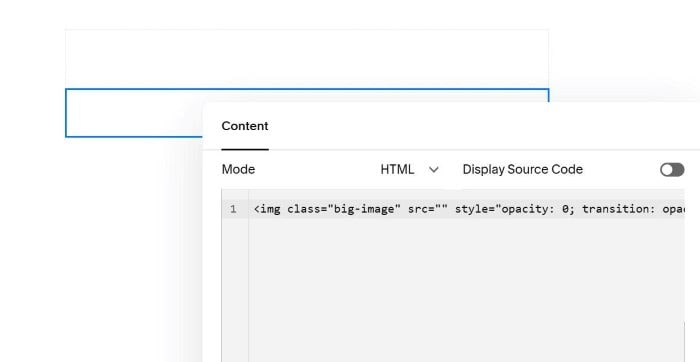
#5. Paste this syntax into Code Block
<img class="big-image" src="" style="opacity: 0; transition: opacity 0.3s;">
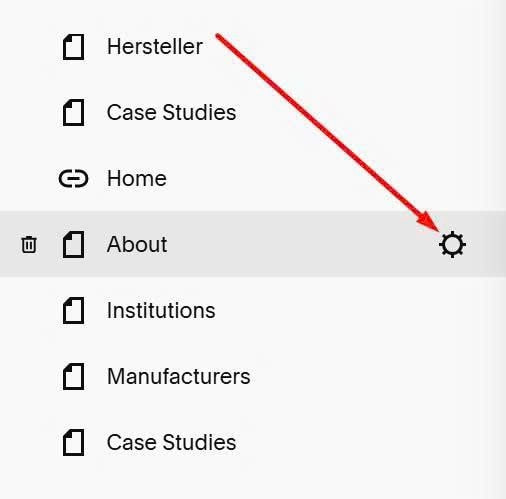
#6. Hover on Page Name > Click Gear icon
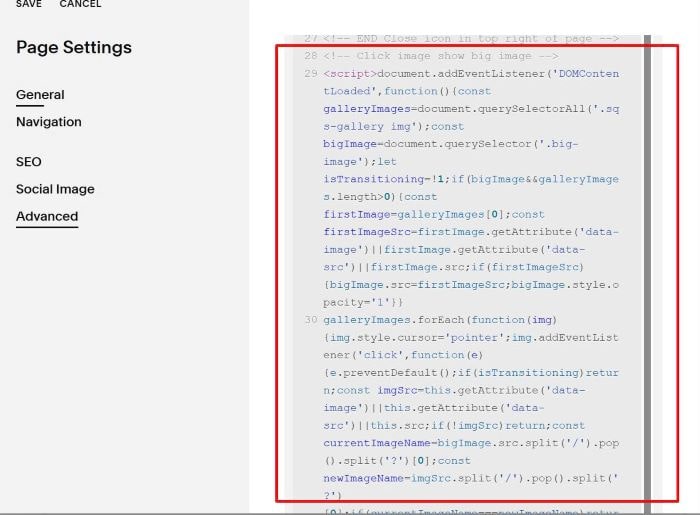
#7. Click Advanced > Paste code to right box
<!-- Click image show big image -->
<script>document.addEventListener('DOMContentLoaded',function(){const galleryImages=document.querySelectorAll('.sqs-gallery img');const bigImage=document.querySelector('.big-image');let isTransitioning=!1;if(bigImage&&galleryImages.length>0){const firstImage=galleryImages[0];const firstImageSrc=firstImage.getAttribute('data-image')||firstImage.getAttribute('data-src')||firstImage.src;if(firstImageSrc){bigImage.src=firstImageSrc;bigImage.style.opacity='1'}}
galleryImages.forEach(function(img){img.style.cursor='pointer';img.addEventListener('click',function(e){e.preventDefault();if(isTransitioning)return;const imgSrc=this.getAttribute('data-image')||this.getAttribute('data-src')||this.src;if(!imgSrc)return;const currentImageName=bigImage.src.split('/').pop().split('?')[0];const newImageName=imgSrc.split('/').pop().split('?')[0];if(currentImageName===newImageName)return;galleryImages.forEach(function(otherImg){const slide=otherImg.closest('.sqs-gallery-design-grid-slide');if(slide){slide.classList.remove('g-active')}});const currentSlide=this.closest('.sqs-gallery-design-grid-slide');if(currentSlide){currentSlide.classList.add('g-active')}
isTransitioning=!0;const newImage=new Image();newImage.onload=function(){bigImage.style.transition='none';bigImage.src=imgSrc;bigImage.style.opacity='0';requestAnimationFrame(function(){bigImage.style.transition='opacity 0.3s ease';bigImage.style.opacity='1';setTimeout(function(){isTransitioning=!1},300)})};newImage.onerror=function(){isTransitioning=!1};newImage.src=imgSrc})})});</script>
<style>.g-active.slide img{opacity:0.2!important}</style>
<!-- END Click image show big image -->
#B. Multiple Pages
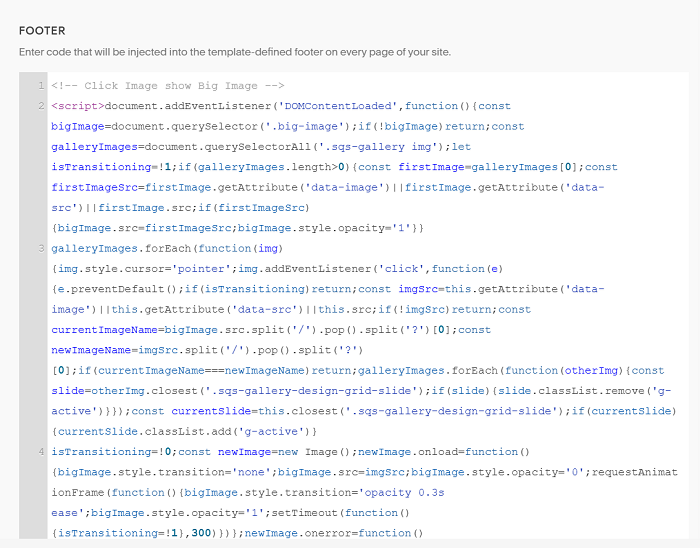
#1. First, use this code to Code Injection > Footer
<!-- Click Image show Big Image -->
<script>document.addEventListener('DOMContentLoaded',function(){const bigImage=document.querySelector('.big-image');if(!bigImage)return;const galleryImages=document.querySelectorAll('.sqs-gallery img');let isTransitioning=!1;if(galleryImages.length>0){const firstImage=galleryImages[0];const firstImageSrc=firstImage.getAttribute('data-image')||firstImage.getAttribute('data-src')||firstImage.src;if(firstImageSrc){bigImage.src=firstImageSrc;bigImage.style.opacity='1'}}
galleryImages.forEach(function(img){img.style.cursor='pointer';img.addEventListener('click',function(e){e.preventDefault();if(isTransitioning)return;const imgSrc=this.getAttribute('data-image')||this.getAttribute('data-src')||this.src;if(!imgSrc)return;const currentImageName=bigImage.src.split('/').pop().split('?')[0];const newImageName=imgSrc.split('/').pop().split('?')[0];if(currentImageName===newImageName)return;galleryImages.forEach(function(otherImg){const slide=otherImg.closest('.sqs-gallery-design-grid-slide');if(slide){slide.classList.remove('g-active')}});const currentSlide=this.closest('.sqs-gallery-design-grid-slide');if(currentSlide){currentSlide.classList.add('g-active')}
isTransitioning=!0;const newImage=new Image();newImage.onload=function(){bigImage.style.transition='none';bigImage.src=imgSrc;bigImage.style.opacity='0';requestAnimationFrame(function(){bigImage.style.transition='opacity 0.3s ease';bigImage.style.opacity='1';setTimeout(function(){isTransitioning=!1},300)})};newImage.onerror=function(){isTransitioning=!1};newImage.src=imgSrc})})});</script><style>.g-active.slide img{opacity:0.2!important}</style>
<!-- END Click image show big image -->
#2. Next, edit Page > add a Gallery Block
#3. Choose Grid
#4. Upload thumbnail images
#5. Add a Code Block on right position
#6. Paste this syntax into Code Block
<img class="big-image" src="" style="opacity: 0; transition: opacity 0.3s;">