To add a small image on top of low stock products (1, 2), like this.

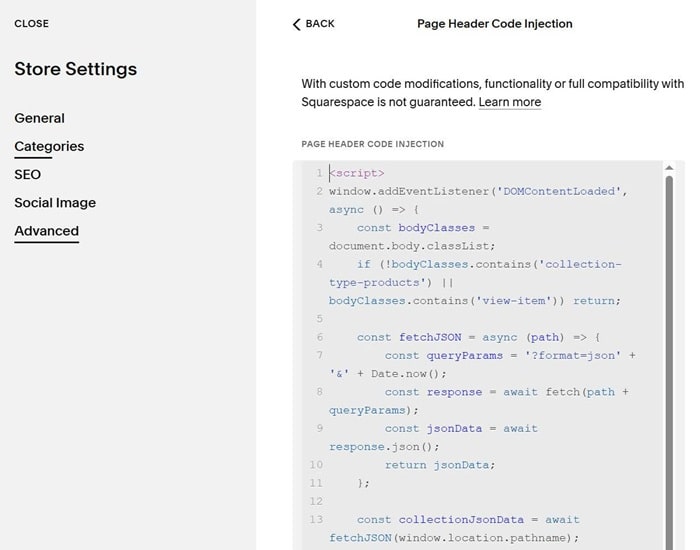
#1. First, use this code to Custom CSS. Remember to change Image url in the code
div.product-list-item.low-stocks .product-list-image-wrapper:before {
    content: "";
    background-image: url(https://cdn.pixabay.com/photo/2025/04/30/13/05/cat-9569386_1280.jpg);
    background-size: cover;
    background-repeat: no-repeat;
    background-position: center center;
    display: block;
    position: absolute;
    top: 10px;
    right: 10px;
    width: 50px;
    height: 50px;
    z-index: 99999;
}
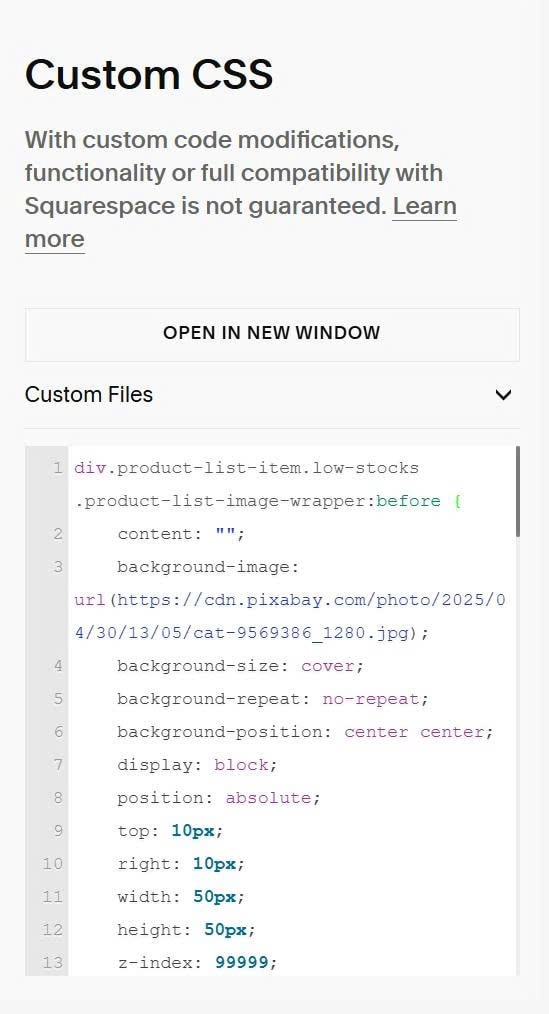
#2. Next, use this code to Store Page Header Injection
<script>
window.addEventListener('DOMContentLoaded', async () => {
    const bodyClasses = document.body.classList;
    if (!bodyClasses.contains('collection-type-products') || bodyClasses.contains('view-item')) return;

    const fetchJSON = async (path) => {
        const queryParams = '?format=json' + '&' + Date.now();
        const response = await fetch(path + queryParams);
        const jsonData = await response.json();
        return jsonData;
    };

    const collectionJsonData = await fetchJSON(window.location.pathname);
    if (!collectionJsonData.items) return;

    for (const item of collectionJsonData.items) {
        try {
            const productJsonData = await fetchJSON(item.fullUrl);

            if (!productJsonData.item) continue;

            const productLink = document.querySelector(`[href="${item.fullUrl}"]`);
            if (!productLink) continue;

            const productListItem = productLink.closest('.product-list-item');
            if (!productListItem) continue;

            let totalStock = 0;
            let hasUnlimited = false;

            if (productJsonData.item.variants && productJsonData.item.variants.length > 0) {
                productJsonData.item.variants.forEach(variant => {
                    if (variant.unlimited) {
                        hasUnlimited = true;
                    } else {
                        totalStock += variant.qtyInStock || 0;
                    }
                });
            }

            if (!hasUnlimited && (totalStock === 1 || totalStock === 2)) {
                productListItem.classList.add('low-stocks');
            }

        } catch (error) {
            console.log('Error fetching product data:', error);
        }
    }
});
</script>