By default, you will see this.

To achieve this position.

You can use this code to Code Injection > Header (under Timeline Plugin code)
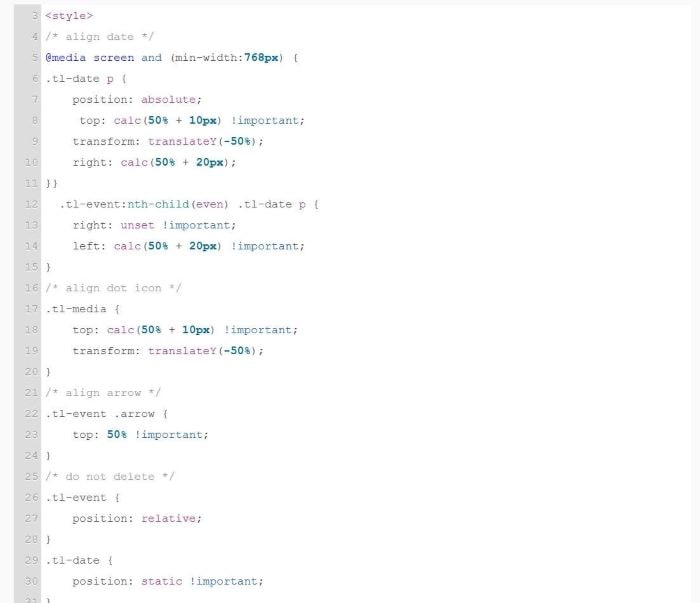
<style>
/* align date */
@media screen and (min-width:768px) {
.tl-date p {
    position: absolute;
     top: calc(50% + 10px) !important;
    transform: translateY(-50%);
    right: calc(50% + 20px);
}}
  .tl-event:nth-child(even) .tl-date p {
    right: unset !important;
    left: calc(50% + 20px) !important;
}
/* align dot icon */
.tl-media {
    top: calc(50% + 10px) !important;
    transform: translateY(-50%);
}
/* align arrow */
.tl-event .arrow {
    top: 50% !important;
}
/* do not delete */
.tl-event {
    position: relative;
}
.tl-date {
    position: static !important;
}
@media screen and (max-width:767px) {
.tl-date {
    display: block !important;
    grid: unset !important;
    position: relative !important;
    margin-left: 17px;
    z-index: 99999;
}
.tl-content .tl-date {
    visibility: hidden !important;
}
  .tl-media {
    top: calc(50% + 5px) !important;
}
  }
</style>