Description: exclude current item in Summary Block in Blog Post
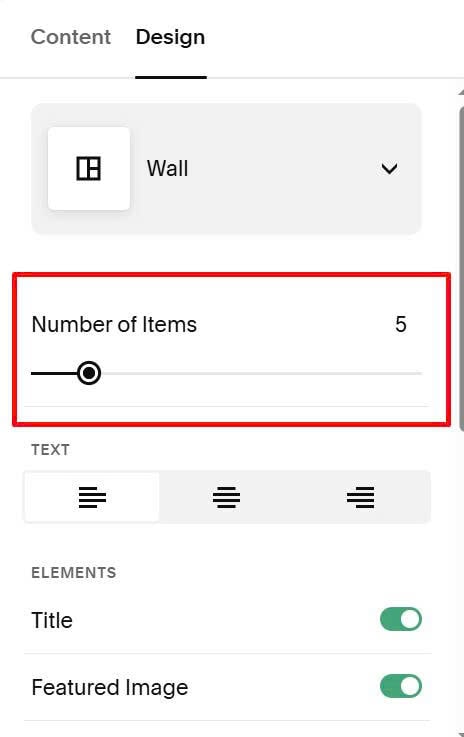
#1. First you need to set Summary to show 1 more item than the number of items you are using
Because when using code in #2, it will delete current item and not automatically pull new item to fill that position
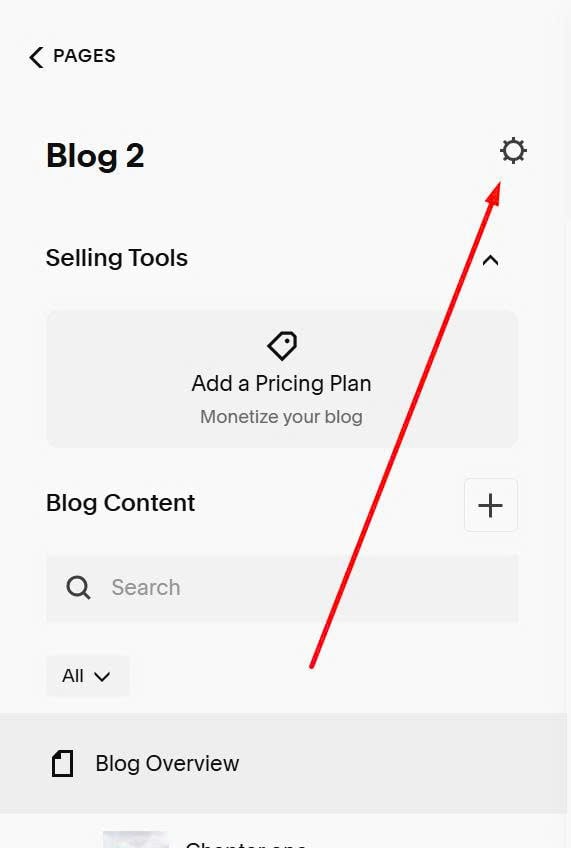
#2. Next, click on Gear icon on Blog Page
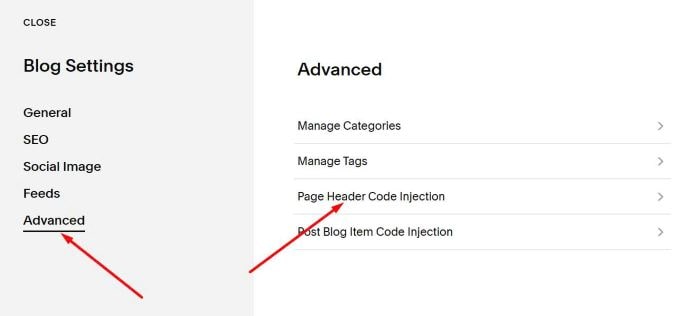
#3. Click Advanced > Page Header Code Injection
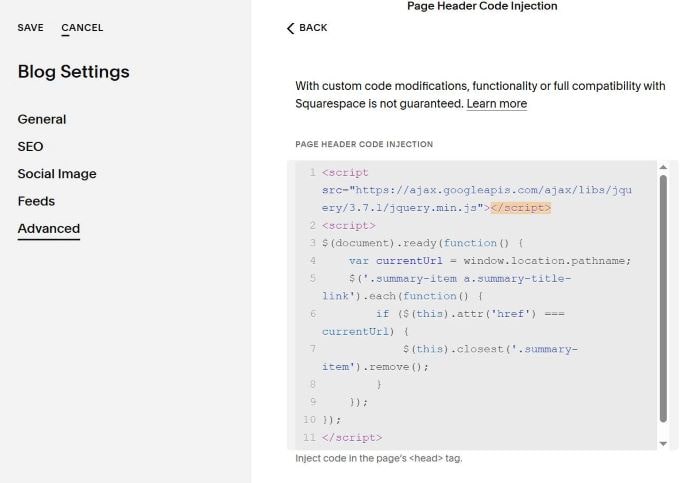
#4. Paste this code to right box
<script src="https://ajax.googleapis.com/ajax/libs/jquery/3.7.1/jquery.min.js"></script>
<script>
$(document).ready(function() {
    var currentUrl = window.location.pathname;
    $('.summary-item a.summary-title-link').each(function() {
        if ($(this).attr('href') === currentUrl) {
            $(this).closest('.summary-item').remove();
        }
    });
});
</script>