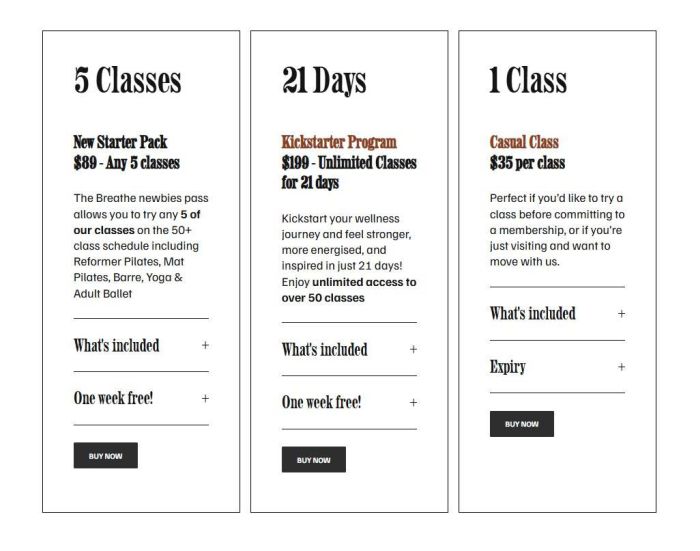
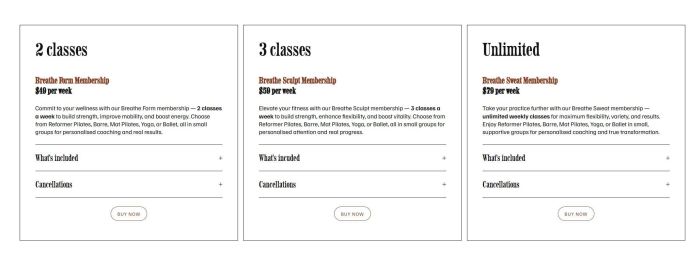
Description
+ Use Section Loader Supreme Plugin
+ Use custom JS code to make Buy Now button works with plugin
+ Use CSS code to change style of table columns
+ just some quick steps, still haven’t added full code yet
View Demo – Password: abc
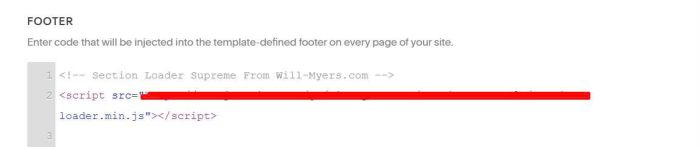
#1. First, you need to add plugin code to Header Injection
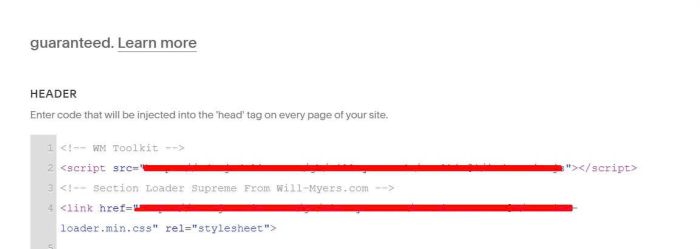
and Footer Injection
#2. Create a blog page with some items like this.
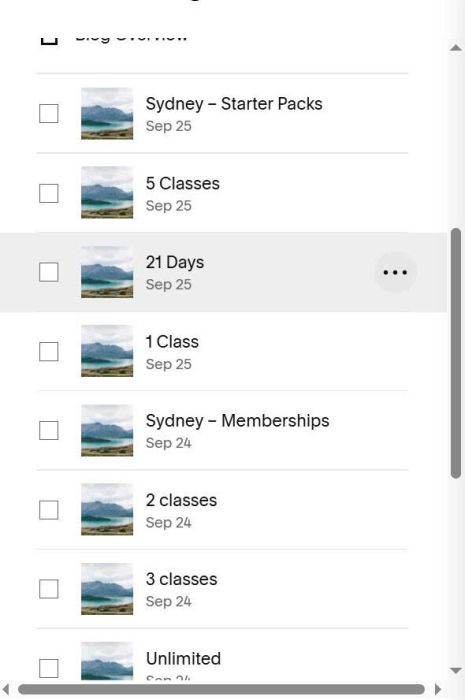
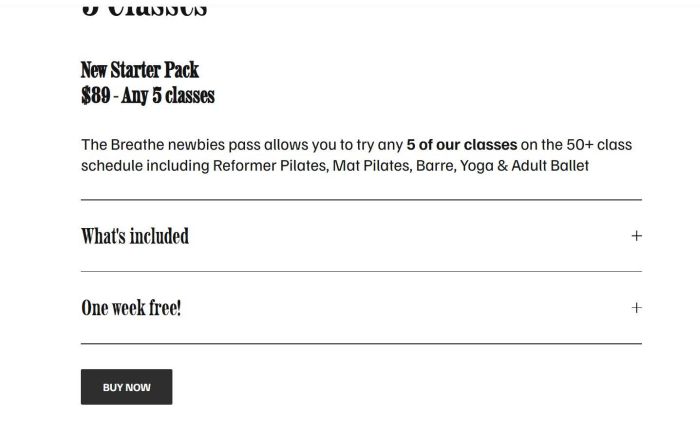
#2.1. Add content to these blog items, something like this.
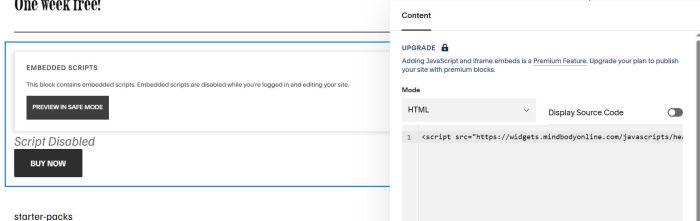
use Code Block for Mindbody widget code
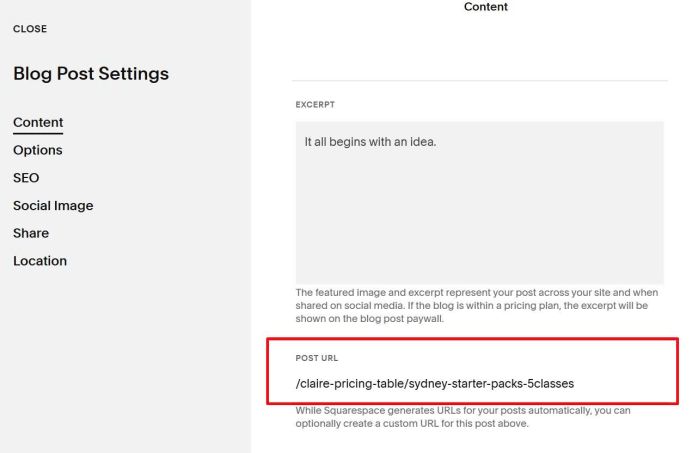
#2.2. Next, find Post URL slug of these blog items
#3. Edit page where you want to place Pricing Table > Add a Code Block with syntax like this.
<div data-wm-plugin="load" data-source="/claire-pricing-table/sydney-starter-packs-5classes"></div>
<div data-wm-plugin="load" data-source="/claire-pricing-table/sydney-starter-packs-21days"></div>
<div data-wm-plugin="load" data-source="/claire-pricing-table/sydney-starter-packs-1class"></div>
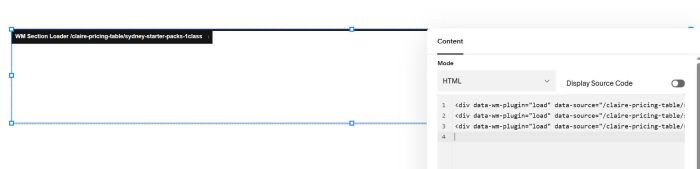
or this.
<div data-wm-plugin="load" data-source="/claire-pricing-table/sydney-memberships-2classes"></div>
<div data-wm-plugin="load" data-source="/claire-pricing-table/sydney-memberships-3classes"></div>
<div data-wm-plugin="load" data-source="/claire-pricing-table/sydney-memberships-unlimited"></div>
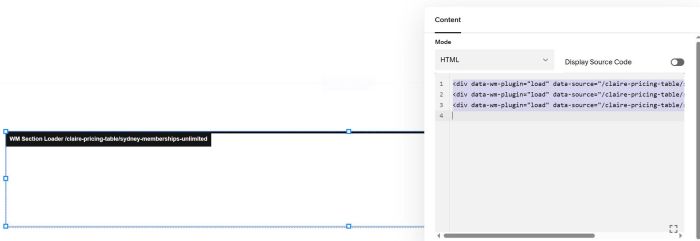
or this
<div data-wm-plugin="load" data-source="/claire-pricing-table/sydney-breathe-flexipass-10class-credits"></div>
<div data-wm-plugin="load" data-source="/claire-pricing-table/sydney-breathe-flexipass-20class-credits"></div>
<div data-wm-plugin="load" data-source="/claire-pricing-table/sydney-breathe-flexipass-50class-credits"></div>
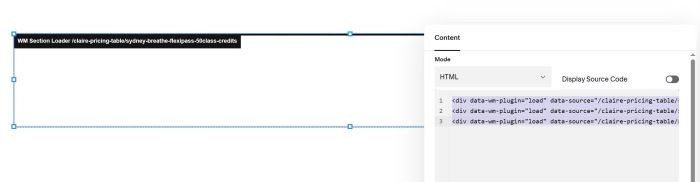
Remember to update Post URL
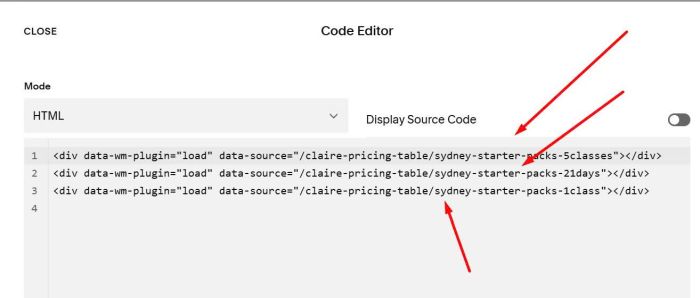
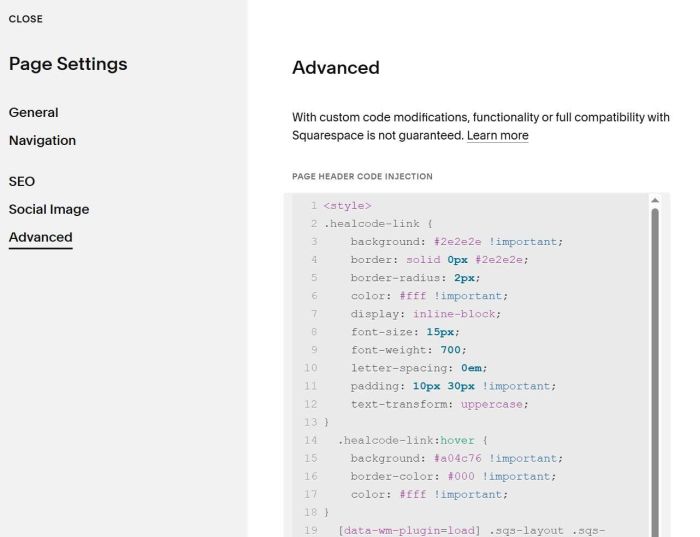
#4. Use some code to Page Header Injection (just basic code, you will need more code to style it as you want)
<style>
.healcode-link {
    background: #2e2e2e !important;
    border: solid 0px #2e2e2e;
    border-radius: 2px;
    color: #fff !important;
    display: inline-block;
    font-size: 15px;
    font-weight: 700;
    letter-spacing: 0em;
    padding: 10px 30px !important;
    text-transform: uppercase;
}
  .healcode-link:hover {
    background: #a04c76 !important;
    border-color: #000 !important;
    color: #fff !important;
}
  [data-wm-plugin=load] .sqs-layout .sqs-block {
    padding: 17px !important;
}
  [data-wm-plugin=load] .sqs-layout .sqs-block {
    padding: 17px !important;
}

.code-block .blog-item-inner-wrapper {
    width: 100% !important;
}

.fe-block>.code-block>div {
    display: grid;
    grid-template-columns: repeat(3,1fr);
    grid-gap: 20px 20px;
}
@media screen and (max-width:767px) {
    .fe-block>.code-block>div {
    display: grid;
    grid-template-columns: repeat(1,1fr);
    grid-gap: 20px 20px;
}

}
[data-wm-plugin] {
    border: 1px solid #000;
}

.code-block .blog-meta-item.blog-meta-item--tags {
    display: none;
}

.code-block .blog-item-content.e-content {
    margin: 0 !important;
}
</style>
#5. Result