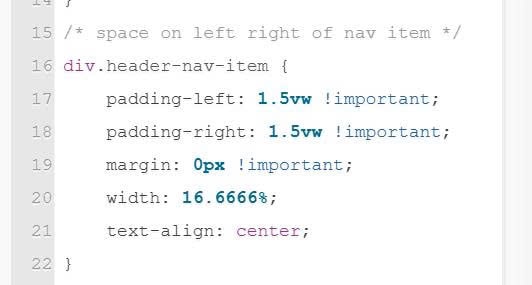
To achieve Logo inline Navigation. Border around Nav items, like this.

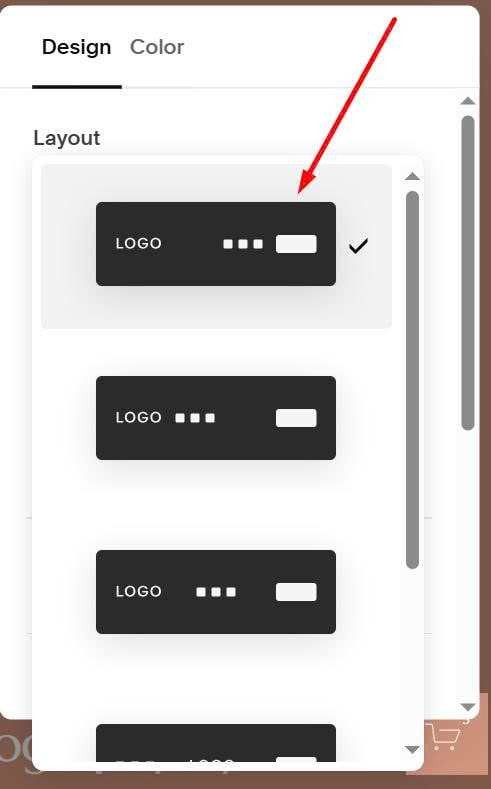
#1. First, change Header layout to
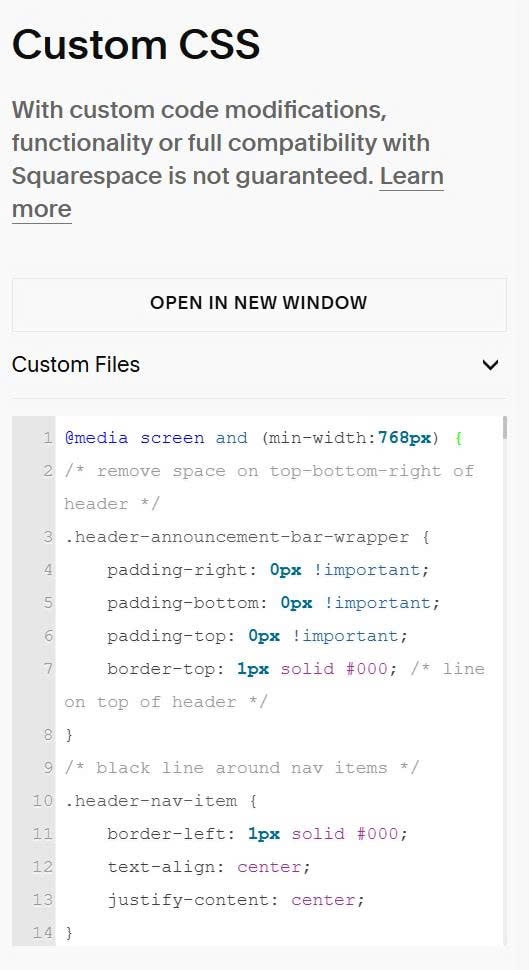
#2. Next, use this code to Custom CSS.
@media screen and (min-width:768px) {
/* remove space on top-bottom-right of header */
.header-announcement-bar-wrapper {
    padding-right: 0px !important;
    padding-bottom: 0px !important;
    padding-top: 0px !important;
    border-top: 1px solid #000; /* line on top of header */
}
/* black line around nav items */
.header-nav-item {
    border-left: 1px solid #000;
    text-align: center;
    justify-content: center;
}
/* space on left right of nav item */
div.header-nav-item {
    padding-left: 1.5vw !important;
    padding-right: 1.5vw !important;
    margin: 0px !important;
    width: 16.6666%;
    text-align: center;
}
/* remove underline under nav items */
div.header-nav-item>a {
    background-image: none !important;
}
/* nav item height */
div.header-nav-item>a {
    height: 70px !important;
}
/* other */
nav.header-nav-list {
    width: 100% !important;
}
.header-nav-wrapper {
    display: flex;
    justify-content: center;
}}
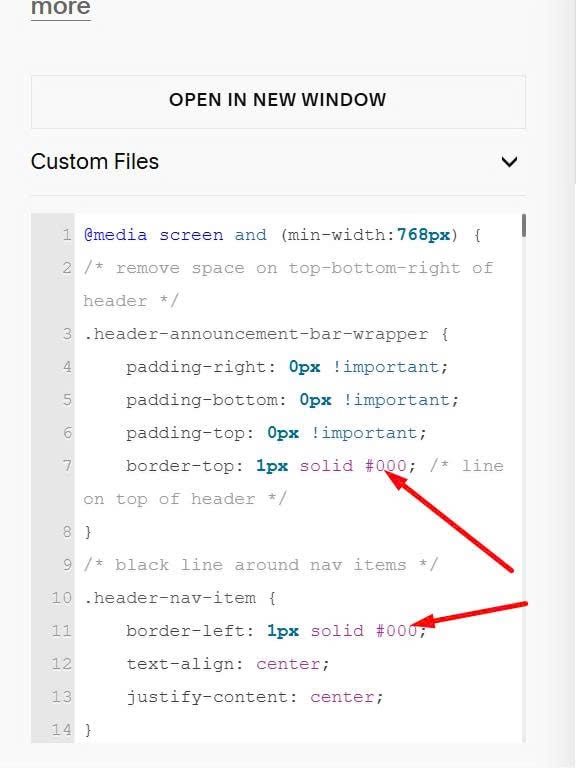
#3. To change Line around Nav item color, you can change these.
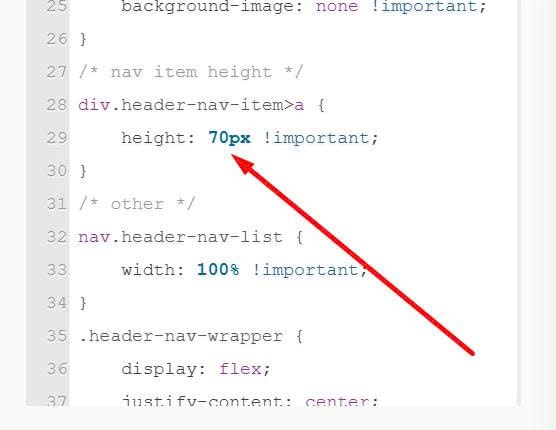
To change Navigation item height (height will make sure vertical line always touch top/bottom of header), change this.
To change space between Nav items/width of Nav item, change these.