Description
- adding tabs category filter to gallery block grid
- view demo – password: abc
- buy me a coffee

#1. Install Code
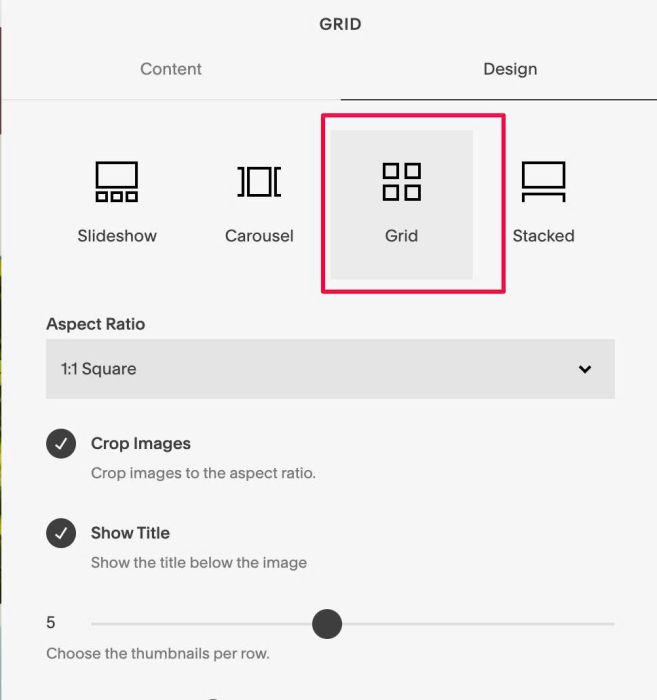
#1.1. Make sure you use Gallery Block Grid
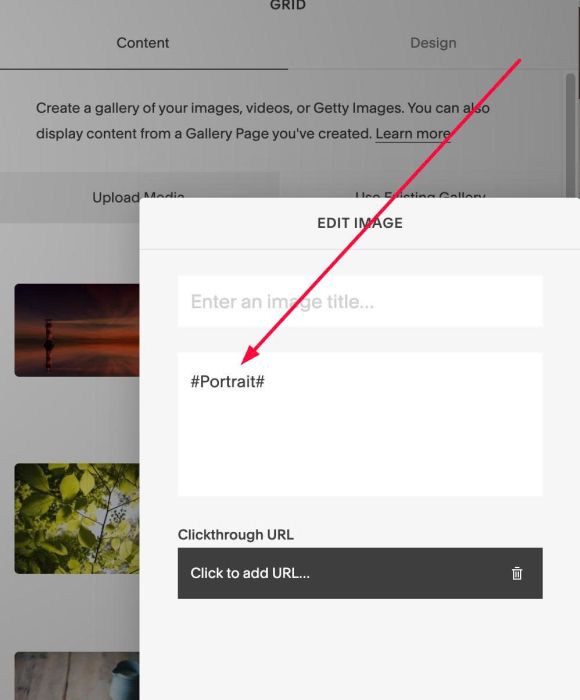
#1.2. On each image > Enter text like this to Description field: #Portrait#
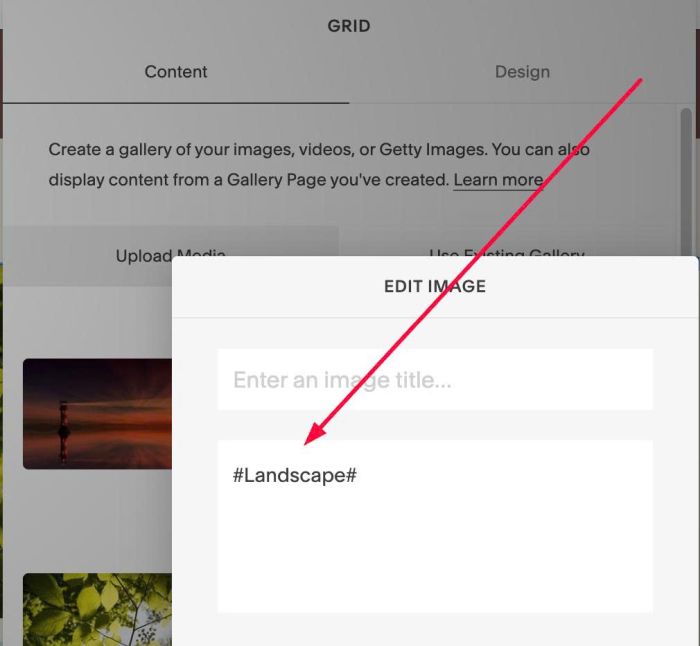
#Landscape#
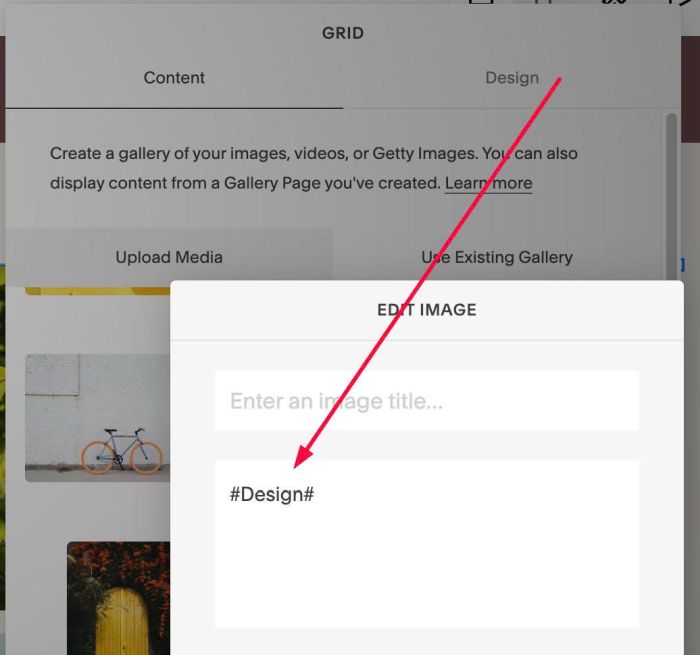
#Design#
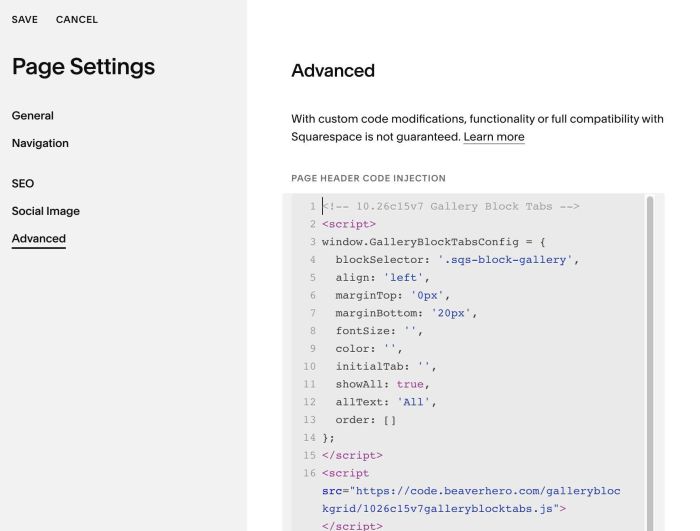
#1.3. Hover on Page where you use Gallery Block > Click Gear icon > Click Advanced > Paste this code
<!-- 10.26c15v7 Gallery Block Tabs -->
<script>
window.GalleryBlockTabsConfig = {
  blockSelector: '.sqs-block-gallery',
  align: 'left',
  marginTop: '0px',
  marginBottom: '20px',
  fontSize: '',
  color: '',
  initialTab: '',
  showAll: true,
  allText: 'All',
  order: []
};
</script>
<script src="https://code.beaverhero.com/galleryblockgrid/1026c15v7galleryblocktabs.js"></script>
#2. Customize
#2.1. To rename/disable text “All”, change line 11, 12
showAll: true,
allText: 'All',
#2.2. To change order of category filters, change line 13
order: []