Description
- remove 30 items limit on summary block (support Gallery Page only)
- buy me a coffee
#1. Install Code
#1.1. Make sure you connected Summary Block with Gallery Page
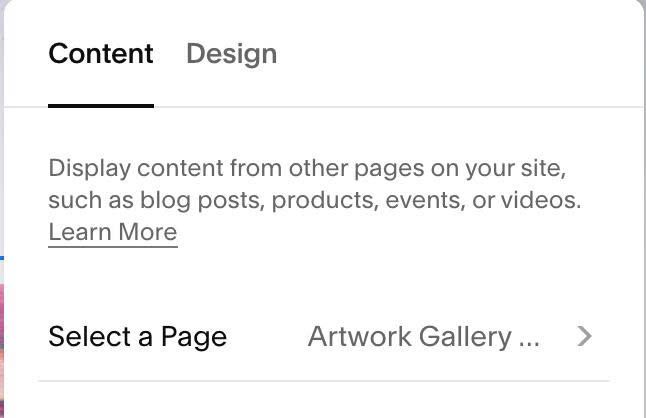
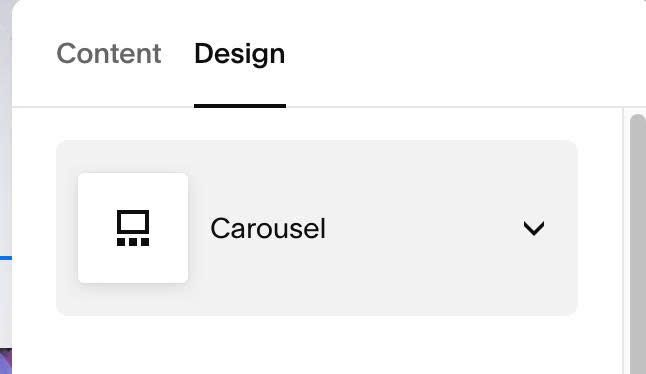
#1.2. Set Summary Block to Carousel (don’t worry, we will change it back to previous layout later)
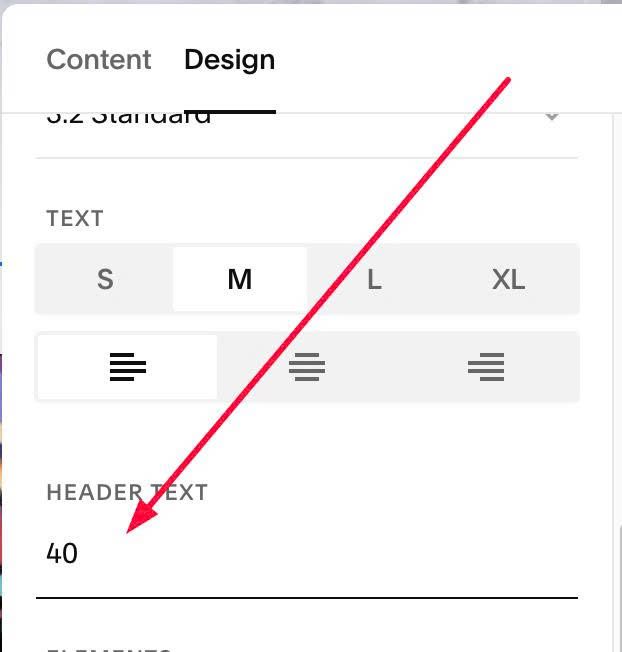
#1.3. Enter a number in Header Text. If you enter 40, Summary Block will show 40 items
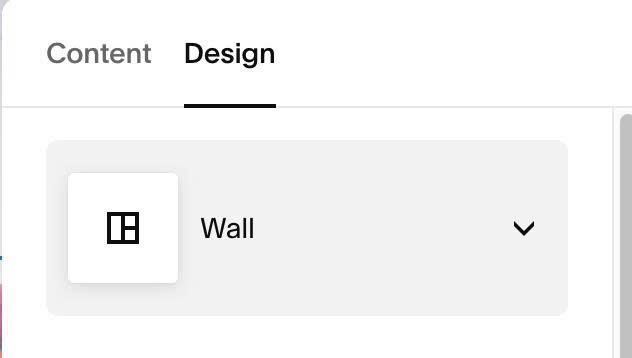
#1.4. Change back to previous layout. Ex: if you use Wall, you can change to Carousel then change back to Wall
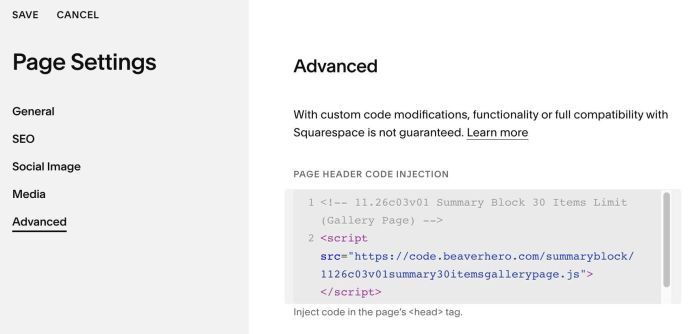
#1.5. Use this code to Page Header Injection (page where you use Summary Block)
<!-- 11.26c03v01 Summary Block 30 Items Limit (Gallery Page) -->
<script src="https://code.beaverhero.com/summaryblock/1126c03v01summary30itemsgallerypage.js"></script>
#1.6. If you need to open Lightbox on same page, use this new code
<!-- 11.26c03v01 Summary Block 30 Items Limit (Gallery Page) -->
<script src="https://code.beaverhero.com/summaryblock/1126c03v01summary30itemsgallerypagev3.js"></script>
#1.7. If you want to enable title/description in summary lightbox, use this new code
<!-- 11.26c03v01 Summary Block 30 Items Limit (Gallery Page) -->
<script src="https://code.beaverhero.com/summaryblock/1126c03v01summary30itemsgallerypagev4.js"></script>