Squarespace has no built-in way to show a live clock or an availability note in the header. This code adds a pulsing dot with your booking status and the current time in any city you choose, updating every minute.
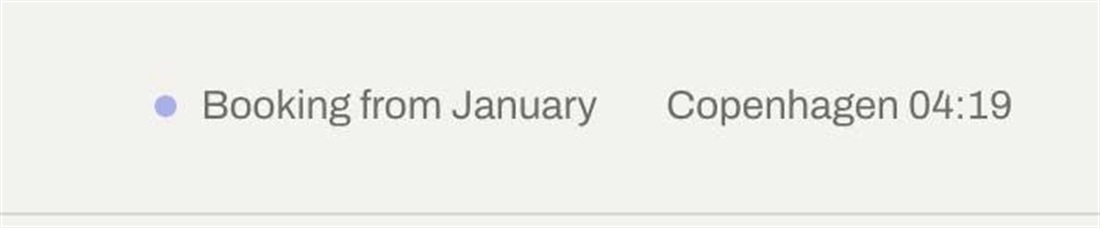
#1. Install Code
#1.1. First, use this code to Code Injection > Footer
<!-- 11.26c19v05 Header: Add a Live Local Clock and Availability Status -->
<script>
window.headerClockOptions = {
  bookingText: 'Booking from January',
  city: 'Copenhagen',
  timeZone: 'Europe/Copenhagen',
  fontSize: '',
  color: '',
  textGap: '22px',
  circleSize: '7px',
  circleColor: '#2C3FE0',
  circleGap: '8px'
};
</script>
<script src="https://code.beaverhero.com/header/1126c19v05livelocalclockavailability.js"></script>
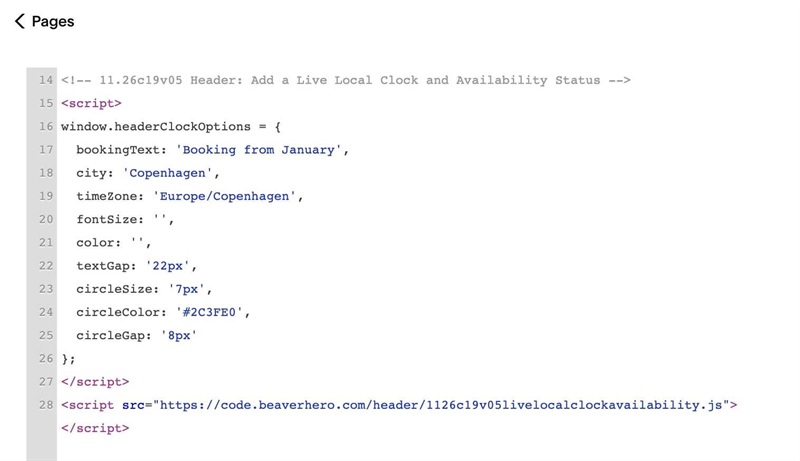
#1.2. You can change text here
bookingText: 'Booking from January',
city: 'Copenhagen',
Change Circle dot style here/text style
fontSize: '',
color: '',
textGap: '22px',
circleSize: '7px',
circleColor: '#2C3FE0',
circleGap: '8px'
Change timezone here
timeZone: 'Europe/Copenhagen',
You can find timezone in this list: timeapi.io/documentation/iana-timezones or timezonedb.com