Description: Open PDF in Lightbox on click
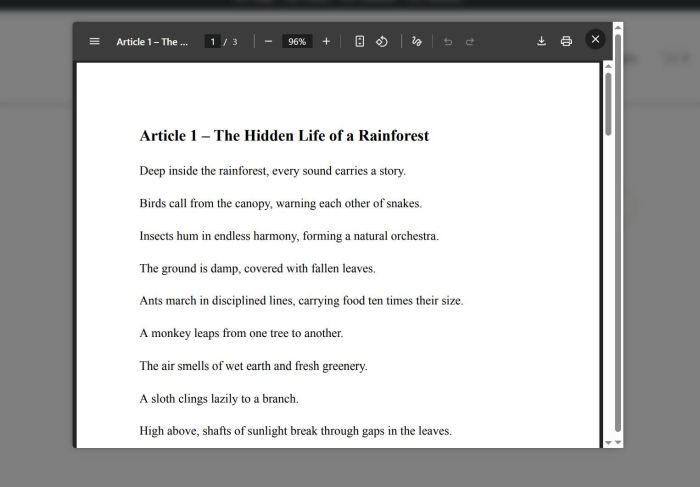
#1. First, you need to install WM Popup Plugin
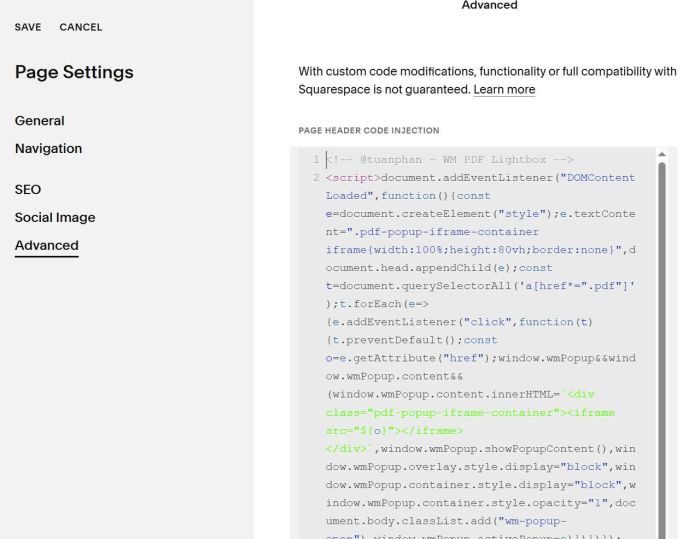
#2. Use this code under Popup Plugin (or Page Header Injection)
<!-- @tuanphan - WM PDF Lightbox -->
<script>document.addEventListener("DOMContentLoaded",function(){const e=document.createElement("style");e.textContent=".pdf-popup-iframe-container iframe{width:100%;height:80vh;border:none}",document.head.appendChild(e);const t=document.querySelectorAll('a[href*=".pdf"]');t.forEach(e=>{e.addEventListener("click",function(t){t.preventDefault();const o=e.getAttribute("href");window.wmPopup&&window.wmPopup.content&&(window.wmPopup.content.innerHTML=`<div class="pdf-popup-iframe-container"><iframe src="${o}"></iframe></div>`,window.wmPopup.showPopupContent(),window.wmPopup.overlay.style.display="block",window.wmPopup.container.style.display="block",window.wmPopup.container.style.opacity="1",document.body.classList.add("wm-popup-open"),window.wmPopup.activePopup=o)})})});</script>
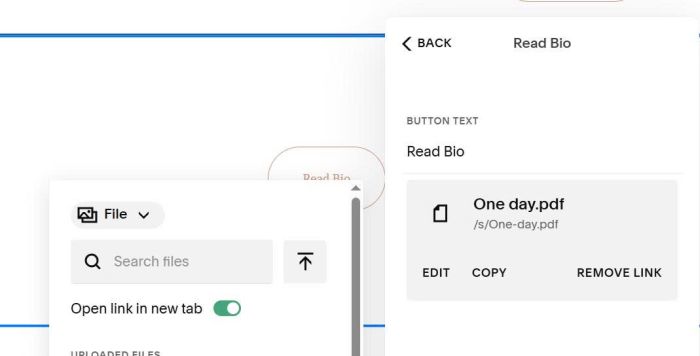
#3. You can add PDF file to Button or Link. Code will detect PDF link and convert to PDF so No need to use #wm-popup URL.
#4. Customize
To remove scroll bar, use this to Custom CSS
div.wm-popup-container {
    overflow: hidden;
}