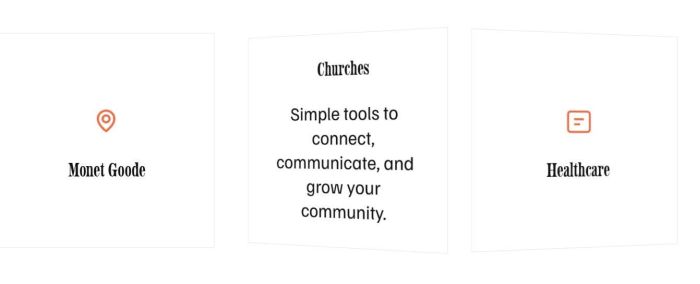
To add a Flip Icon Section, like this.
View Demo – Password: abc
#1. Install code
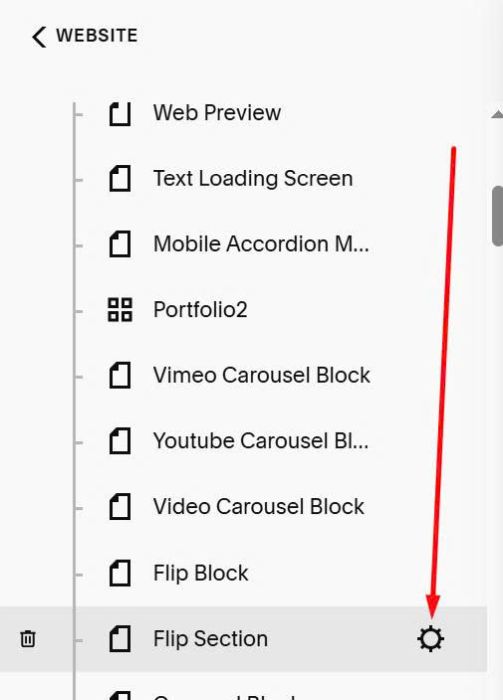
First, click Gear icon on Page where you want to place Flip Section
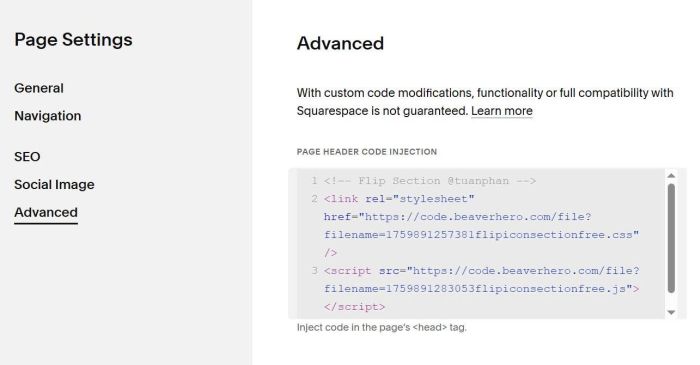
Next, click Advanced > Paste this code to right box
<!-- Flip Section @tuanphan -->
<link rel="stylesheet" href="https://code.beaverhero.com/file?filename=1759891257381flipiconsectionfree.css"/>
<script src="https://code.beaverhero.com/file?filename=1759891283053flipiconsectionfree.js"></script>
#2. Usage
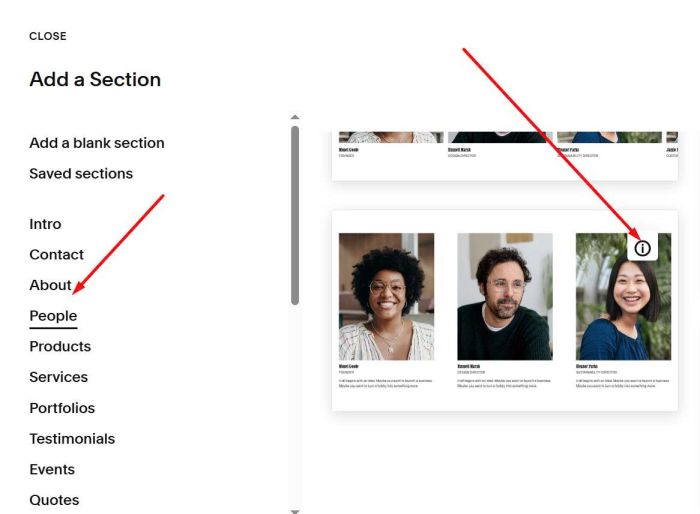
Next, you add a People List Section (choose People > Choose section with (i) icon)
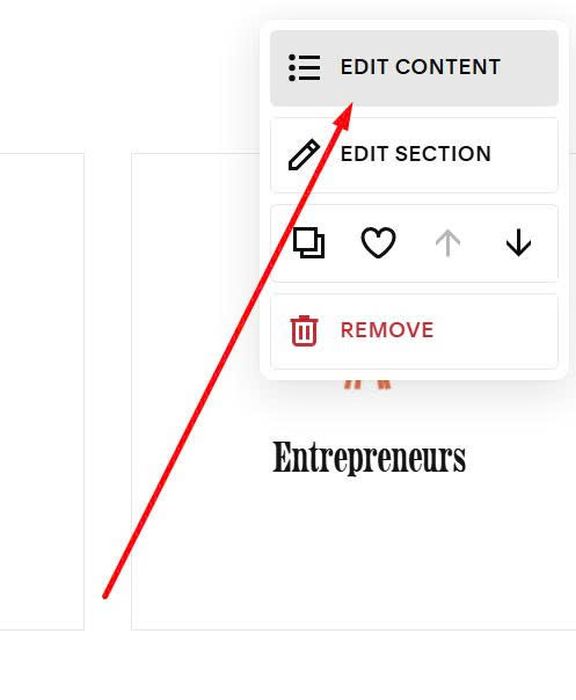
Next, hover on top right of People Section > Click Edit Content
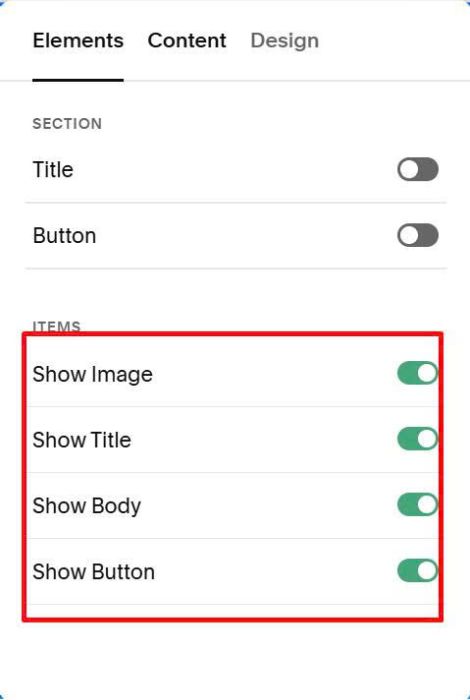
At tab Elements, enable these options
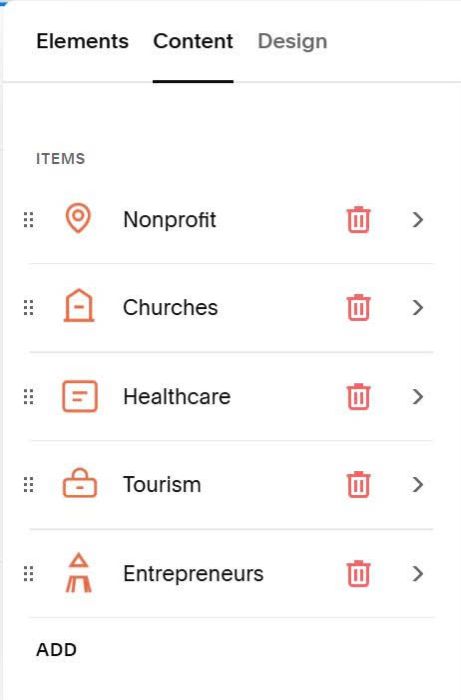
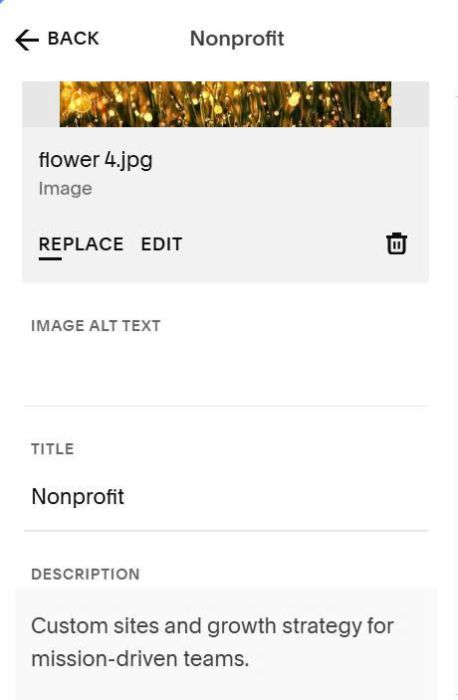
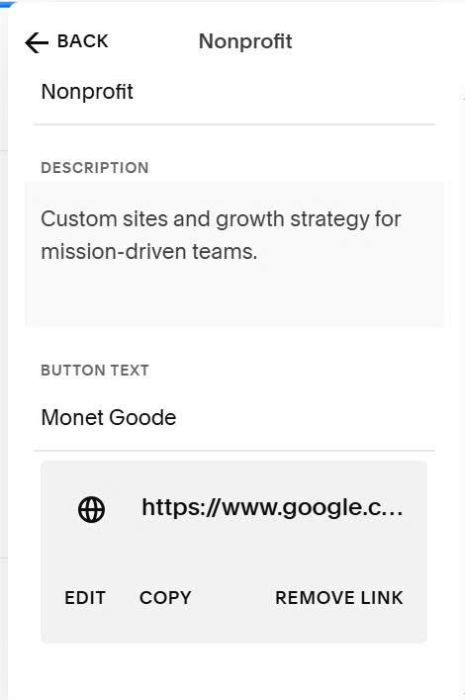
At tab Content, you can add your desired content (title, body text, image, url)
Something like this
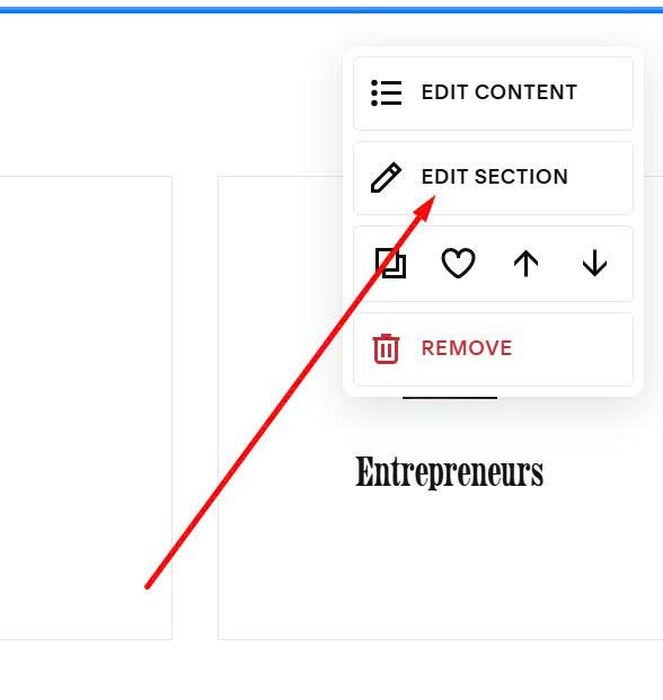
Next, hover on top right of People Section > Click Edit Section
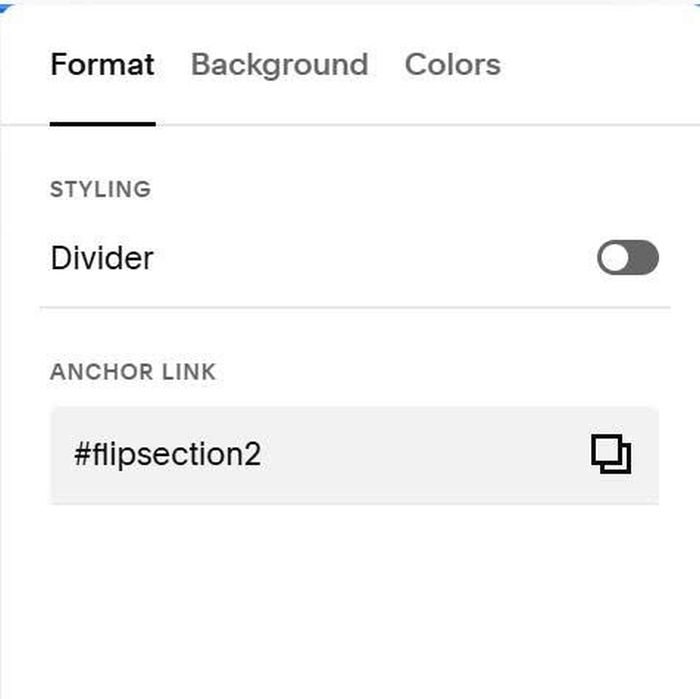
At tab Format > Enter #flipsection into Anchor Link option
#flipsection
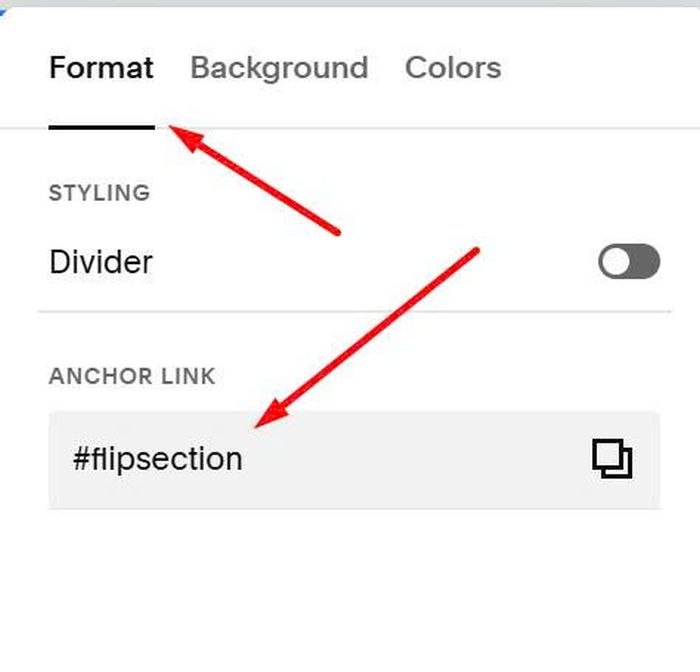
If you have 2 People Sections and you want to make both into Flip, you can enter #flipsection2, #flipsection3, #flipsection4…into these sections