- Support: [email protected]
- Free install (1 site). Extra fee if you need more customize
- View Demo – Password: abc
Description
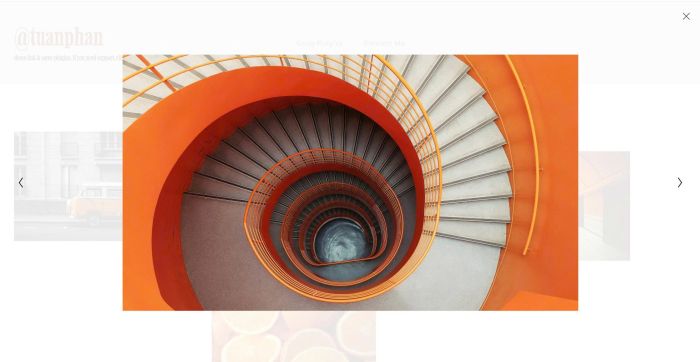
- click Image Blocks open Lightbox
- you can slide to any other images inside lightbox
#1. Install Code
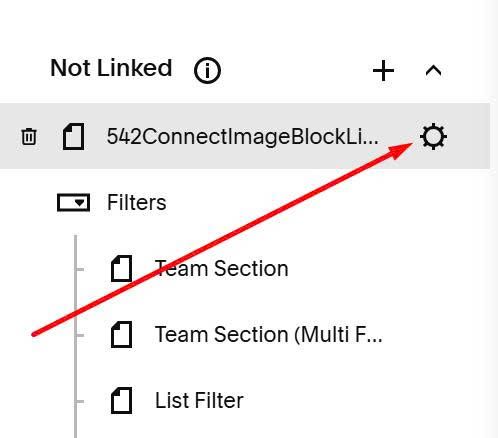
First hover on page where you want to use Image Blocks > Click Gear icon
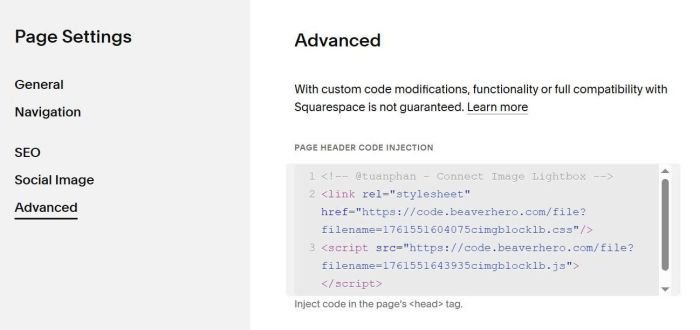
Click Advanced > Paste this code
<!-- @tuanphan - Connect Image Lightbox -->
<link rel="stylesheet" href="https://code.beaverhero.com/file?filename=1761551604075cimgblocklb.css"/>
<script src="https://code.beaverhero.com/file?filename=1761551643935cimgblocklb.js"></script>
#2. Usage
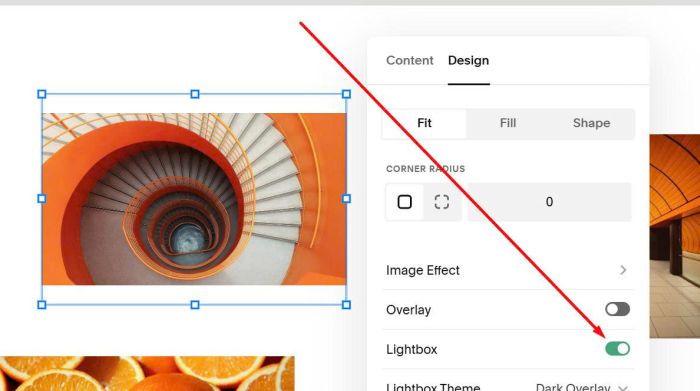
Make sure you enabled Lightbox on Image Blocks