Description
- custom carousel with Team section
- view demo – password: abc
- buy her a coffee, my friend code this feature

#1. Install Code
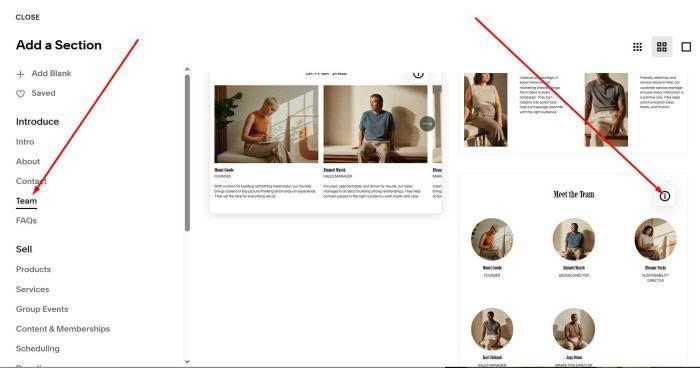
#1.1. First you need to add a Team Section (List section)
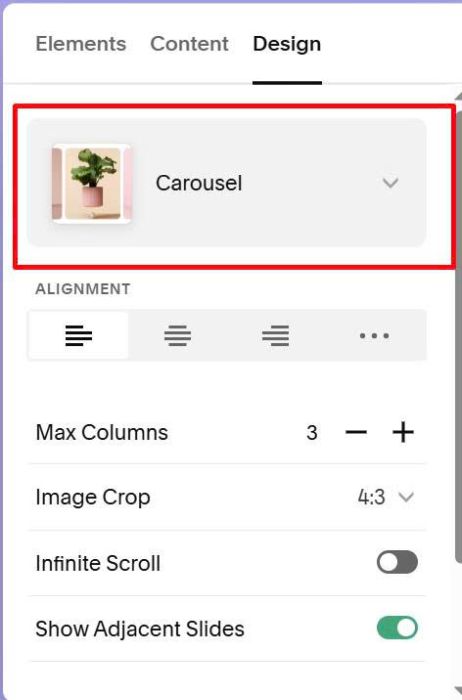
#1.2. make sure use Carousel layout
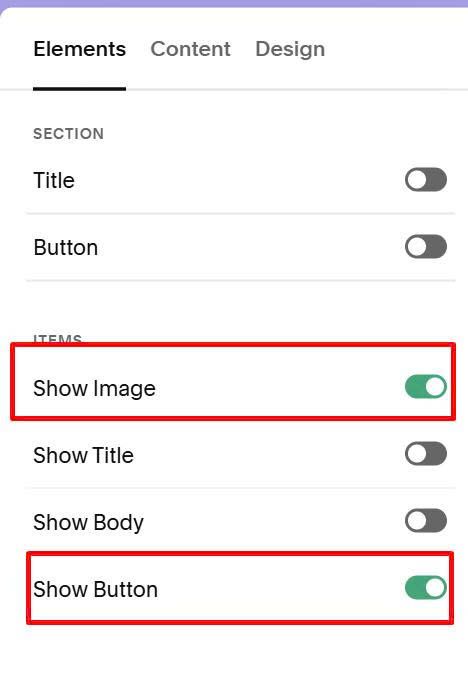
#1.3. Enable Image + Button
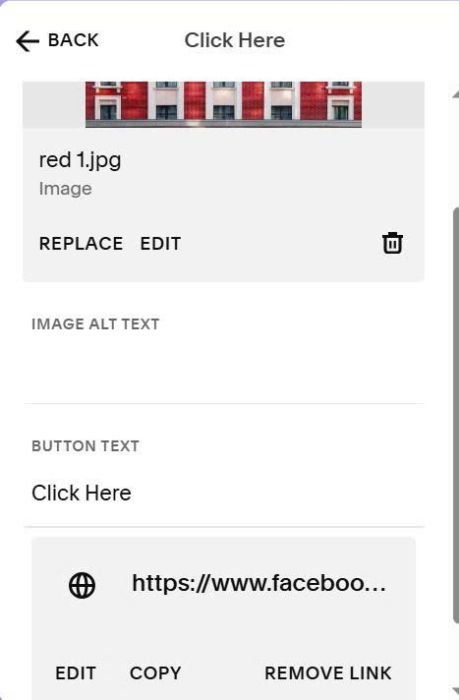
#1.4. Add your desired image, button
#1.5. Hover on top right of section > Click Edit Section
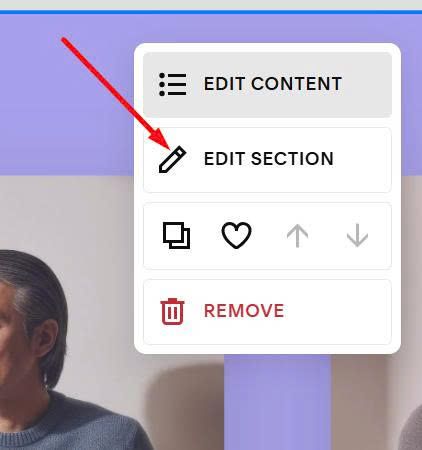
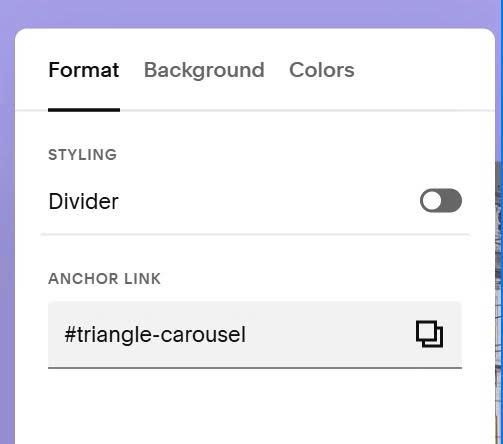
enter word: triangle-carousel
triangle-carousel
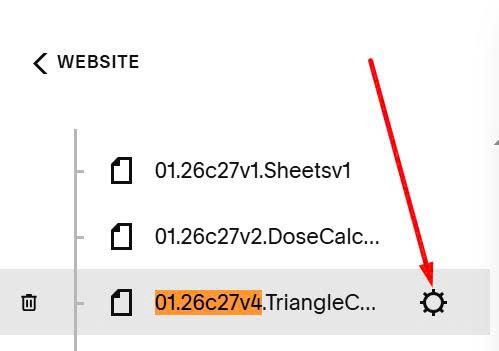
#1.6. Hover on page where you added Team Section > Click Gear icon
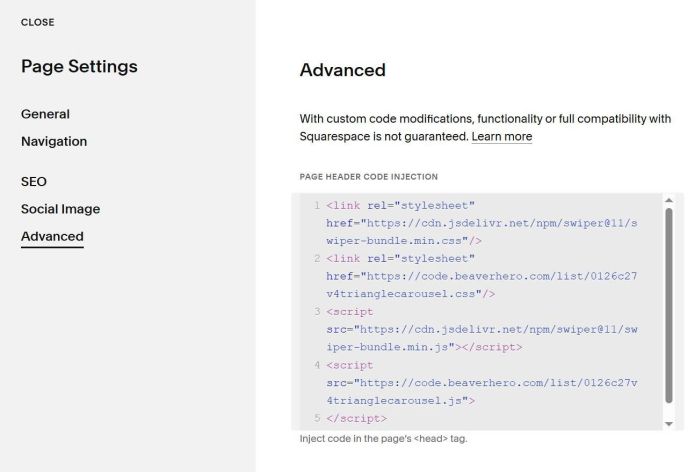
Click Advanced > Paste this code
<link rel="stylesheet" href="https://cdn.jsdelivr.net/npm/swiper@11/swiper-bundle.min.css"/>
<link rel="stylesheet" href="https://code.beaverhero.com/list/0126c27v4trianglecarousel.css"/>
<script src="https://cdn.jsdelivr.net/npm/swiper@11/swiper-bundle.min.js"></script>
<script src="https://code.beaverhero.com/list/0126c27v4trianglecarousel.js">
</script>
#2. Customize