Description
- different text on page url change
- view demo – password: abc
- view demo 2 – password: abc
- view demo 3 – password: abc
- buy me a coffee
#1. Install Code
Explain case a bit
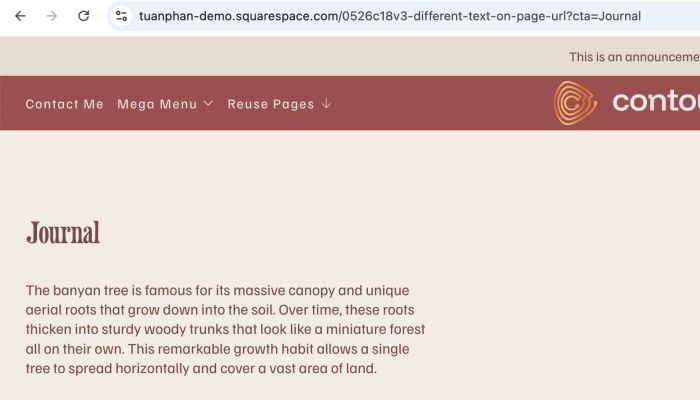
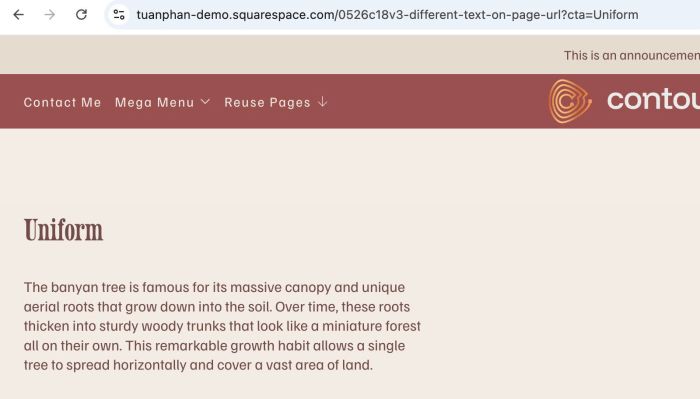
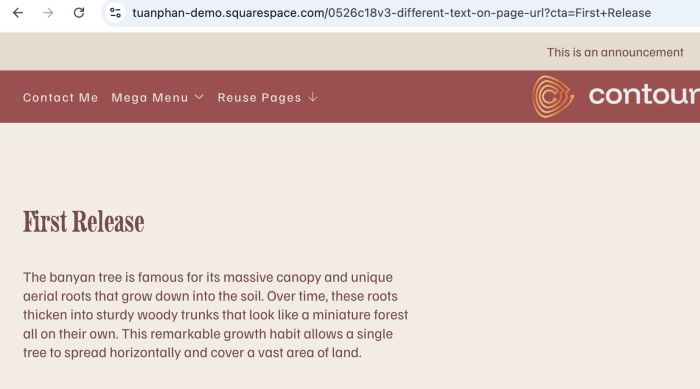
We will add some text to the end of the URL, so that when users access each URL, different text will be displayed on the page. In my case, we will use URL like these
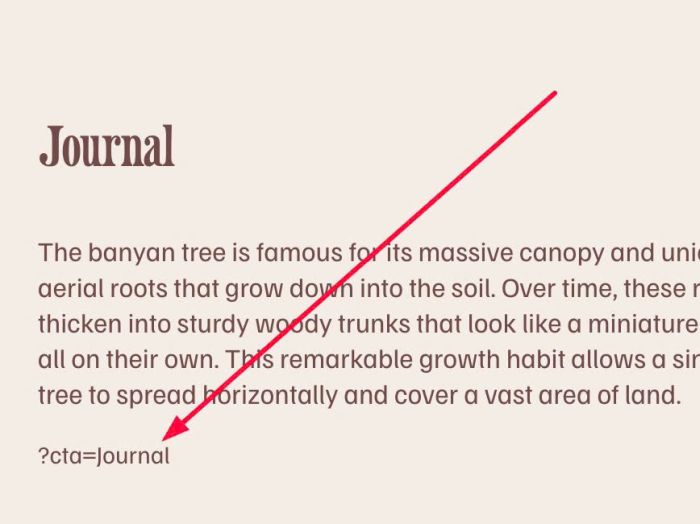
- ?cta=Journal – show Journal text block
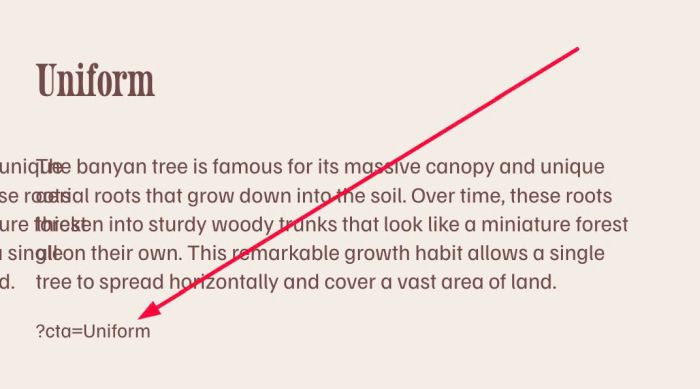
- ?cta=Uniform – show Uniform text block
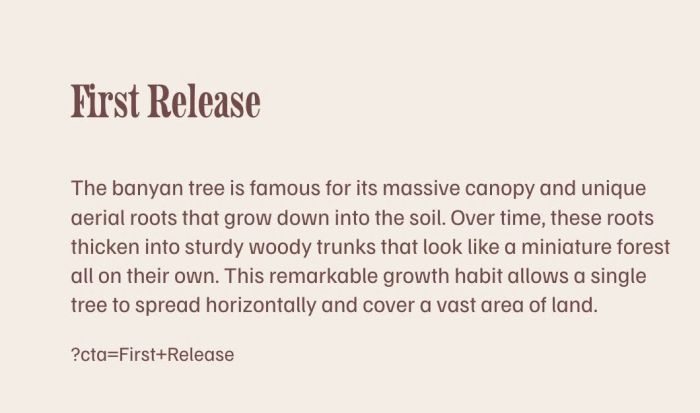
- ?cta=First+Release – show First Release text block
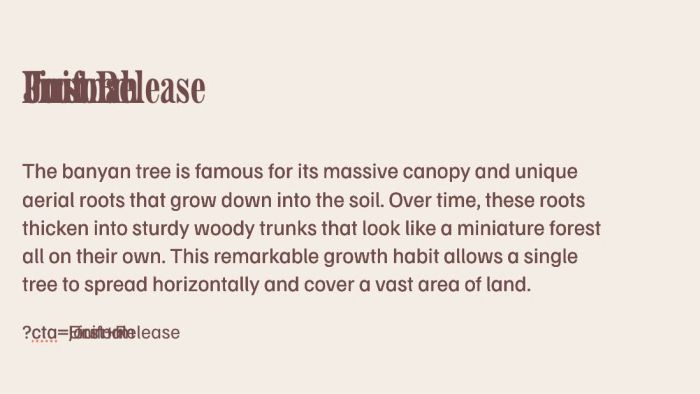
#1.1. First, we will add some Text Blocks to page

#1.2. Next, add syntax like this at end of each text block
?cta=journal
?cta=Uniform
?cta=First+Release
#1.3. Make sure you use Paragraph 3 (P3) for these texts.
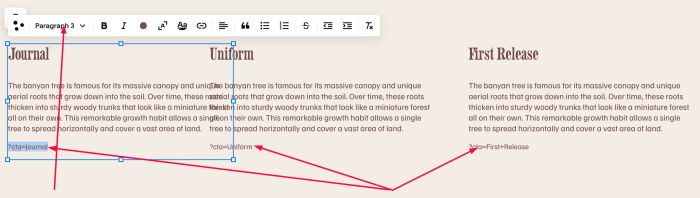
#1.4. Next, drag Text Blocks overlap together (you can ignore it if you don’t want)
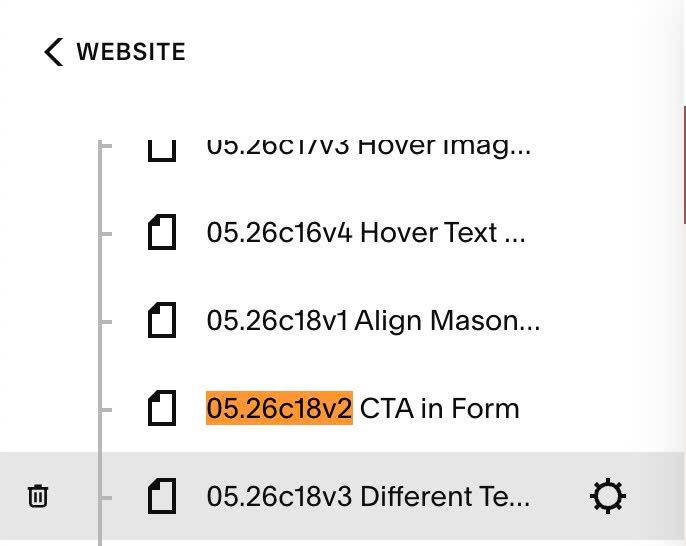
#1.5. Hover on Page where you added Text Block > Click Gear icon
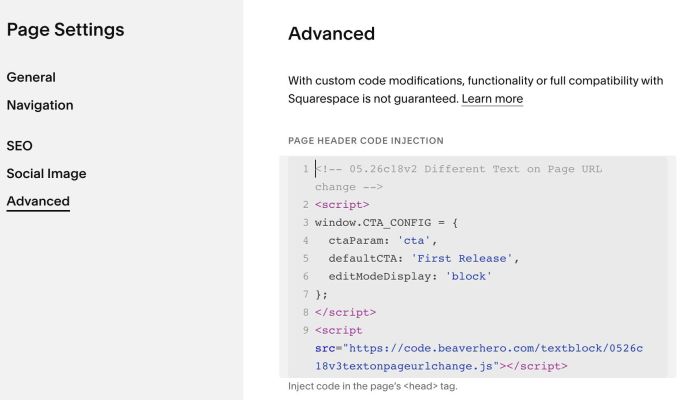
Click Advanced > Paste this code
- If you use Personal/Basic Plan and your plan doesn’t support Injection, see #3.1.
<!-- 05.26c18v2 Different Text on Page URL change -->
<script>
window.CTA_CONFIG = {
  ctaParam: 'cta',
  defaultCTA: 'First Release',
  editModeDisplay: 'block'
};
</script>
<script src="https://code.beaverhero.com/textblock/0526c18v3textonpageurlchange.js"></script>
#2. Customize
#2.1. To set item on initial, you can change line 05
defaultCTA: 'First Release',
This text will also be displayed when you don’t use ?cta in the URL.
#2.2. To change “cta” to another text, update this line 04
ctaParam: 'cta',
If you update text here, you will need to update text “cta” in Paragraph 3 as well.
#3. Other
#3.1. If you use Personal/Basic Plan and your plan doesn’t support Injection, you can add a Block to current page (page where you use Text Blocks)

Choose Markdown

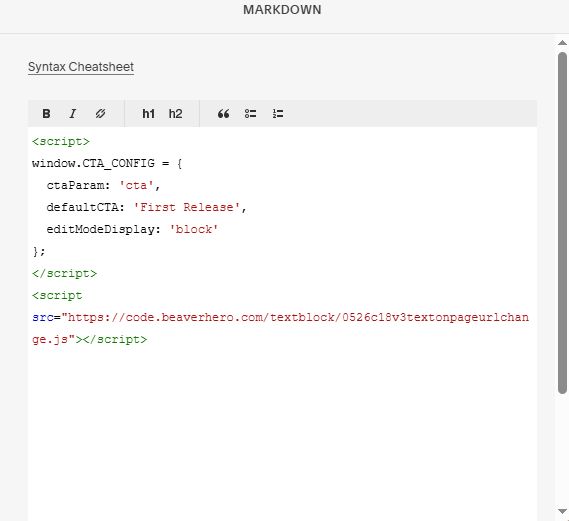
Paste this code into Markdown
<script>
window.CTA_CONFIG = {
  ctaParam: 'cta',
  defaultCTA: 'First Release',
  editModeDisplay: 'block'
};
</script>
<script src="https://code.beaverhero.com/textblock/0526c18v3textonpageurlchange.js"></script>