Description
- add Product Dimensions
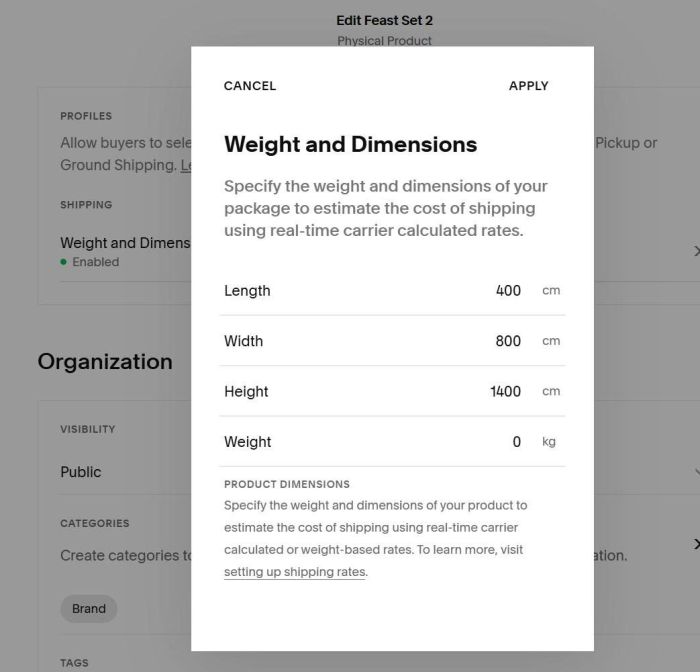
- into Product Description
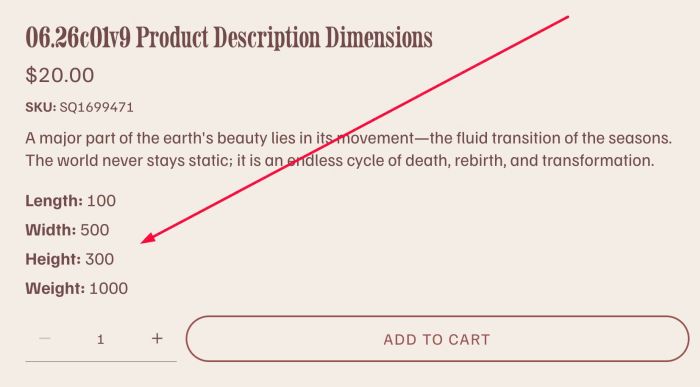
- view demo – password: abc
- buy me a coffee
#1. Install Code
#1.1. Click Gear icon on Store Page
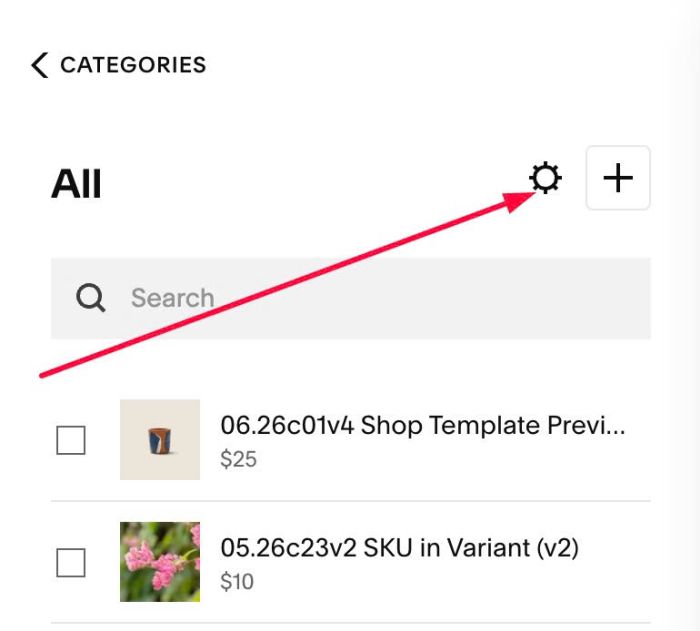
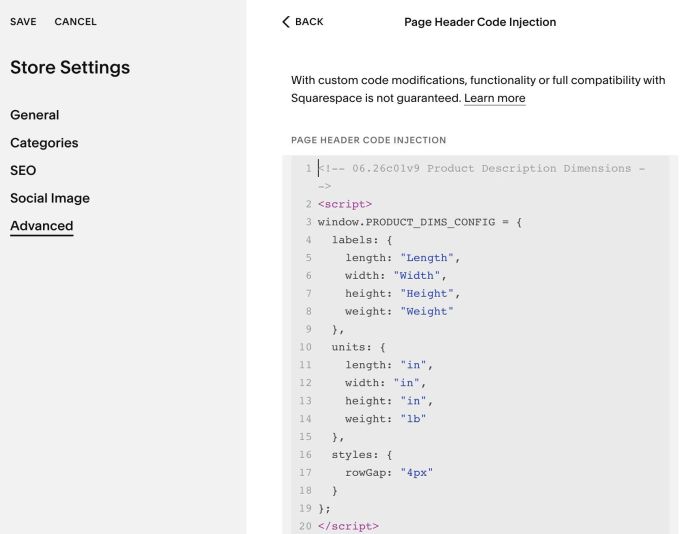
Next, click Advanced > Page Header Code Injection
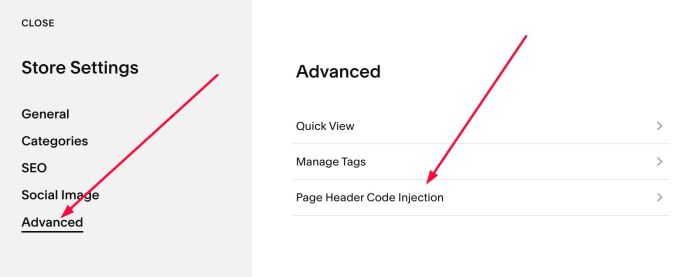
#1.2. Add this code into Right box
<!-- 06.26c01v9	Product Description Dimensions -->
<script>
window.PRODUCT_DIMS_CONFIG = {
  labels: {
    length: "Length",
    width: "Width",
    height: "Height",
    weight: "Weight"
  },
  units: {
    length: "in",
    width: "in",
    height: "in",
    weight: "lb"
  },
  styles: {
    rowGap: "4px"
  }
};
</script>
<script src="https://code.beaverhero.com/productdetail/0626c01v9productdimensions.js"></script>
#2. Customize
#2.1. To change default text to another text, change Line 04 to Line 09
labels: {
  length: "Length",
  width: "Width",
  height: "Height",
  weight: "Weight"
},