Description
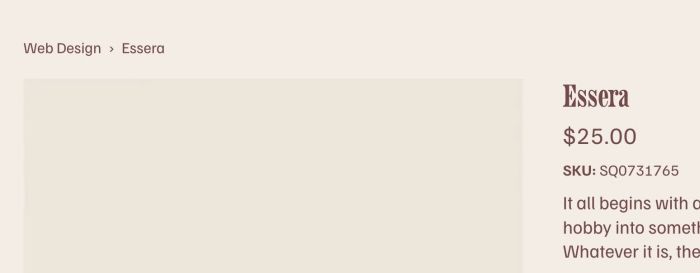
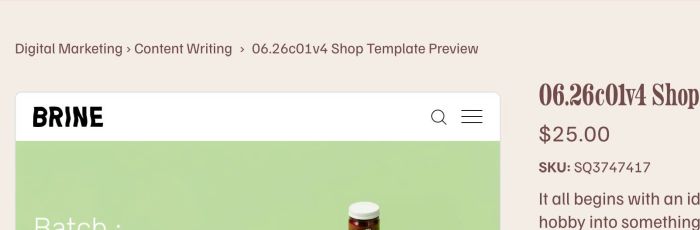
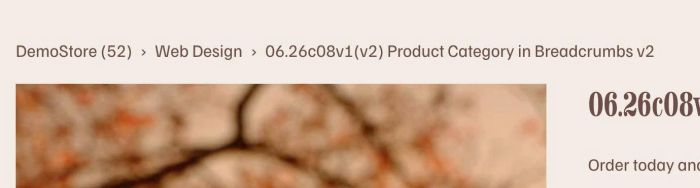
- replace “Shop” with Product Category
- you can set show 1 category or show both category + sub category
- view demo (1 category) – password: abc
- view demo (category + subcategory) – password: abc
- view demo (category + keep shop link) – password: abc
- buy me a coffee
#1. Install Code
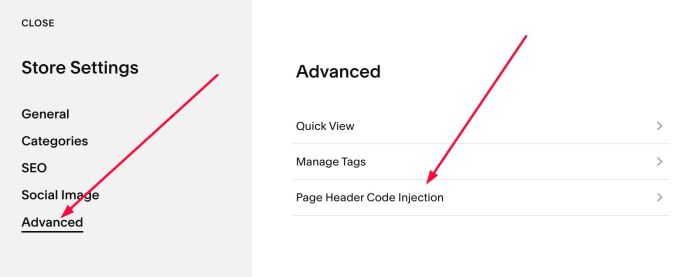
#1.1. Click Gear icon on Store Page
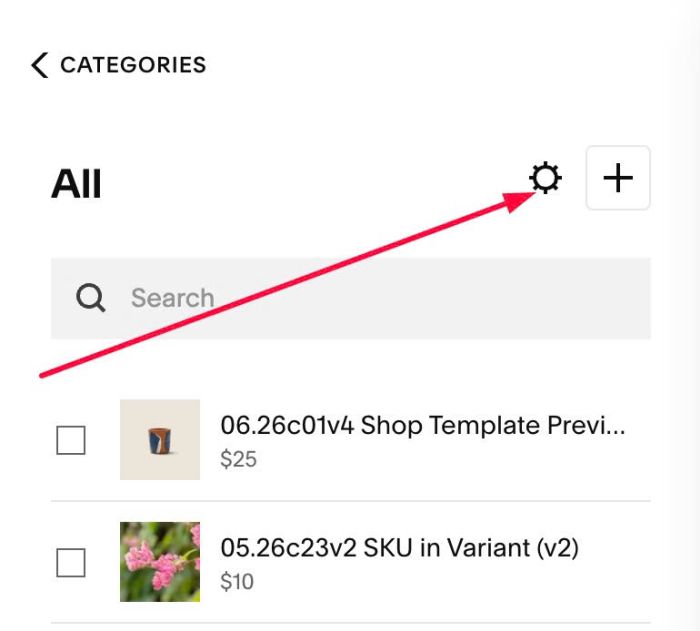
Next, click Advanced > Page Header Code Injection
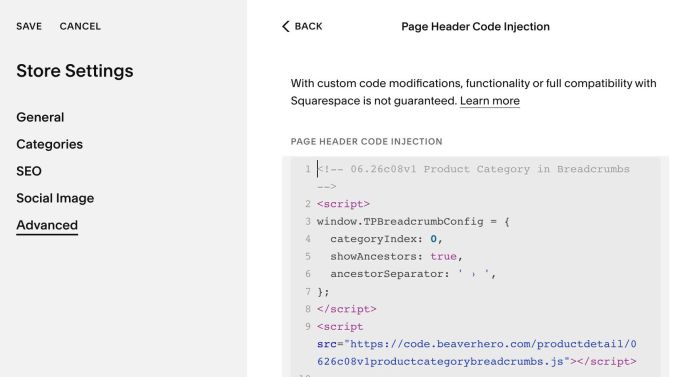
#1.2. Add this code into Right box
<!-- 06.26c08v1 Product Category in Breadcrumbs -->
<script>
window.TPBreadcrumbConfig = {
  categoryIndex: 0,
  showAncestors: false,
  ancestorSeparator: ' › ',
};
</script>
<script src="https://code.beaverhero.com/productdetail/0626c08v1productcategorybreadcrumbs.js"></script>
#2. Customize
#2.1. To show both Category + Sub category, like this
You can change Line 05
showAncestors: false,
to
showAncestors: true,
#2.2. If you have a product with multiple categories and you need to choose show 1 category in the list only, change line 04
categoryIndex: 0,
you can use number: 0, 1, 2, 3, ….
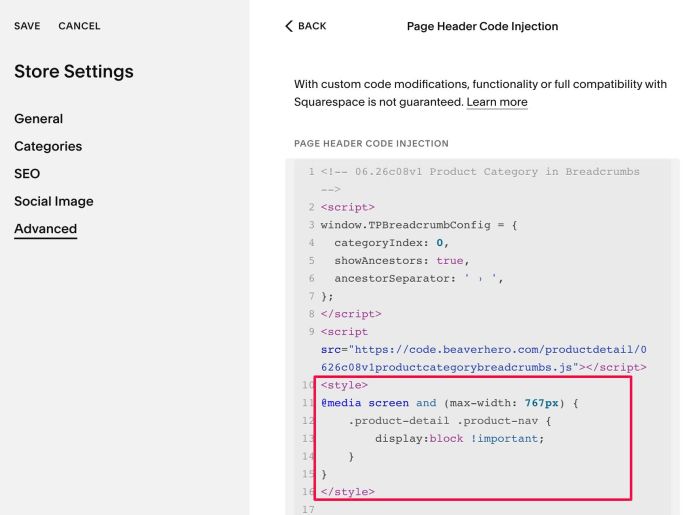
#2.3. By default, breadcrumbs is invisible on Mobile, you can use this code under main code to make it visible
<style>
@media screen and (max-width: 767px) {
    .product-detail .product-nav {
        display:block !important;
    }
}
</style>
#2.4. To make “Shop” appears before Category, like this
You can add the line
showShop: true,
so new code will be
<!-- 06.26c08v1 Product Category in Breadcrumbs -->
<script>
window.TPBreadcrumbConfig = {
  categoryIndex: 0,
  showAncestors: true,
  ancestorSeparator: ' › ',
  showShop: true,
};
</script>
<script src="https://code.beaverhero.com/productdetail/0626c08v1productcategorybreadcrumbs.js"></script>
#2.4-2. If you want to change “Shop” URL, new code will be
<!-- 06.26c08v1 Product Category in Breadcrumbs -->
<script>
window.TPBreadcrumbConfig = {
  categoryIndex: 0,
  showAncestors: true,
  ancestorSeparator: ' › ',
  showShop: true,
  customShopURL: '/store',
};
</script>
<script src="https://code.beaverhero.com/productdetail/0626c08v1productcategorybreadcrumbs.js"></script>