Description
- adding blog posts to Announcement Bar with blog title, excerpt, category (or tags), item will fade after 3 seconds
- view demo – password: abc
- buy me a coffee
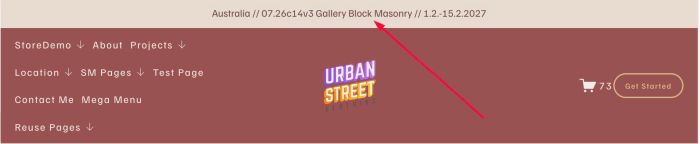
#1. Install Code
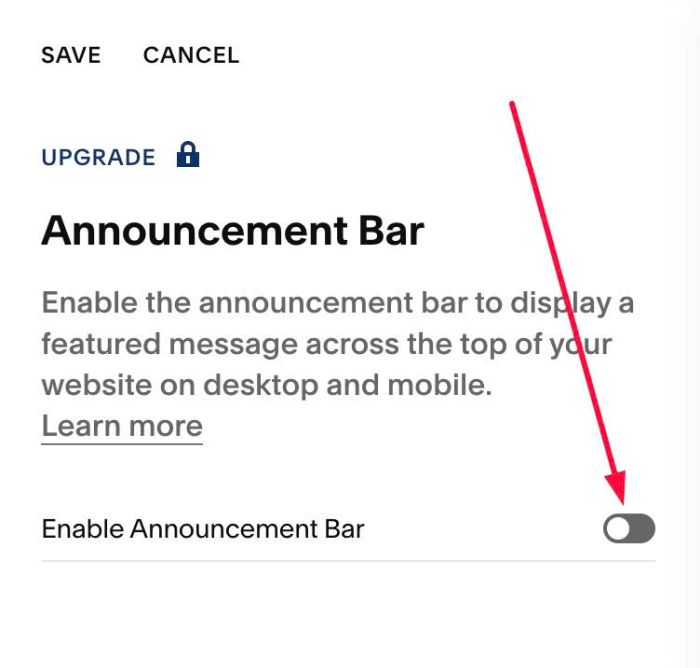
#1.1. Make sure you enabled Announcement Bar & Do not add any text into Announcement Bar
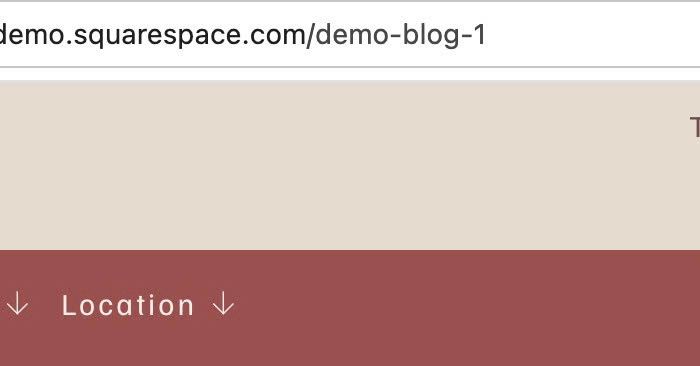
#1.2. Find Blog Page URL
In my example, we will have: /demo-blog-1
#1.3. Next, use this code to Code Injection > Footer
<!-- 07.26c11v8 Announcement Bar Featured Blog Posts -->
<script>
window.AnnouncementBlogConfig = {
  blogUrl: "/demo-blog-1",
  itemCount: 5,
  order: ["category", "title", "excerpt"],
  separator: " // ",
  rotateInterval: 3000
};
</script>
<script src="https://code.beaverhero.com/header/0726c11v8featuredblogannouncementbar.js"></script>
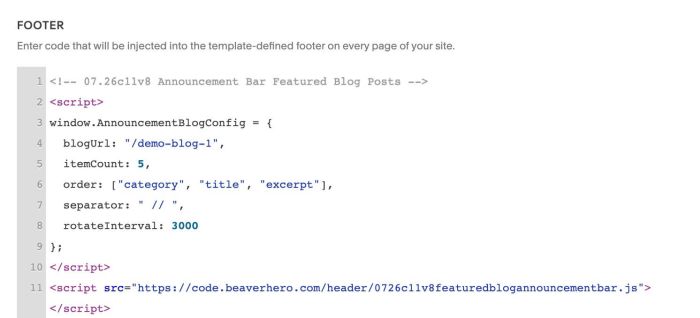
#1.4. You can update Blog Page URL
blogUrl: "/demo-blog-1",
#2. Customize
#2.1. To set order of Blog Title, Blog Excerpt, Blog Category, you can change this line
order: ["category", "title", "excerpt"],
#2.2. To set limit of blog post items on Announcement Bar, you can change this line
itemCount: 5,