Description
- change static section background image to fade in carousel, you can add text/button or anything over carousel
- view demo – password: abc
- buy me a coffee
#1. Install Code
#1.1. First, you can add a Section with your desired text, buttons…and some Image Blocks (code will get Image URL from these Image Blocks into Carousel)

#1.2. Make sure you added Section Background Image

#1.3. Hover on top right of section > Click EDIT SECTION > at Design > Anchor Link > enter word: fade-carousel

#1.4. Hover on Page where you use Section > Click Gear icon
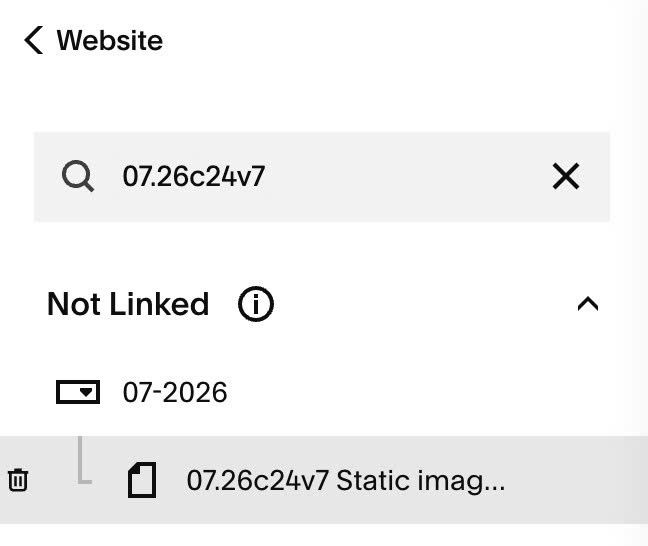
#1.5. Click Advanced > Paste this code
- If you use Personal/Basic Plan and your plan doesn’t support Injection, you can see #3.1
<!-- 07.26c24v7 Static image to Fade in Carousel -->
<script>
window.SectionFadeCarouselConfig = {
  sections: [
    {
      selector: '#fade-carousel',
      imageBlockSelector: '.sqs-block-image',
      hideImageBlocks: true,
      useBlockFocalPoint: true,
      includeSectionImage: true,
      sectionImagePosition: 'first',
      useSectionFocalPoint: true,
      imageWidth: 2500,
      intervalMs: 3000,
      fadeMs: 1200,
      focalPoint: 'center center',
      overlayColor: 'rgba(0, 0, 0, 0.32)',
      showArrows: true,
      arrowColor: '#ffffff',
      arrowBackground: 'rgba(0, 0, 0, 0.28)',
      arrowSize: 34,
      arrowInset: '1vw',
      prevLabel: 'Previous image',
      nextLabel: 'Next image',
      pauseOnHover: true
    }
  ]
};
</script>
<script src="https://code.beaverhero.com/other/0726c24v7staticimgtocarousel.js"></script>

#2. Customize
#2.1. To change overlay color, change Line 17
overlayColor: 'rgba(0, 0, 0, 0.32)',
#2.2. To change arrow style, change line 20 to line 22
arrowBackground: 'rgba(0, 0, 0, 0.28)',
     arrowSize: 34,
     arrowInset: '1vw',
#3. Other
#3.1. If you use Personal/Basic Plan and your plan doesn’t support Injection, you can edit Current Page > Add a Markdown Block.

Then use this code into Markdown Block
<script>
window.SectionFadeCarouselConfig = {
  sections: [
    {
      selector: '#fade-carousel',
      imageBlockSelector: '.sqs-block-image',
      hideImageBlocks: true,
      useBlockFocalPoint: true,
      includeSectionImage: true,
      sectionImagePosition: 'first',
      useSectionFocalPoint: true,
      imageWidth: 2500,
      intervalMs: 3000,
      fadeMs: 1200,
      focalPoint: 'center center',
      overlayColor: 'rgba(0, 0, 0, 0.32)',
      showArrows: true,
      arrowColor: '#ffffff',
      arrowBackground: 'rgba(0, 0, 0, 0.28)',
      arrowSize: 34,
      arrowInset: '1vw',
      prevLabel: 'Previous image',
      nextLabel: 'Next image',
      pauseOnHover: true
    }
  ]
};
</script>
<script src="https://code.beaverhero.com/other/0726c24v7staticimgtocarousel.js"></script>
