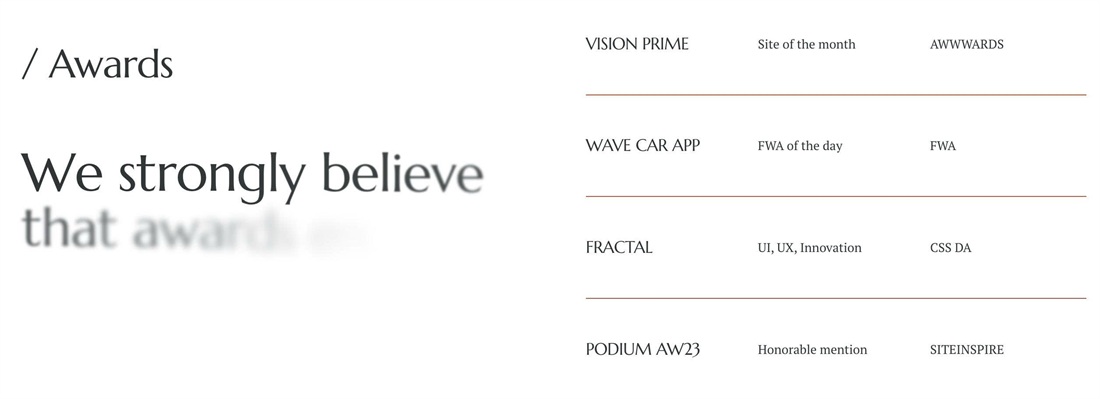
Want an awards or recognition list like you see on agency sites? Write the award in the item title and the project and year in two description paragraphs, and this code lays them out as 3-column rows next to a large animated heading.
#1. Install Code
#1.1. First, make sure you use List Simple
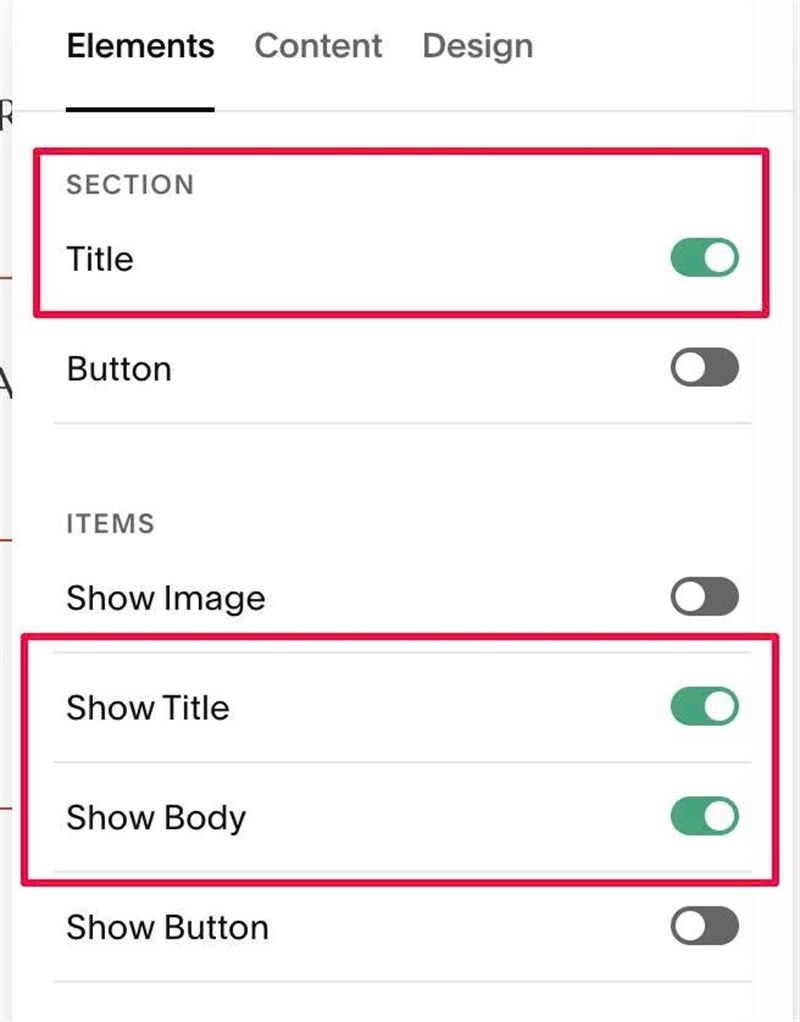
#1.2. Enable these options
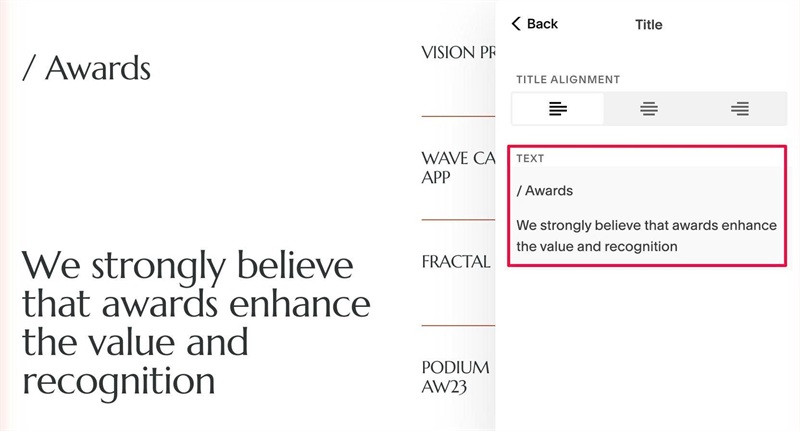
#1.3. Edit Section Title > Enter 2 paragraphs like this
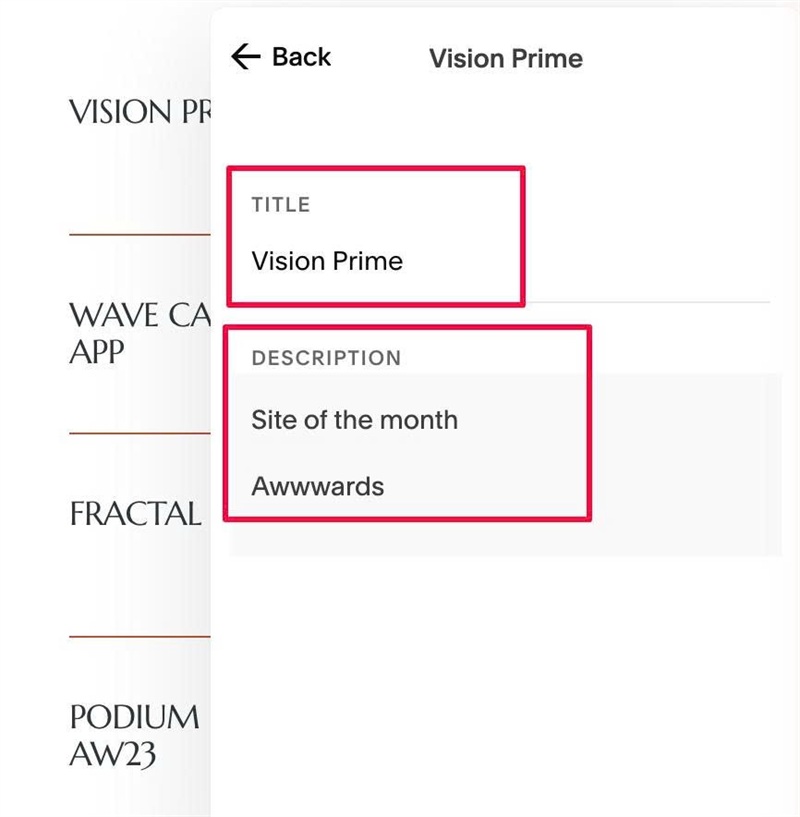
#1.4. Edit each item > Enter text like this
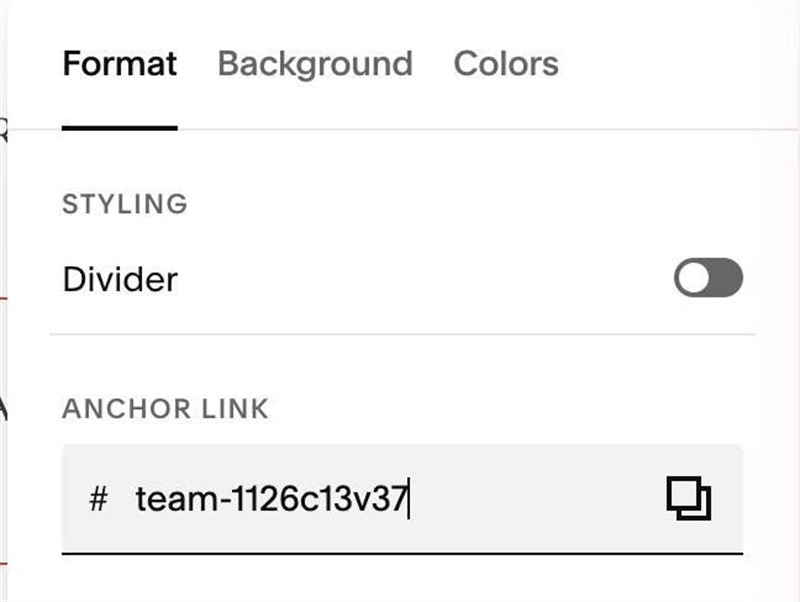
#1.5. Hover on top right of section > Click EDIT SECTION > at Format > Anchor Link > enter word: team-1126c13v37
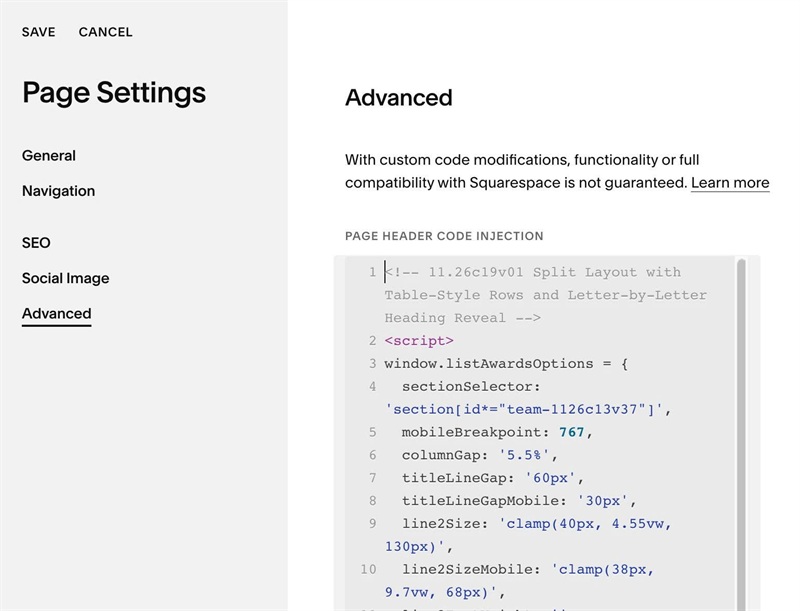
#1.6. Use this code to Page Header Injection
<!-- 11.26c19v01 Split Layout with Table-Style Rows and Letter-by-Letter Heading Reveal -->
<script>
window.listAwardsOptions = {
  sectionSelector: 'section[id*="team-1126c13v37"]',
  mobileBreakpoint: 767,
  columnGap: '5.5%',
  titleLineGap: '60px',
  titleLineGapMobile: '30px',
  line2Size: 'clamp(40px, 4.55vw, 130px)',
  line2SizeMobile: 'clamp(38px, 9.7vw, 68px)',
  line2FontWeight: '',
  line2LineHeight: '1',
  rowColumns: '1fr 1fr 1fr',
  rowColumnsMobile: '1.1fr 1.15fr .9fr',
  rowColumnGap: '18px',
  rowColumnGapMobile: '14px',
  lineColor: '#ba5033',
  lineWidth: '1px',
  lineSpace: '33px',
  lineSpaceMobile: '26px',
  rowsVerticalAlign: 'stretch',
  firstColumnUppercase: true,
  lastColumnUppercase: true,
  revealText: true,
  revealDuration: 0.65,
  revealStagger: 0.022,
  revealBlur: '10px',
  revealDistance: '10px',
  revealOffset: '15%'
};
</script>
<script src="https://code.beaverhero.com/listsimple/1126c19v01list1126c13v37.js"></script>
#1.7. Customize
To change gap between 2 lines in Section Title, edit this
titleLineGap: '60px',
  titleLineGapMobile: '30px',
To change Second Line Style (Section Title), edit this
line2Size: 'clamp(40px, 4.55vw, 130px)',
  line2SizeMobile: 'clamp(38px, 9.7vw, 68px)',
  line2FontWeight: '',
  line2LineHeight: '1',
To change Line (between text on right side) style, edit this
lineColor: '#ba5033',
  lineWidth: '1px',
  lineSpace: '33px',
  lineSpaceMobile: '26px',