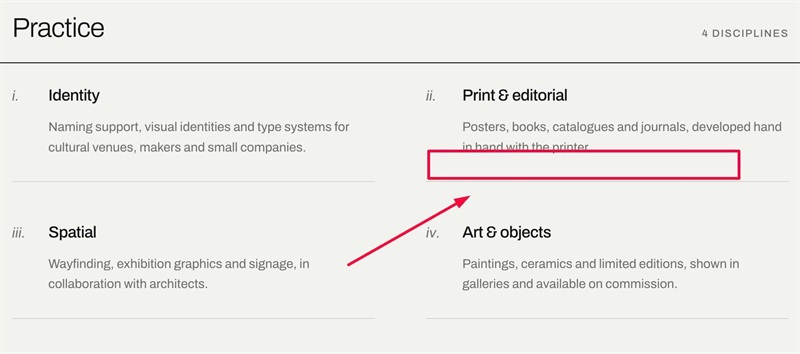
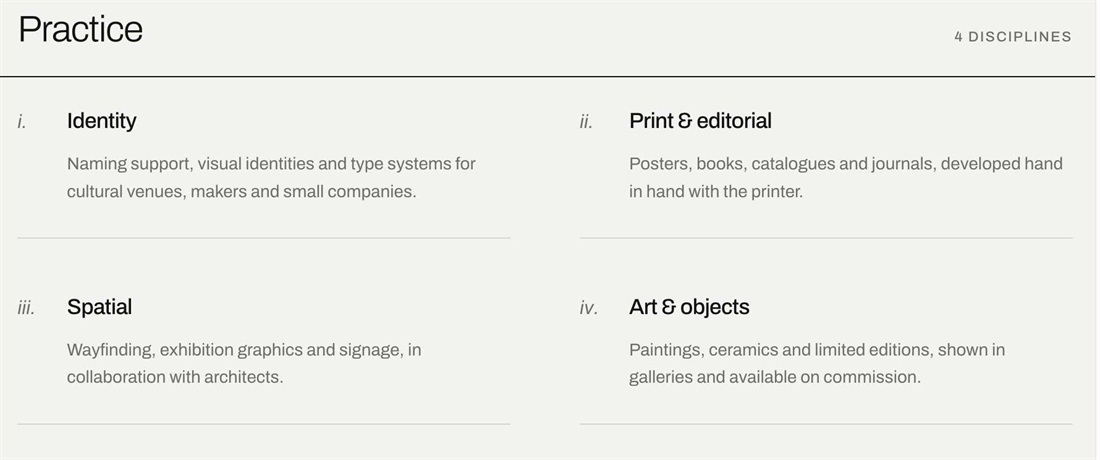
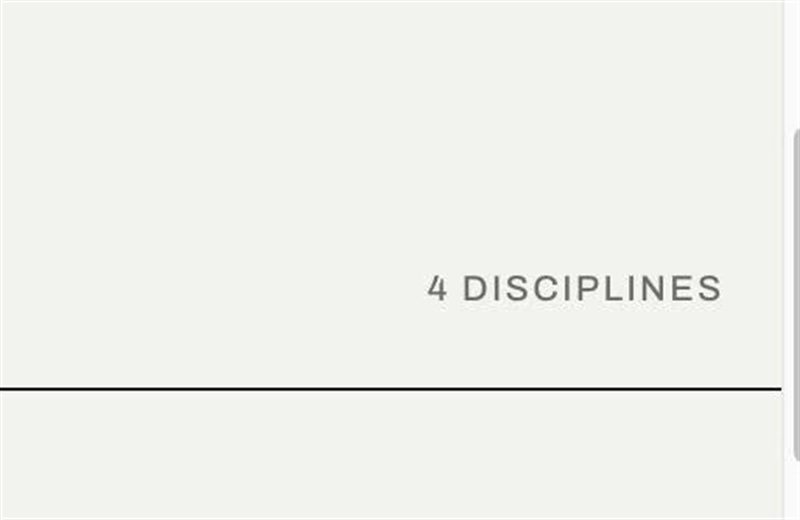
List Section can’t number items or add lines between them. This CSS adds Roman numerals (i., ii., iii.) beside each item, divider lines between rows, and splits the section title into a heading on the left and a small uppercase label on the right.
#1. Install Code
#1.1. First, add a List Simple
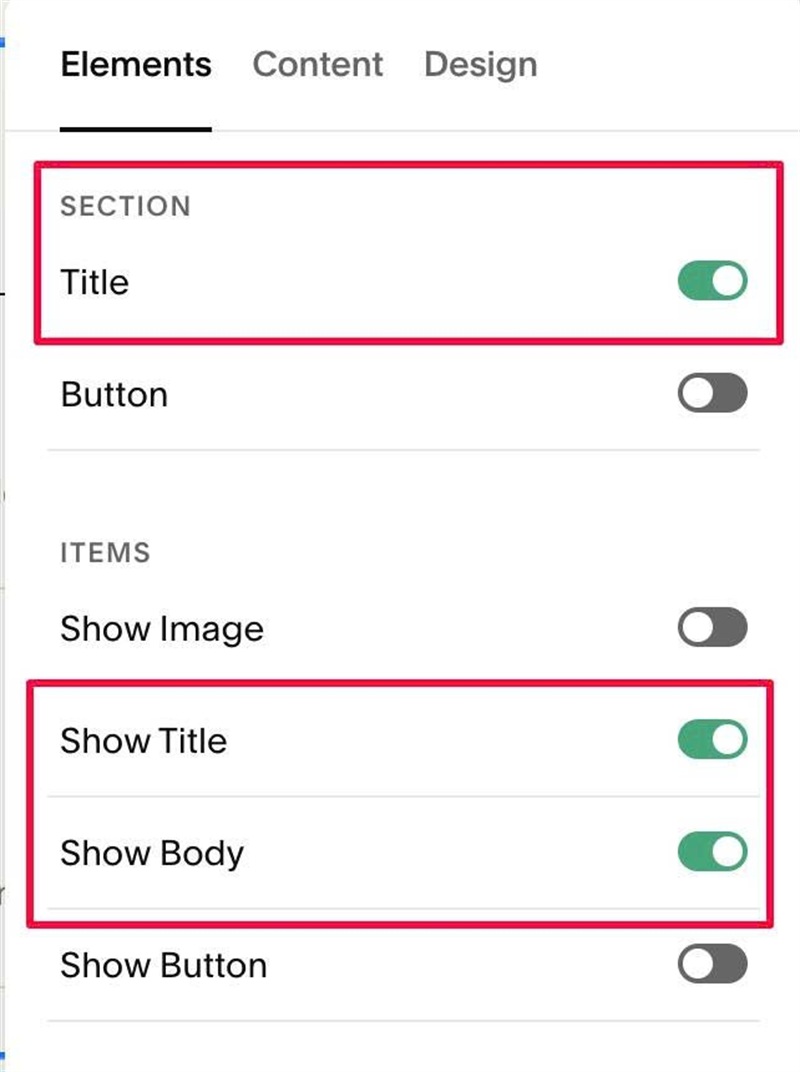
#1.2. Enable these options
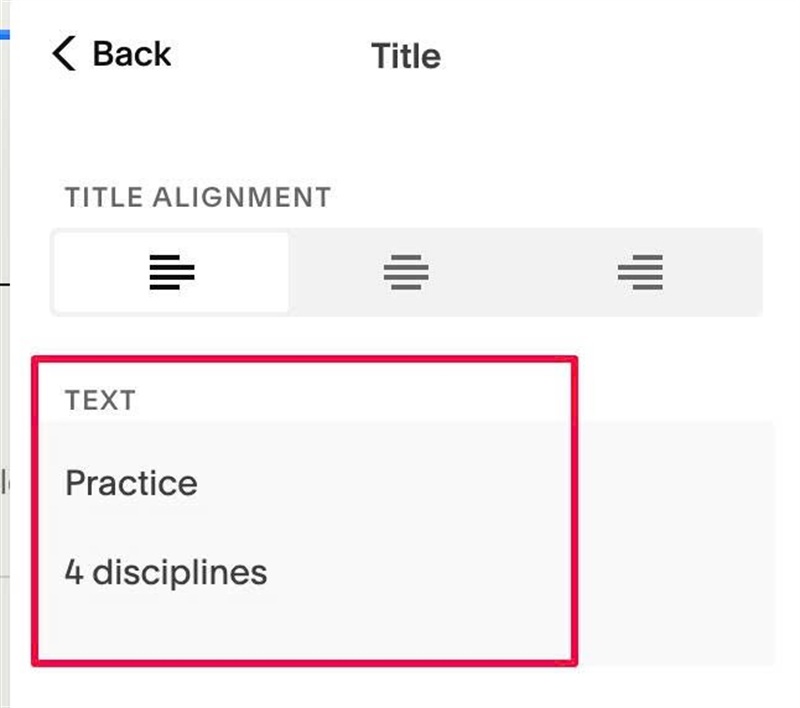
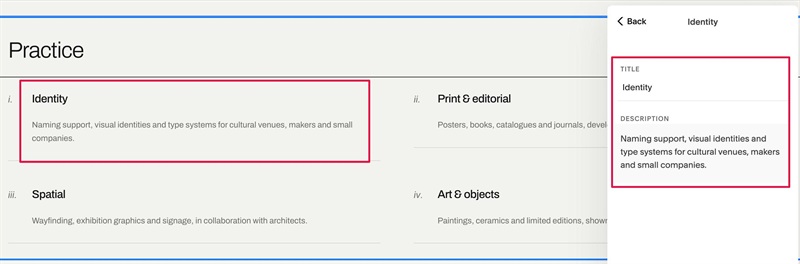
#1.3. Next, edit Section Title > enter 2 paragraphs like this
#1.4. Edit each item > Enter text like this
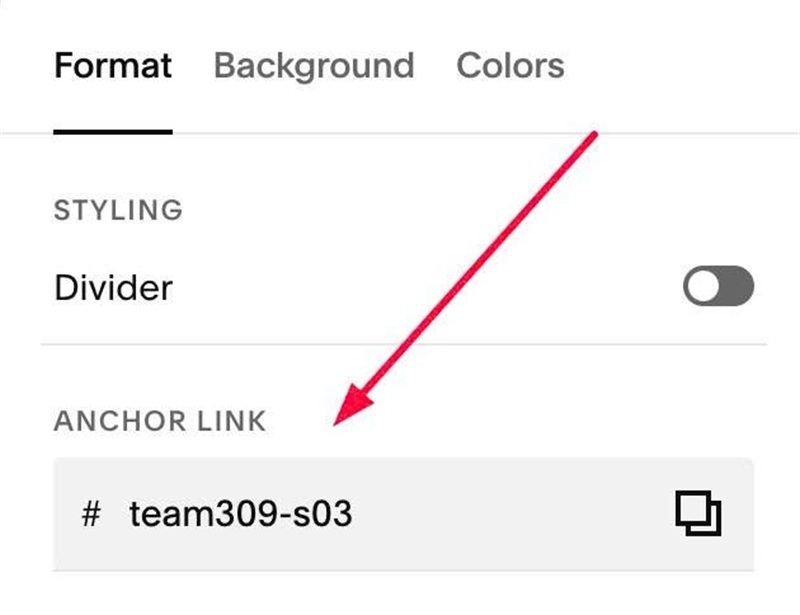
#1.5. Hover on top right of List > Click EDIT SECTION > at Format > Anchor Link > enter word: team309-s03
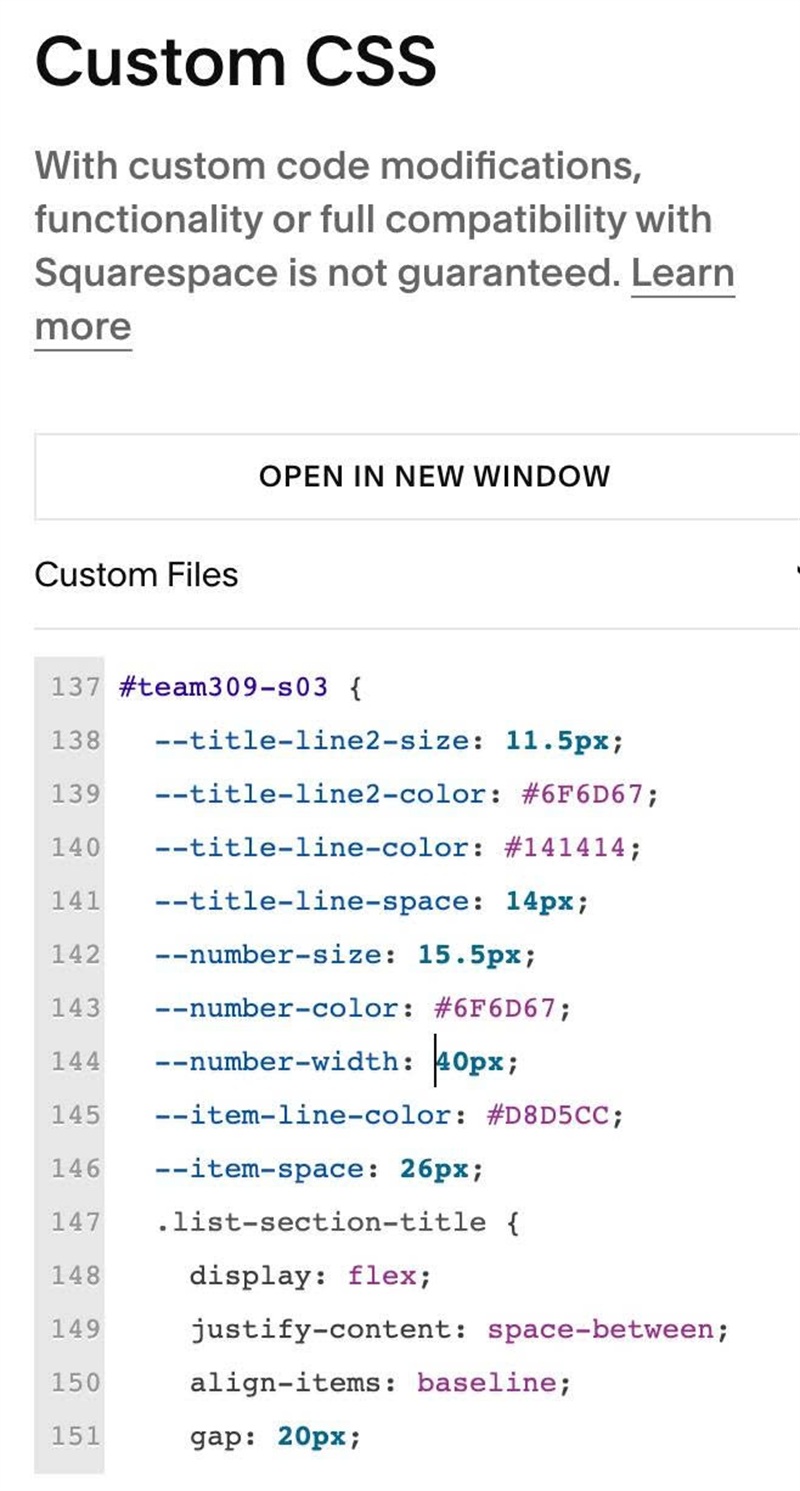
#1.6. Next, use this code to Custom CSS
#team309-s03 {
  --title-line2-size: 11.5px;
  --title-line2-color: #6F6D67;
  --title-line-color: #141414;
  --title-line-space: 14px;
  --number-size: 15.5px;
  --number-color: #6F6D67;
  --number-width: 40px;
  --item-line-color: #D8D5CC;
  --item-space: 26px;
  .list-section-title {
    display: flex;
    justify-content: space-between;
    align-items: baseline;
    gap: 20px;
    padding-bottom: var(--title-line-space) !important;
    border-bottom: 1px solid var(--title-line-color);
    > p {
      margin: 0;
    }
    > p:nth-of-type(2) {
      font-family: var(--body-font-font-family);
      font-size: var(--title-line2-size);
      font-weight: 500;
      letter-spacing: .1em;
      line-height: 1.6;
      text-transform: uppercase;
      color: var(--title-line2-color);
    }
  }
  .user-items-list-item-container {
    counter-reset: item-number;
  }
  .list-item {
    counter-increment: item-number;
    display: grid;
    grid-template-columns: var(--number-width) minmax(0, 1fr);
    align-items: baseline;
    padding: var(--item-space) 0;
    border-bottom: 1px solid var(--item-line-color);
    &::before {
      content: counter(item-number, lower-roman) ".";
      font-family: var(--heading-font-font-family);
      font-size: var(--number-size);
      font-style: italic;
      line-height: 1.2;
      color: var(--number-color);
    }
    h2.list-item-content__title {
    font-weight: 500;
}}}
#1.7. Customize
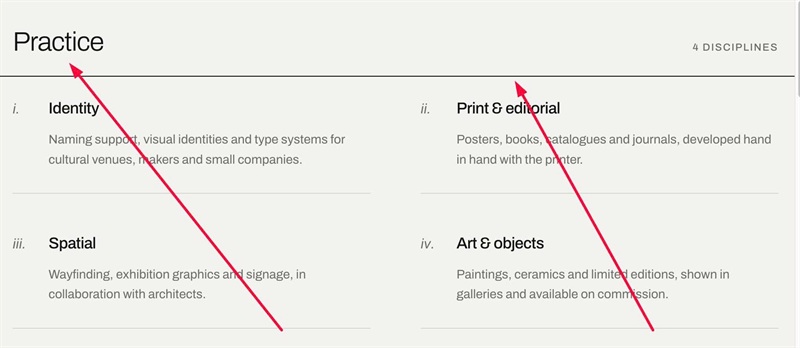
To change Section Title – Second Paragraph Style, edit this
--title-line2-size: 11.5px;
--title-line2-color: #6F6D67;
To edit Section Line Color + Space between Section Titles – Line, edit this
--title-line-color: #141414;
 --title-line-space: 14px;
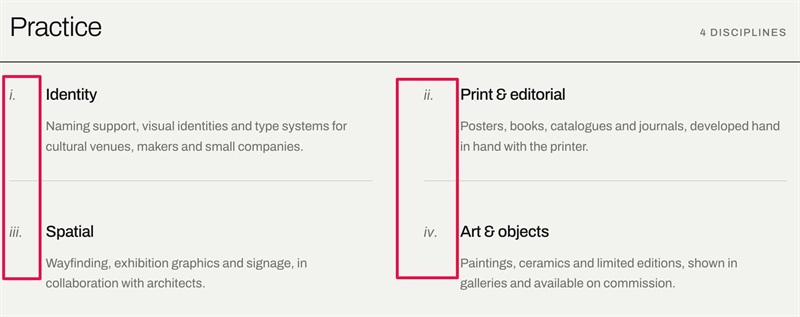
To change Number style (size, color, width), edit this
--number-size: 15.5px;
  --number-color: #6F6D67;
  --number-width: 40px;
To change Item Line color, space between text – lines, edit this
--item-line-color: #D8D5CC;
  --item-space: 26px;