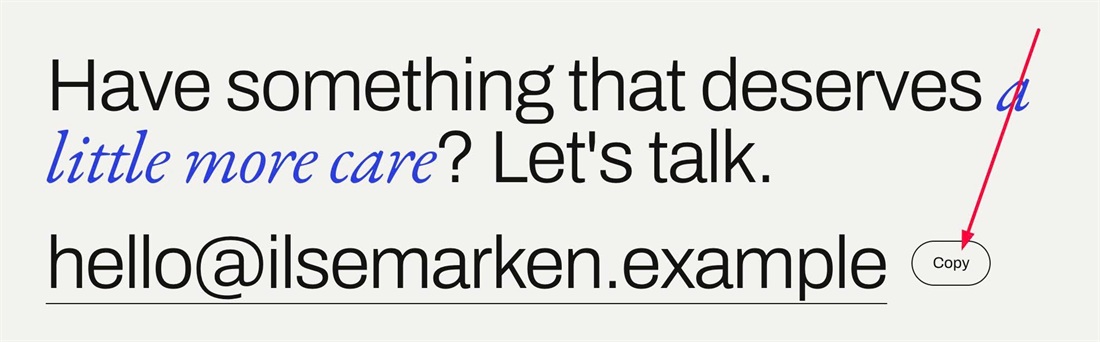
Clicking a mailto link opens a mail app that many visitors don’t use, so they end up selecting the address by hand. This code adds a small “Copy” button next to every email link, and one click copies the address and shows “Copied”.
#1. Install Code
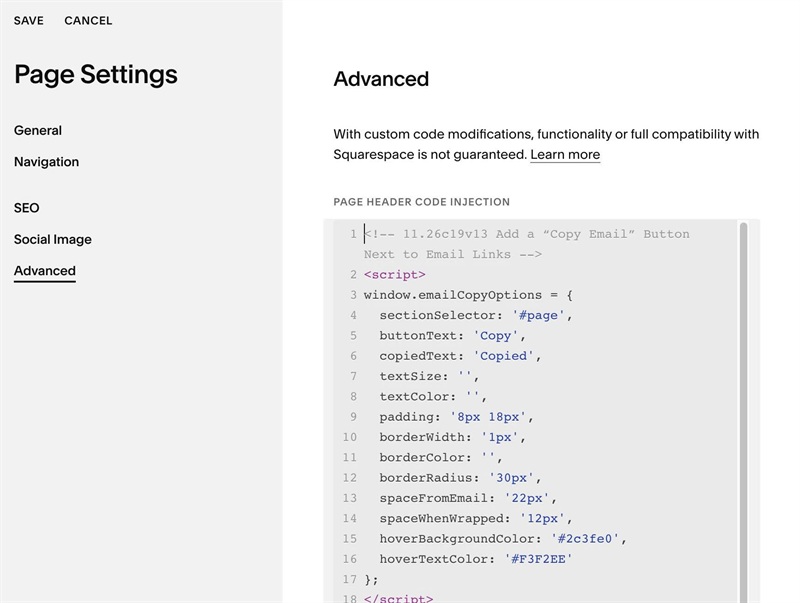
#1.1. Use this code to Page Header Injection
<!-- 11.26c19v13 Add a “Copy Email” Button Next to Email Links -->
<script>
window.emailCopyOptions = {
  sectionSelector: '#page',
  buttonText: 'Copy',
  copiedText: 'Copied',
  textSize: '',
  textColor: '',
  padding: '8px 18px',
  borderWidth: '1px',
  borderColor: '',
  borderRadius: '30px',
  spaceFromEmail: '22px',
  spaceWhenWrapped: '12px',
  hoverBackgroundColor: '#2c3fe0',
  hoverTextColor: '#F3F2EE'
};
</script>
<script src="https://code.beaverhero.com/other/1126c19v13copyemail.js"></script>
#1.2. Customize
You can change text Copy, Copied here
buttonText: 'Copy',
copiedText: 'Copied',
To change Copy text color/background on hover/clicked here
hoverBackgroundColor: '#2c3fe0',
  hoverTextColor: '#F3F2EE'