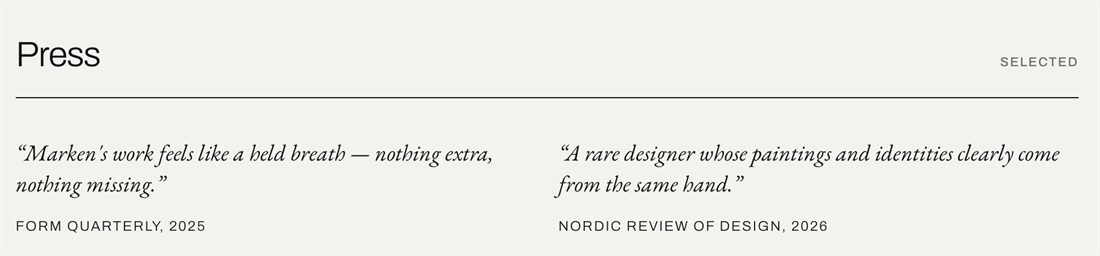
List Section always puts the title above the description, which is backwards for press quotes. This CSS moves the description to the top as a large italic quote and turns the title into a small uppercase source line, like “FORM QUARTERLY, 2025”.
#1. Install Code
#1.1. First, add List Simple
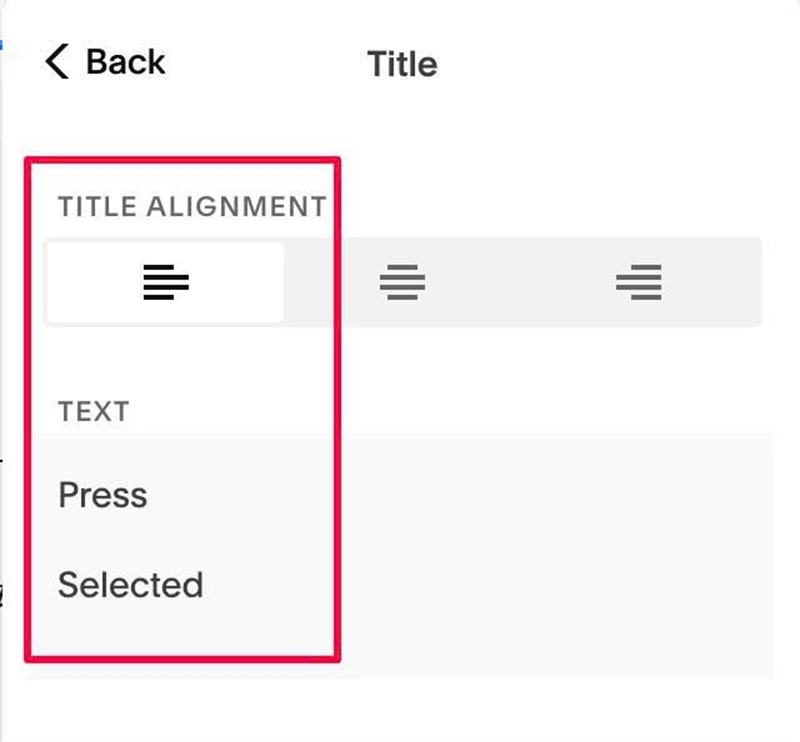
#1.2. Edit Section Title > Enter 2 paragraphs like this
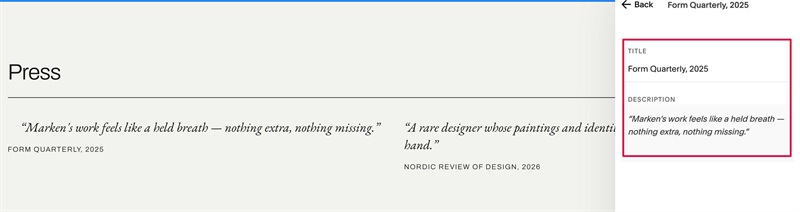
#1.3. Edit each item > Enter text like this
#1.4. Hover on top right of section > Click EDIT SECTION > at Format > Anchor Link > enter word: team309-s06
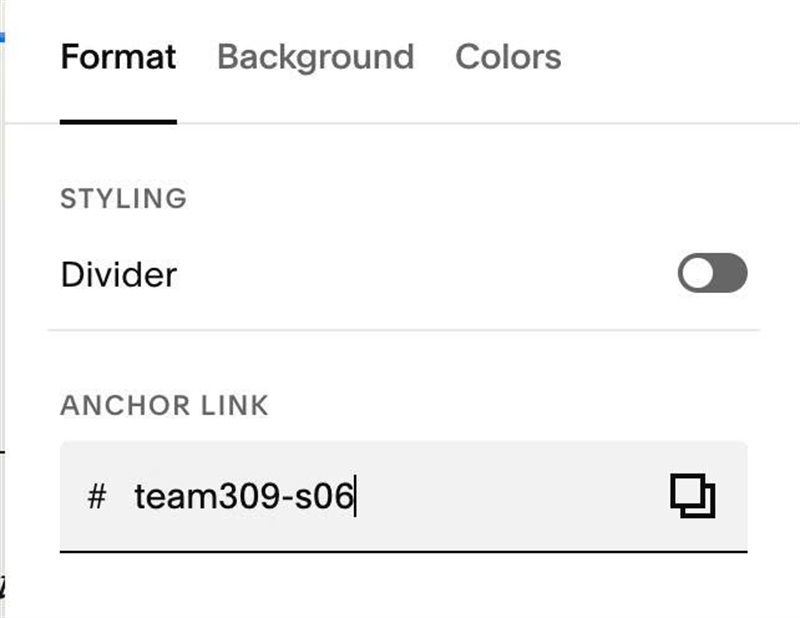
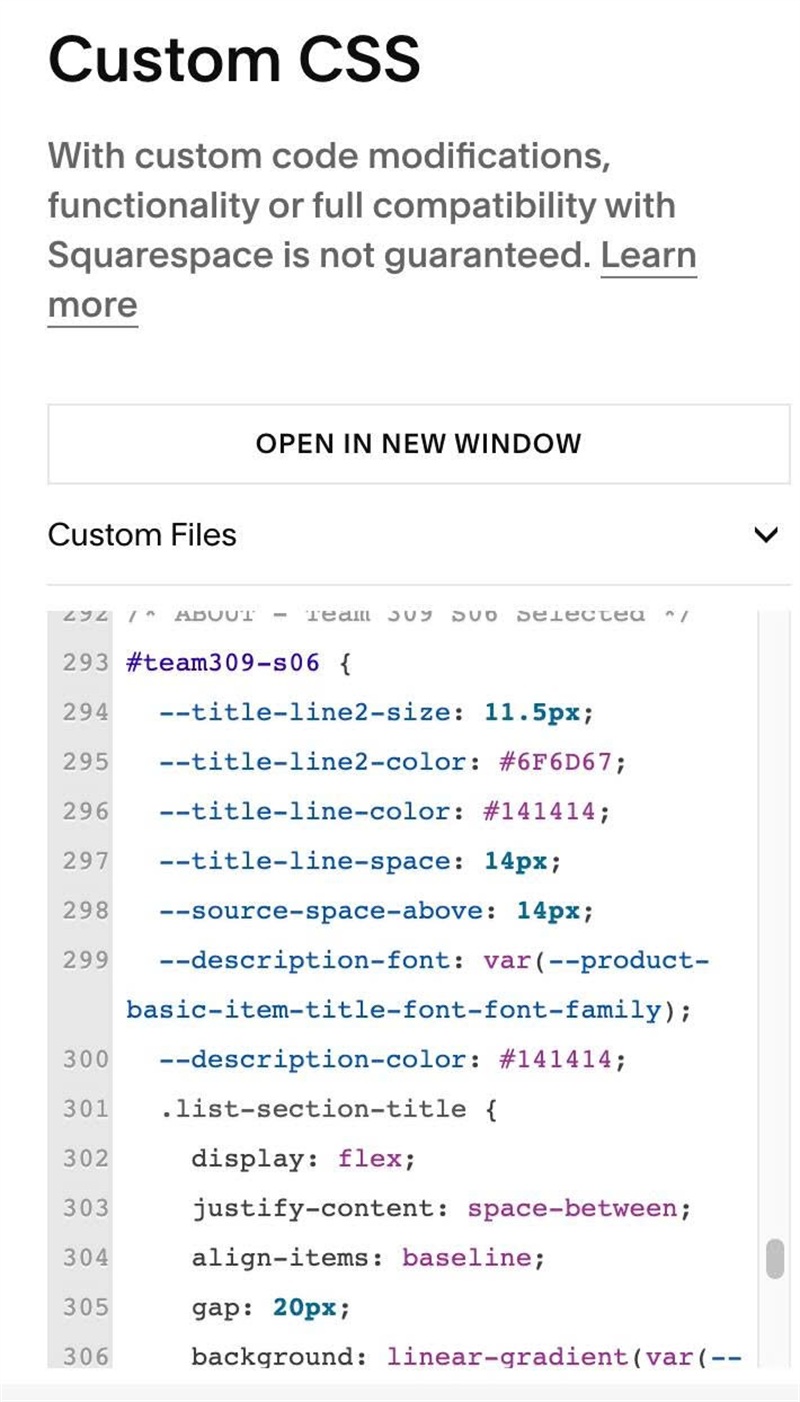
#1.5. Next, use this code to Custom CSS
#team309-s06 {
  --title-line2-size: 11.5px;
  --title-line2-color: #6F6D67;
  --title-line-color: #141414;
  --title-line-space: 14px;
  --source-space-above: 14px;
  --description-font: var(--product-basic-item-title-font-font-family);
  --description-color: #141414;
  .list-section-title {
    display: flex;
    justify-content: space-between;
    align-items: baseline;
    gap: 20px;
    background: linear-gradient(var(--title-line-color), var(--title-line-color)) left bottom / 100% 1px no-repeat;
    background-origin: content-box;
    background-clip: content-box;
    > p {
      margin: 0 0 var(--title-line-space);
    }
    > p:nth-of-type(2) {
      font-family: var(--body-font-font-family);
      font-size: var(--title-line2-size);
      font-weight: 500;
      letter-spacing: .1em;
      line-height: 1.6;
      text-transform: uppercase;
      color: var(--title-line2-color);
    }
  }
  .list-item-content__text-wrapper {
    display: flex;
    flex-direction: column;
  }
  .list-item-content__description {
    order: 1;
    margin-top: 0 !important;
    p {
      margin: 0;
      font-family: var(--description-font);
      font-style: italic;
      line-height: 1.35;
      color: var(--description-color);
    }
  }
  .list-item-content__title {
    order: 2;
    margin: var(--source-space-above) 0 0;
    font-family: var(--body-font-font-family);
    letter-spacing: .1em;
    line-height: 1.6;
    text-transform: uppercase;
  }
}
#1.6. Customize
To change Section Title (Paragraph 2) Style, Line Color, Line Space, edit this
--title-line2-size: 11.5px;
--title-line2-color: #6F6D67;
--title-line-color: #141414;
--title-line-space: 14px;
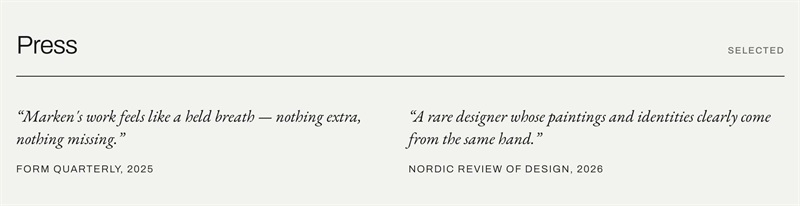
To change Top Text Style (Item Description), change this
--description-font: var(--product-basic-item-title-font-font-family);
  --description-color: #141414;
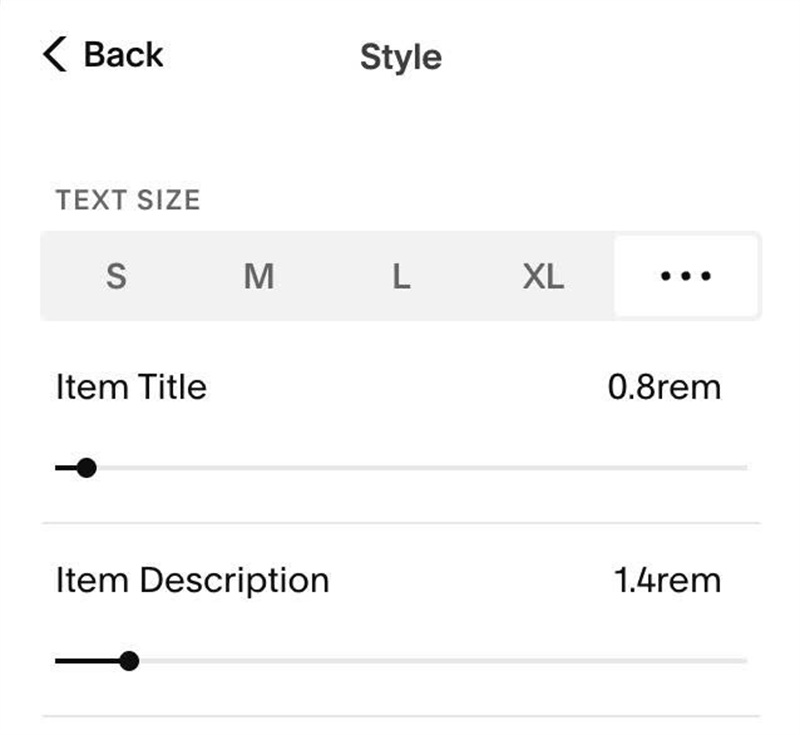
To change Text Size, edit this