Squarespace has no header setting for a phone number, so it usually ends up as a plain navigation link or isn’t there at all. This code adds a clickable phone number with an icon right before the header button, and places it above the button in the mobile menu too.

#1. Install Code
#1.1. Use this code to Code Injection > Footer
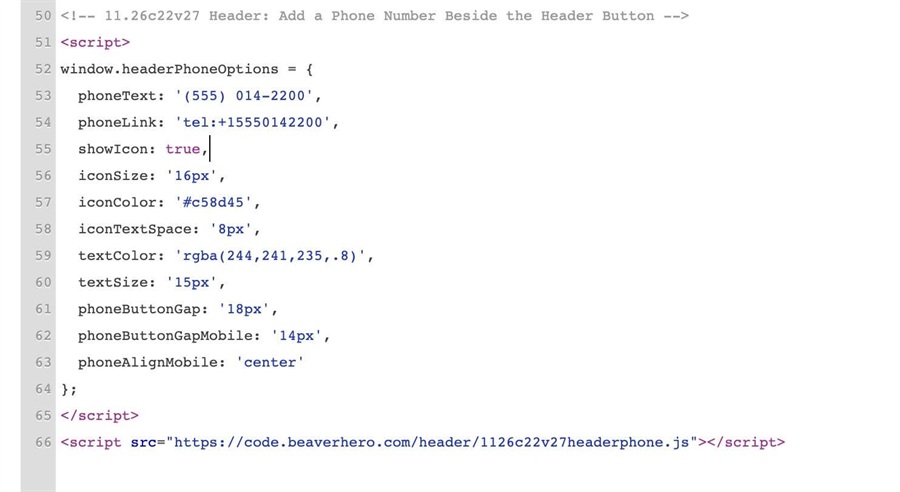
<!-- 11.26c22v27 Header: Add a Phone Number Beside the Header Button -->
<script>
window.headerPhoneOptions = {
  phoneText: '(555) 014-2200',
  phoneLink: 'tel:+15550142200',
  showIcon: true,
  iconSize: '16px',
  iconColor: '#c58d45',
  iconTextSpace: '8px',
  textColor: 'rgba(244,241,235,.8)',
  textSize: '15px',
  phoneButtonGap: '18px',
  phoneButtonGapMobile: '14px',
  phoneAlignMobile: 'center'
};
</script>
<script src="https://code.beaverhero.com/header/1126c22v27headerphone.js"></script>
#1.2. Customize
To change phone text/link
phoneText: '(555) 014-2200',
phoneLink: 'tel:+15550142200',
To change phone icon style
iconSize: '16px',
  iconColor: '#c58d45',
  iconTextSpace: '8px',
To change phone text style
textColor: 'rgba(244,241,235,.8)',
 textSize: '15px',