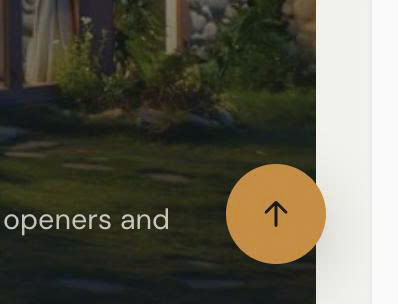
Squarespace 7.1 has no built-in back to top button, so visitors on long pages have to scroll all the way up. This code adds a round arrow button in the bottom corner that fades in after scrolling and smoothly takes them back to the top.
#1. Install Code
#1.1. Use this code to Code Injection > Footer
<!-- 11.26c22v28 Scroll to Top Button – Round Arrow That Fades In on Scroll -->
<script>
window.backToTopOptions = {
  showAfterScroll: 700,
  buttonSize: '50px',
  buttonColor: '#c58d45',
  buttonHoverColor: '',
  iconColor: '#16191b',
  iconSize: '20px',
  iconStrokeWidth: 1.75,
  borderRadius: '50%',
  spaceRight: '22px',
  spaceBottom: '22px',
  buttonShadow: '0 10px 30px rgba(0,0,0,.2)',
  hideOnMobile: false
};
</script>
<script src="https://code.beaverhero.com/other/1126c22v28team332scrolltop.js"></script>
#1.2. Customize
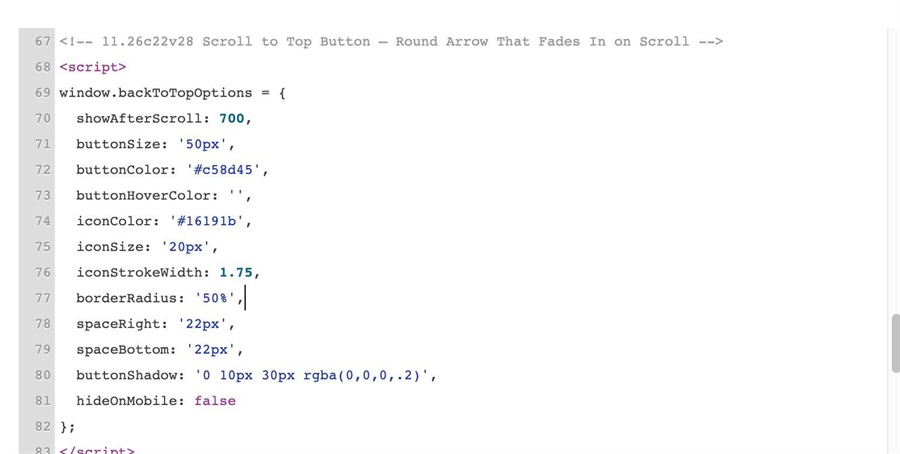
To change back to top, arrow icon style, edit this
buttonSize: '50px',
  buttonColor: '#c58d45',
  buttonHoverColor: '',
  iconColor: '#16191b',
  iconSize: '20px',
  iconStrokeWidth: 1.75,
  borderRadius: '50%',
To change space between back to top – right/bottom of screen, edit this
spaceRight: '22px',
  spaceBottom: '22px',