Description
- adding title text to Gallery Masonry, you can apply it on Gallery Grid, Gallery Strips, Gallery Reel, Slideshow
- view demo – password: abc
- buy me a coffee

#1. Install Code
#1.1. First, you can add a Section above (or under) Gallery > Then add a Text Block

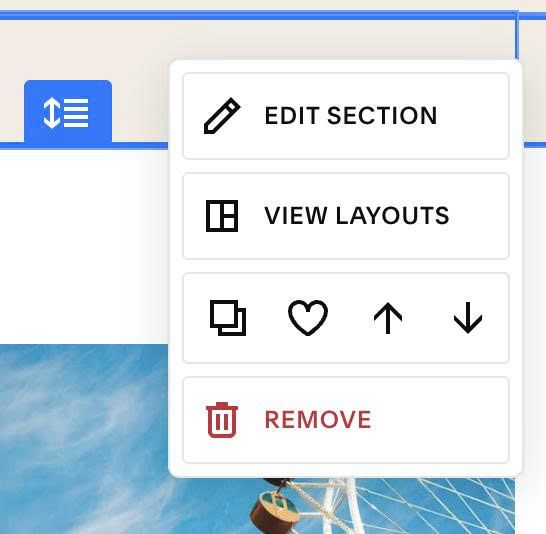
#1.2. Next, hover on top right of Text Section > Click EDIT SECTION
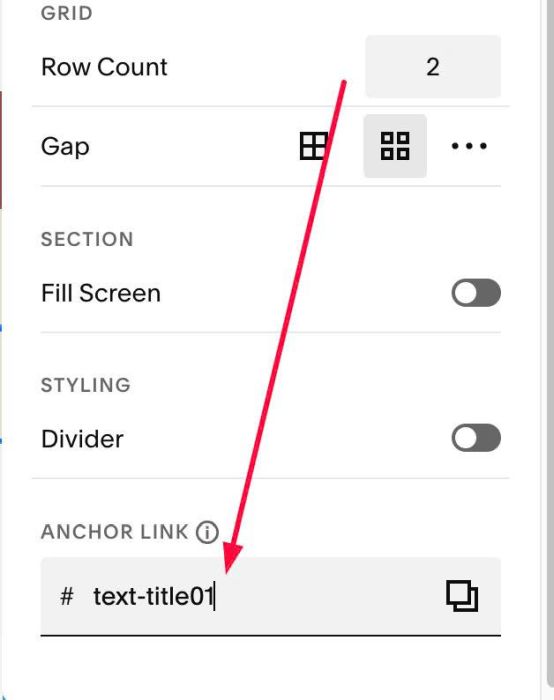
#1.2-1. at Design > Anchor Link > enter word: text-title01
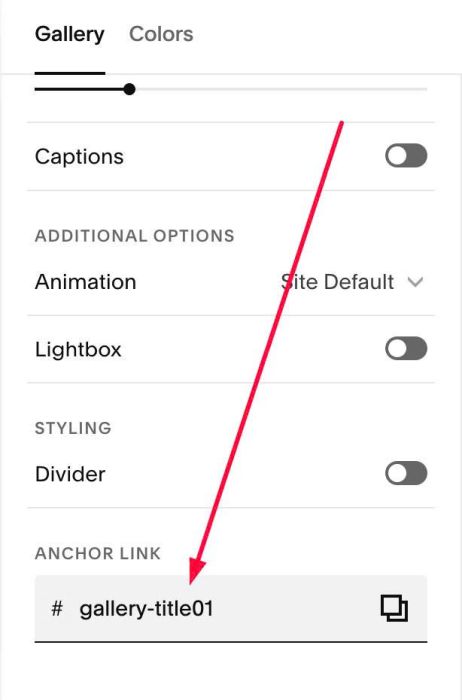
#1.3. Next, hover on top right of Gallery > Click EDIT SECTION
#1.3-1. at Gallery > Anchor Link > enter word: gallery-title01
#1.4. Next, hover on Page where you use Gallery > Click Gear icon
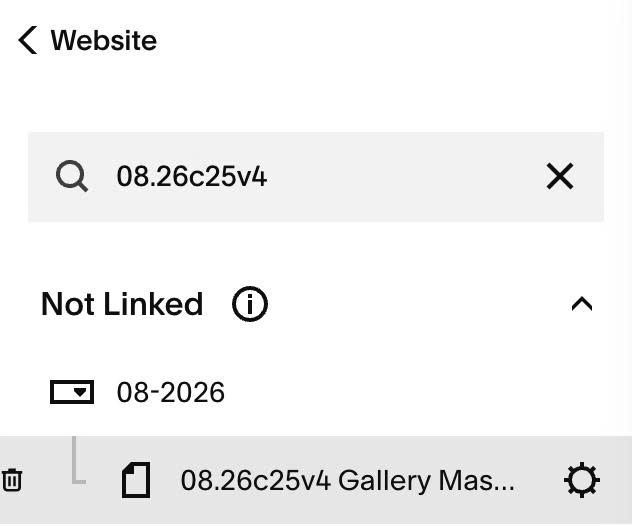
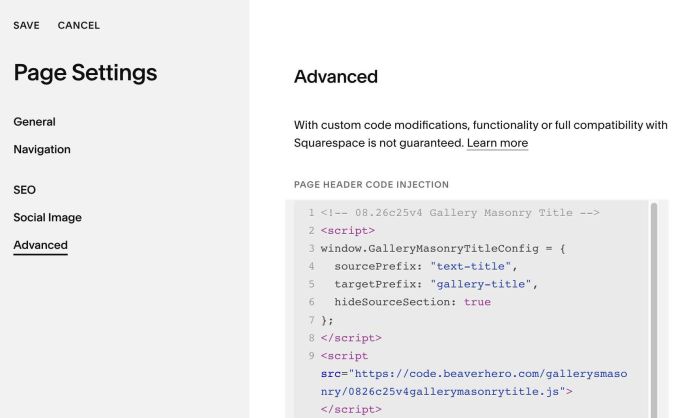
#1.5. Click Advanced > Paste this code
<!-- 08.26c25v4 Gallery Masonry Title -->
<script>
window.GalleryMasonryTitleConfig = {
  sourcePrefix: "text-title",
  targetPrefix: "gallery-title",
  hideSourceSection: true
};
</script>
<script src="https://code.beaverhero.com/gallerysmasonry/0826c25v4gallerymasonrytitle.js"></script>
#2. Customize
nothing now