Description
- adding simple testimonials with Quote icon, Image, Name/Position, Description, use List Simple
- view demo – password: abc
- buy me a coffee

1. Install Code
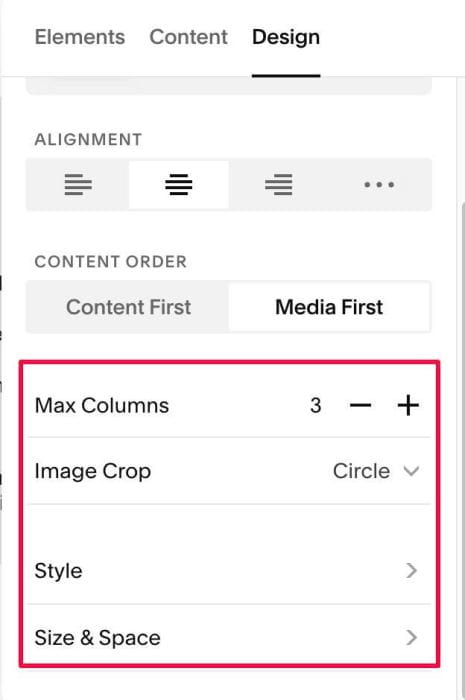
#1.1. First add Section > Choose Team > Choose Section with auto layout icon

#1.2. Hover on top right of section > Click EDIT CONTENT

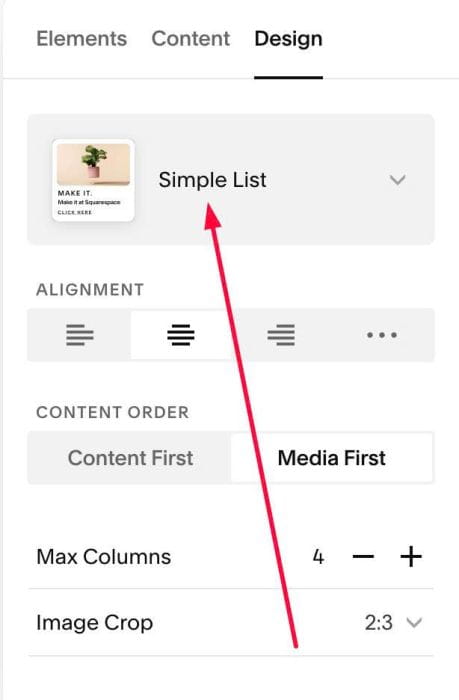
#1.2-2. at Design > Choose Simple List
#1.3. Next, click EDIT SECTION
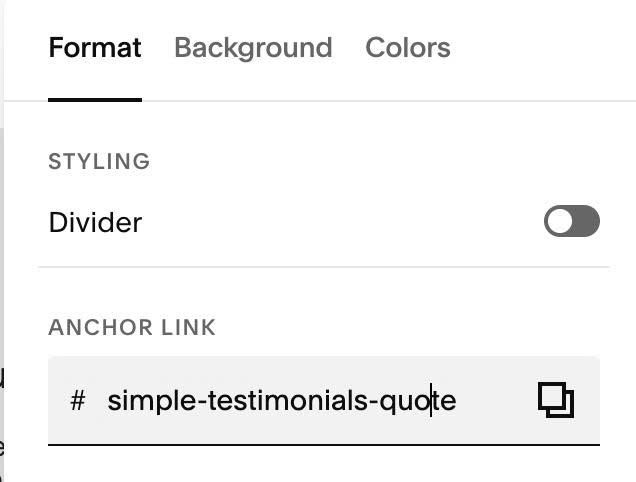
#1.3-2. at Format > Anchor Link > enter word: simple-testimonials-quote
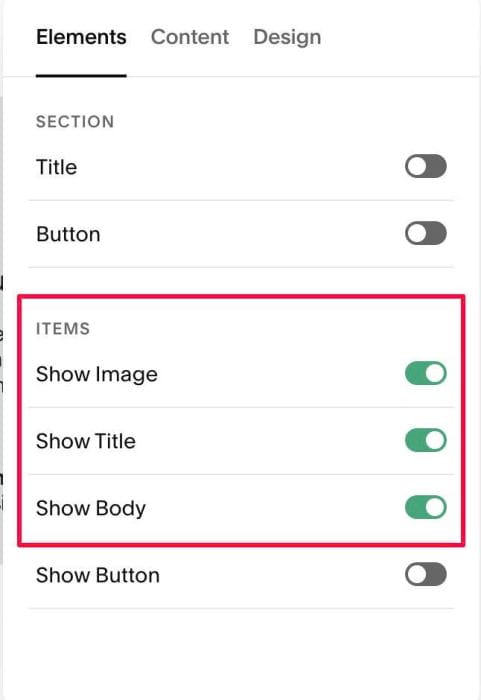
#1.4. at Elements > Enable these
#1.5. at Content, enter your desired image/text
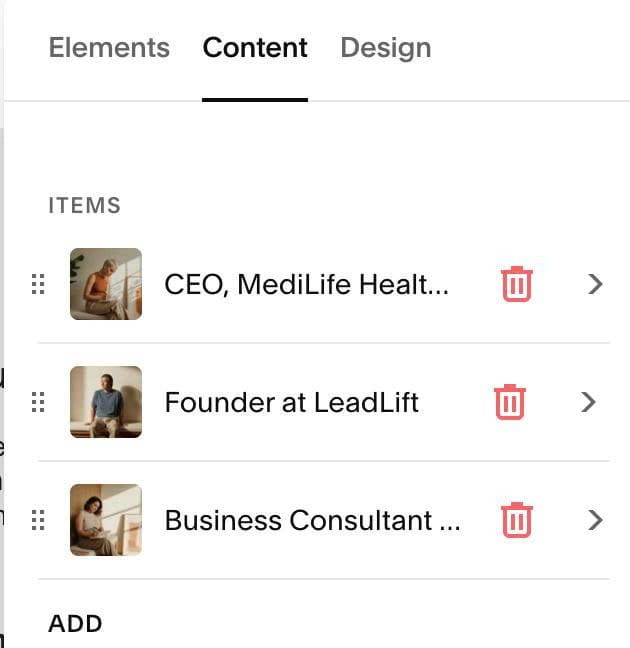
#1.5-2. Note: With Name, enter text in IMAGE ALT TEXT
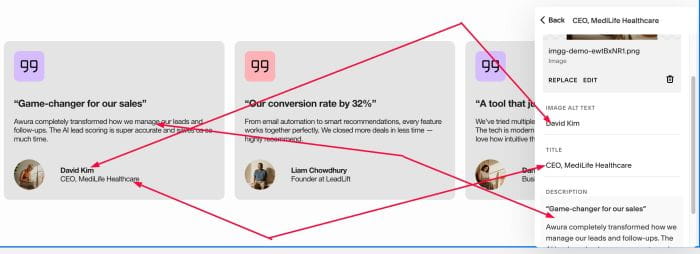
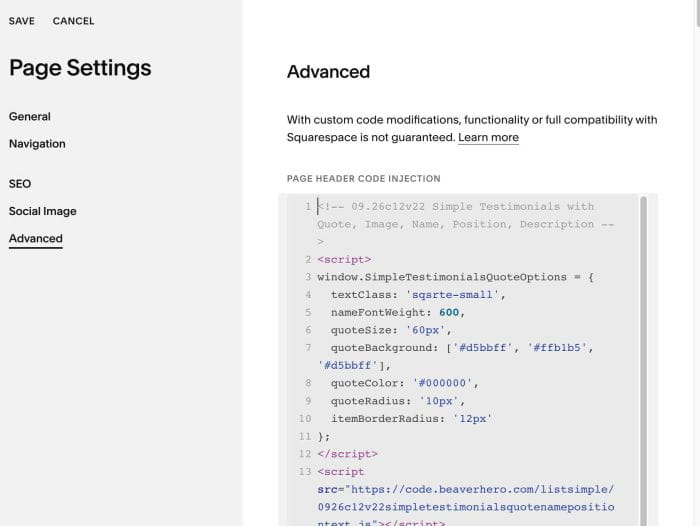
#1.6. Hover on Page where you use List > Click Gear icon > Click Advanced > Paste this code
<!-- 09.26c12v22 Simple Testimonials with Quote, Image, Name, Position, Description -->
<script>
window.SimpleTestimonialsQuoteOptions = {
  textClass: 'sqsrte-small',
  nameFontWeight: 600,
  quoteSize: '60px',
  quoteBackground: ['#d5bbff', '#ffb1b5', '#d5bbff'],
  quoteColor: '#000000',
  quoteRadius: '10px',
  itemBorderRadius: '12px'
};
</script>
<script src="https://code.beaverhero.com/listsimple/0926c12v22simpletestimonialsquotenamepositiontext.js"></script>
#2. Customize
#2.1. Some style options in Line 04 – Line 10
textClass: 'sqsrte-small',
nameFontWeight: 600,
quoteSize: '60px',
quoteBackground: ['#d5bbff', '#ffb1b5', '#d5bbff'],
quoteColor: '#000000',
quoteRadius: '10px',
itemBorderRadius: '12px'
#2.2. With other styles, you can change it here. You will need to save page, reload page to see the changes